
Slide %{start} of %{total}. %{slideTitle}
Skip Featured stories and announcements slideshow: navigate using the slide tabs


Disability Answer Desk
Dedicated support for customers with disabilities.

Find what you need faster with AI
Ask a question about our accessibility products, services, tools, and training.Self-help center
Explore by product


Explore by disability


Accessibility tips
Learn how to work more effectively in just one minute. See the full series here.

Stay organized and focused
Recap meetings, stay focused, and keep your day on track with Copilot in Teams.

Get better image descriptions
For people who are blind or have low vision, use Copilot in Outlook to get better image descriptions and make visual content more accessible.
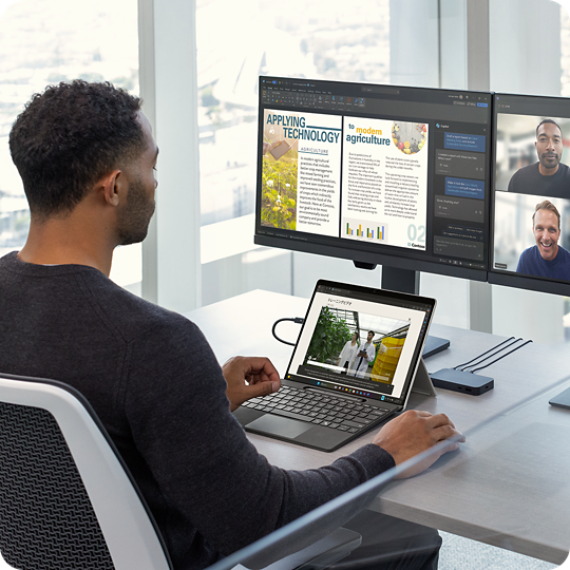
Make audio easier to follow
Use Live Captions in Windows to make spoken content easier to follow in any setting, especially for people who are deaf or hard of hearing.

Find and fix accessibility issues
Use the Accessibility Assistant in Microsoft Word, Excel, Outlook, and PowerPoint to help make your content more accessible for everyone.
Contact us for accessibility support
Select the appropriate tab to get started.
Windows and Office accessibility support

Be My Eyes
Support for blind and low-vision users is available through a live video call Monday to Friday from 5 AM to 9 PM, and Saturday and Sunday from 6 AM to 5 PM (PST).

Chat with us
Get answers to your accessibility support questions. Chat with an expert Monday to Friday, 5 AM to 9 PM, and Saturday and Sunday, 6 AM to 5 PM (PST).

Call us
Available Monday to Friday from 5 AM to 9 PM, and Saturday and Sunday from 6 AM to 5 PM (PST).

ASL
We offer American Sign Language (ASL) support by videophone from Monday to Friday, 8:30 AM to 5 PM (PST).
Adaptive accessories support
Get help to set up and use your Microsoft Adaptive Mouse, Hub and Buttons Accessories. (For help with your Xbox Adaptive Controller go to “Xbox accessibility”).