No items found.
Skip to main content

Resource Center

Discover featured blogs, videos, playlists, and the latest ForeFlight features—all in one place to help you fly smarter and stay up to date.

iOS/iPadOS 18.7.12, 26.7.3, and 27.2.1
In Testing
This is some text inside of a div block.
In Testing
In Testing

Compatibility testing between ForeFlight and iOS/iPadOS 18.7.12, 26.7.3, and 27.2.1 is complete and we are issuing the “all-clear” to ForeFlight customers. Feel free to update at your convenience.

We are performing compatibility testing between ForeFlight and iOS/iPadOS 18.7.12, 26.7.3, and 27.2.1 to ensure that everything is working smoothly. We will notify you with an “all-clear” when testing is completed.

We are performing compatibility testing between ForeFlight and iOS/iPadOS 18.7.12, 26.7.3, and 27.2.1 to ensure that everything is working smoothly. We will update this page with an “all-clear” when testing is completed.

Blog

Blog

What factors do underwriters consider when creating an aviation insurance quote?

Ever wondered what goes into your aviation insurance premium? We analyzed thousands of insurance policies to see which factors have the greatest influence on pricing. From aircraft value and landing gear type to pilot experience, see what the data revealed and how it could affect your next quote.
Latest videos

Latest videos

Product Briefing

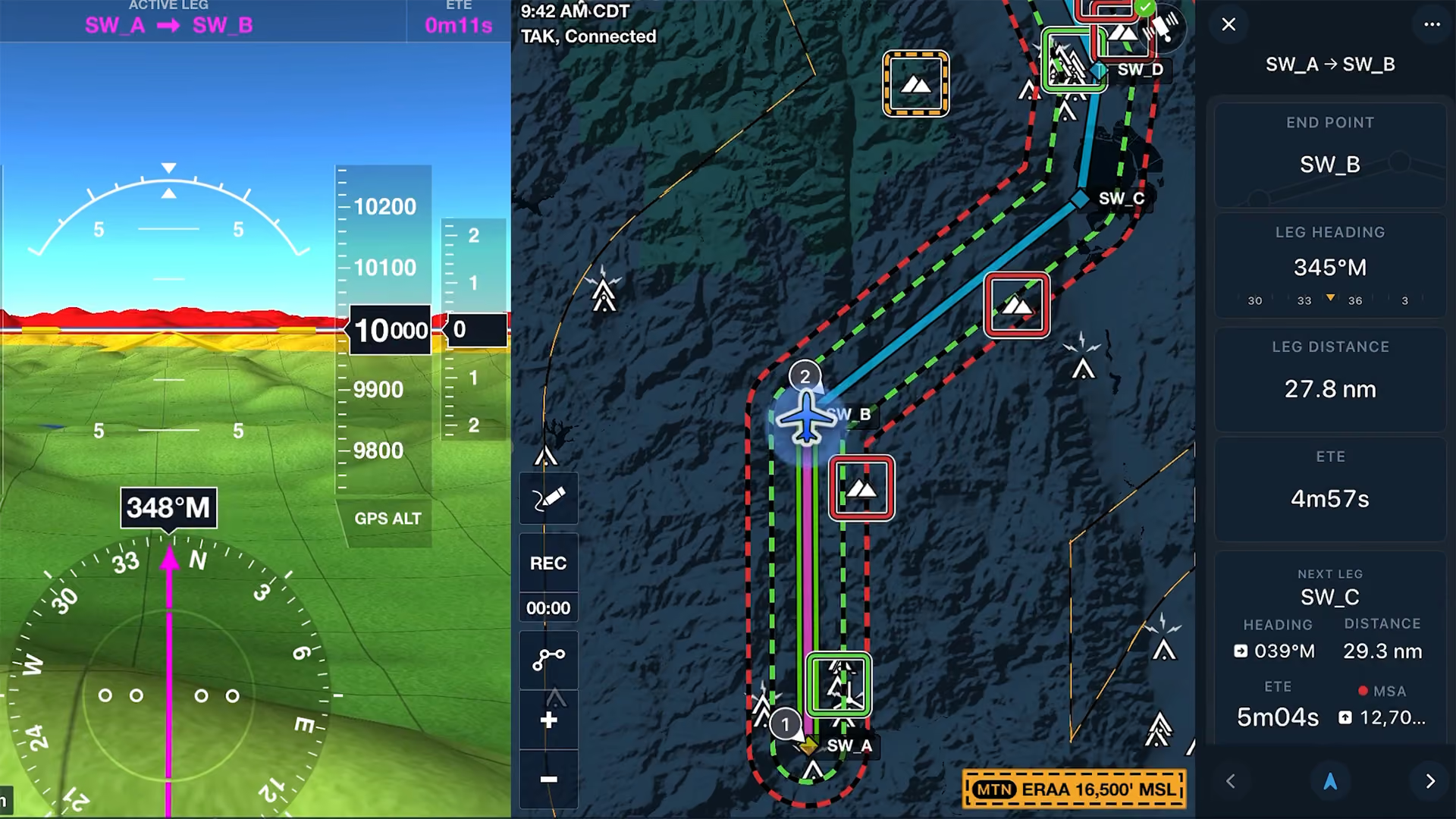
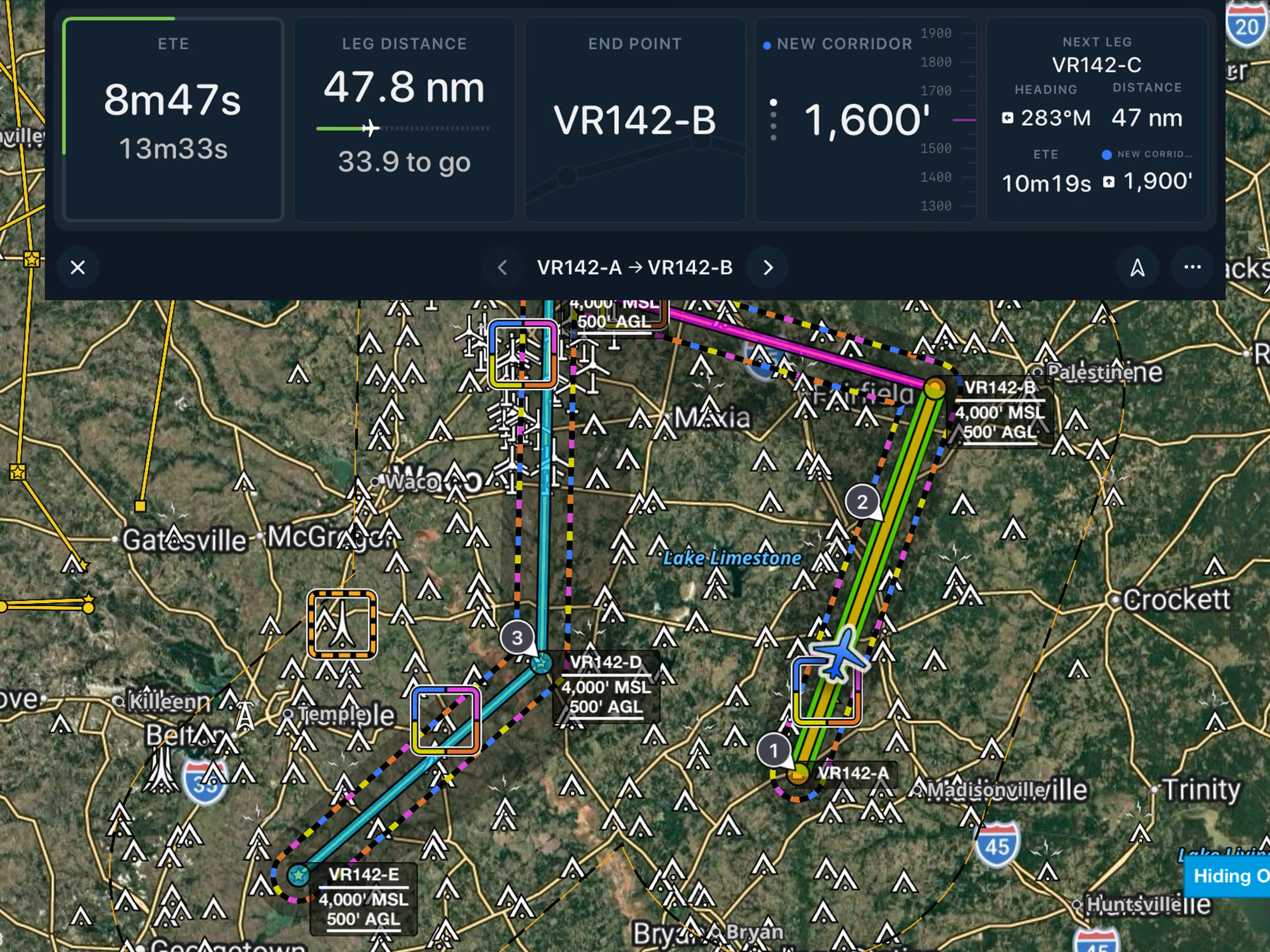
Dynamic Corridor Panel

Replace static doghouses with the Dynamic Corridor Panel, showing Low Level Corridor end point, heading, ETE, and leg distance. Available with ForeFlight MFB One plans.
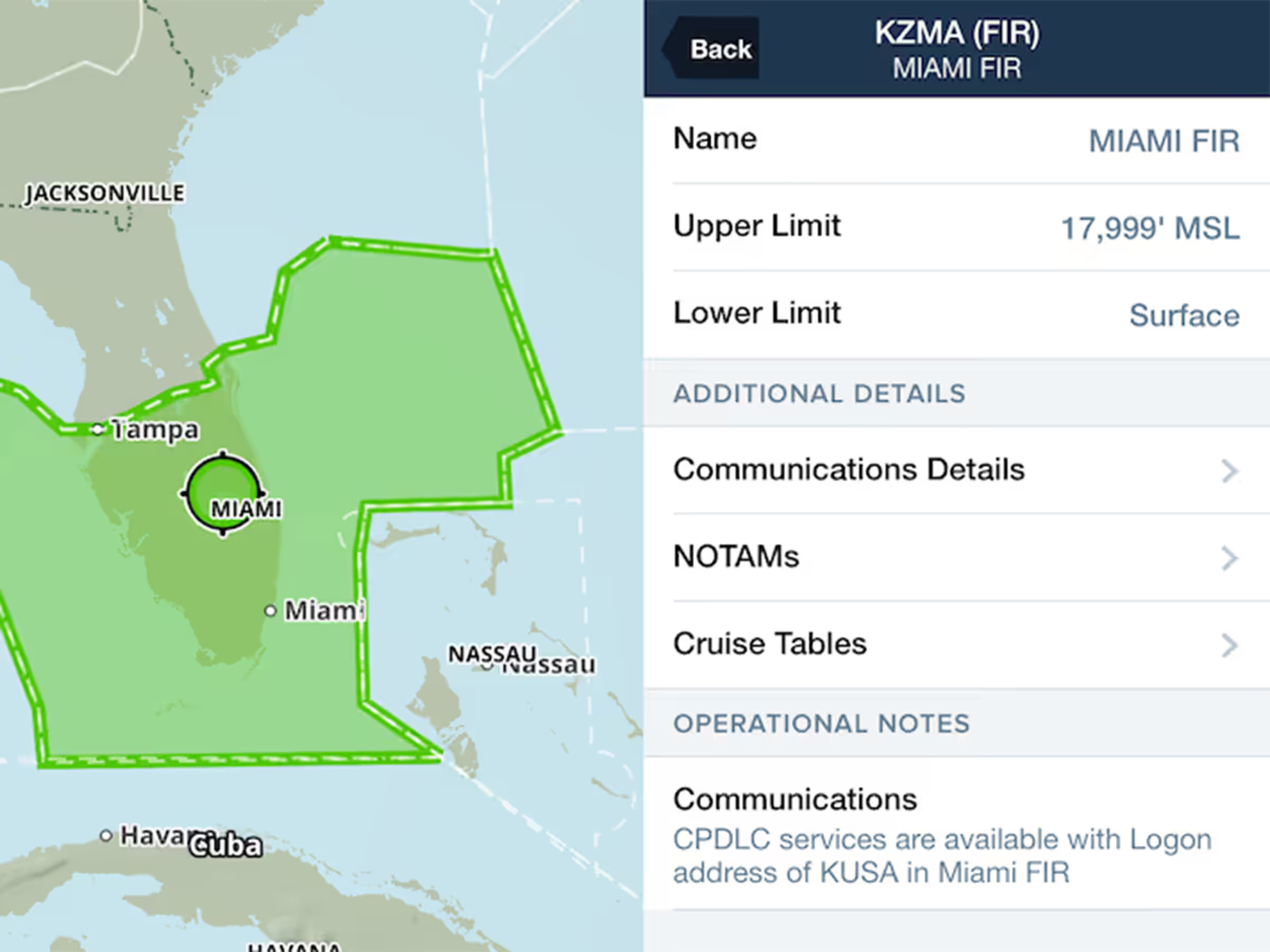
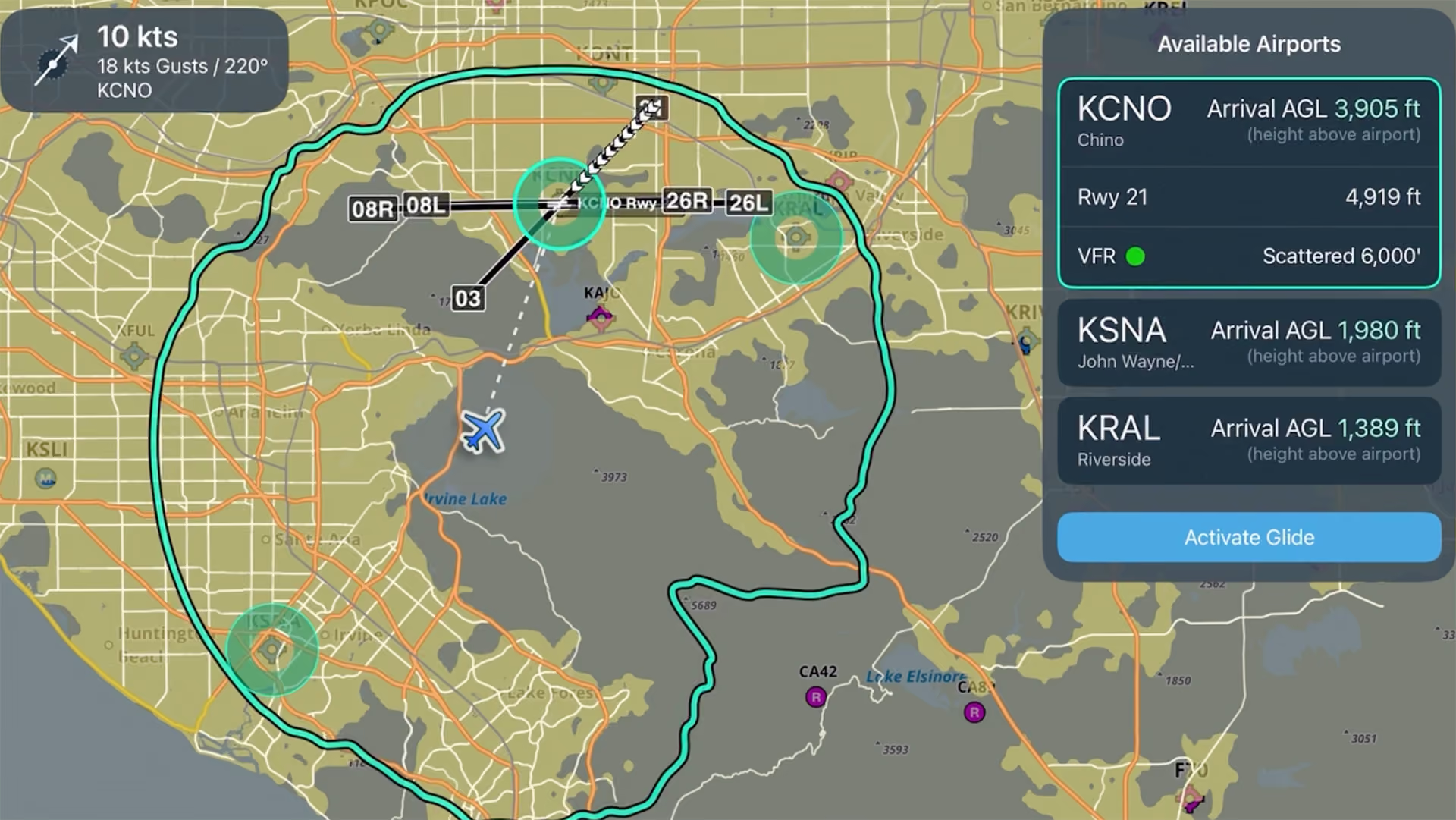
Flight navigation screen showing available airports, current plane position, glide path, and weather info for KCNO.
Product Briefing

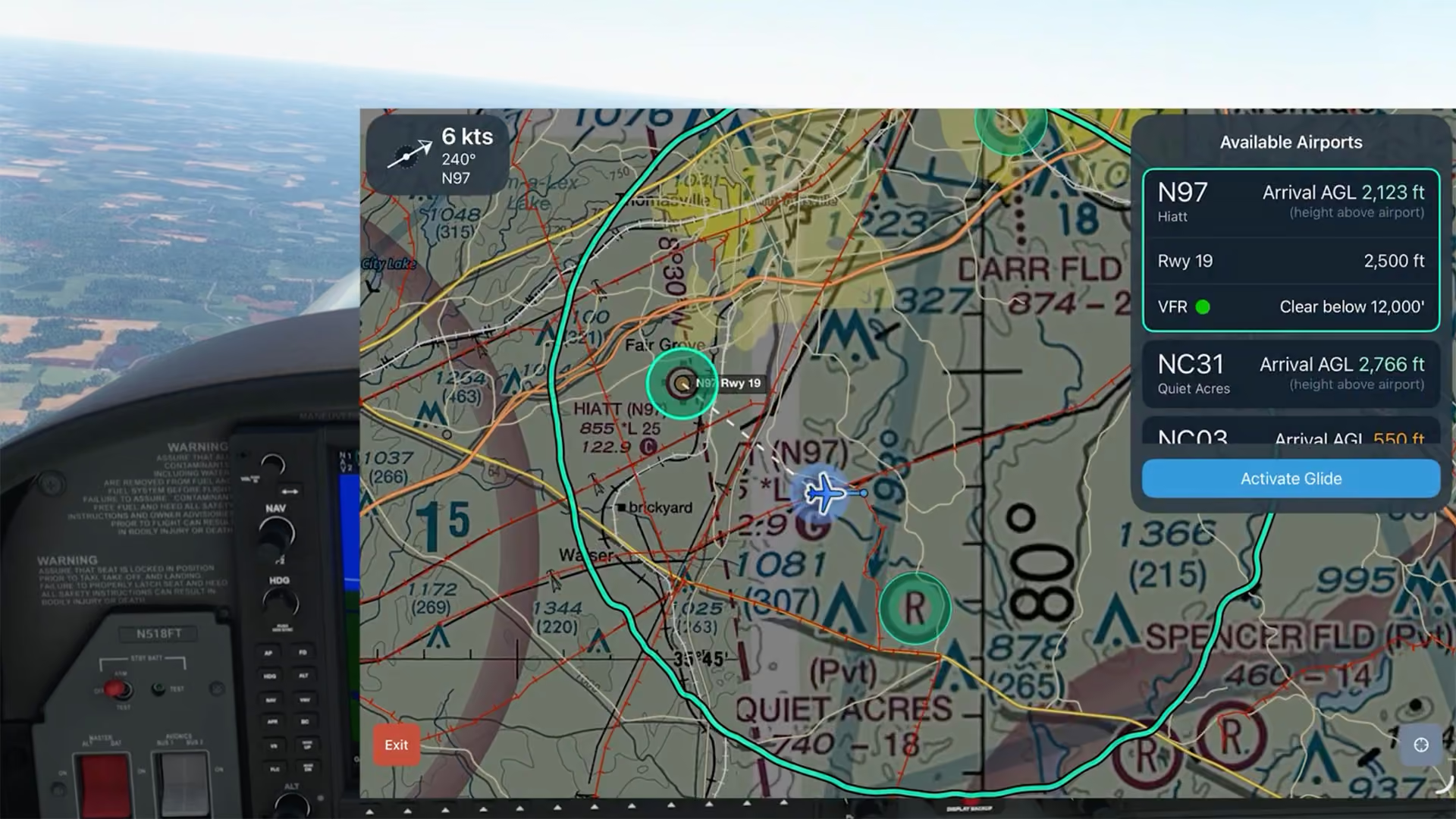
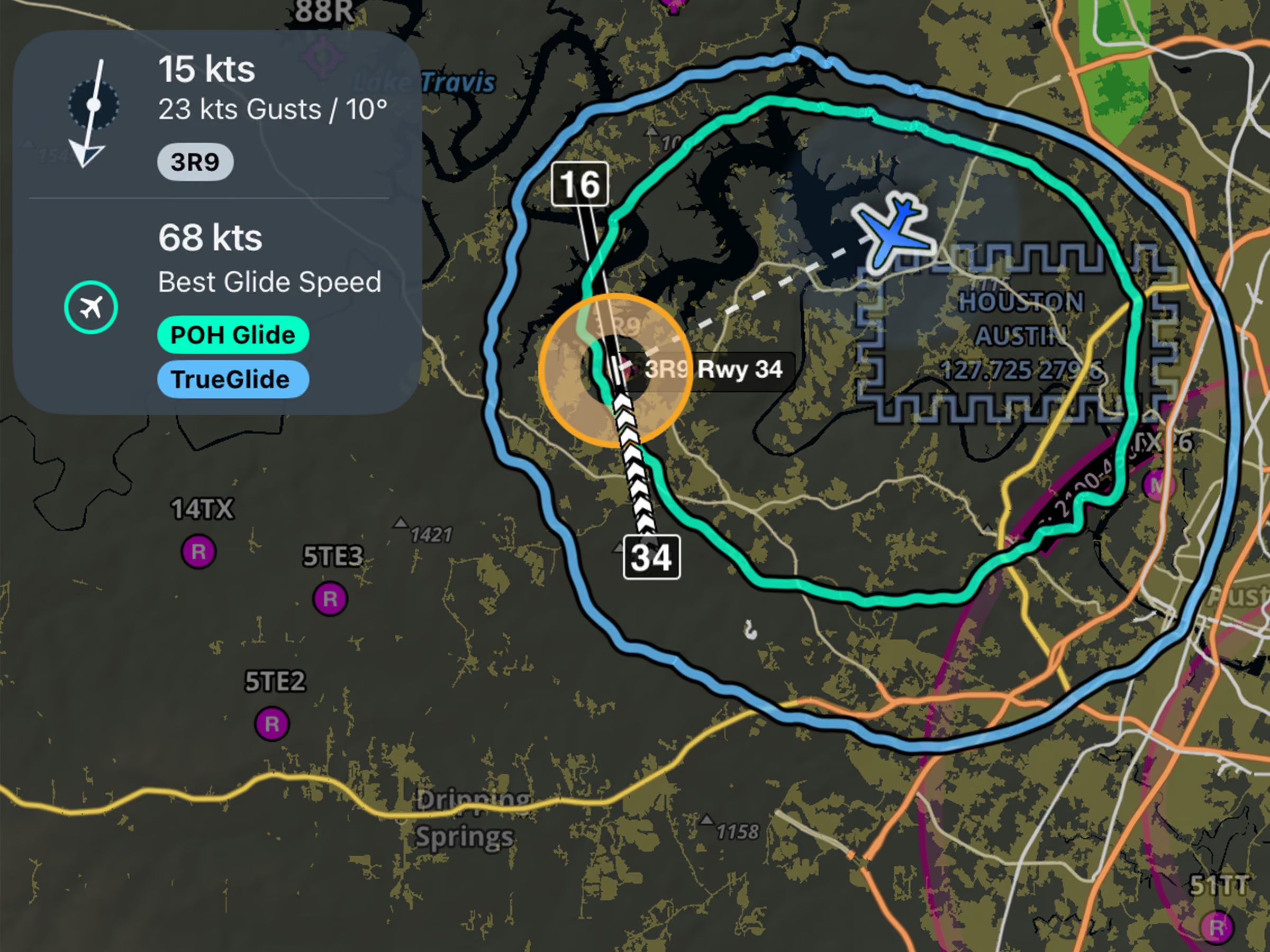
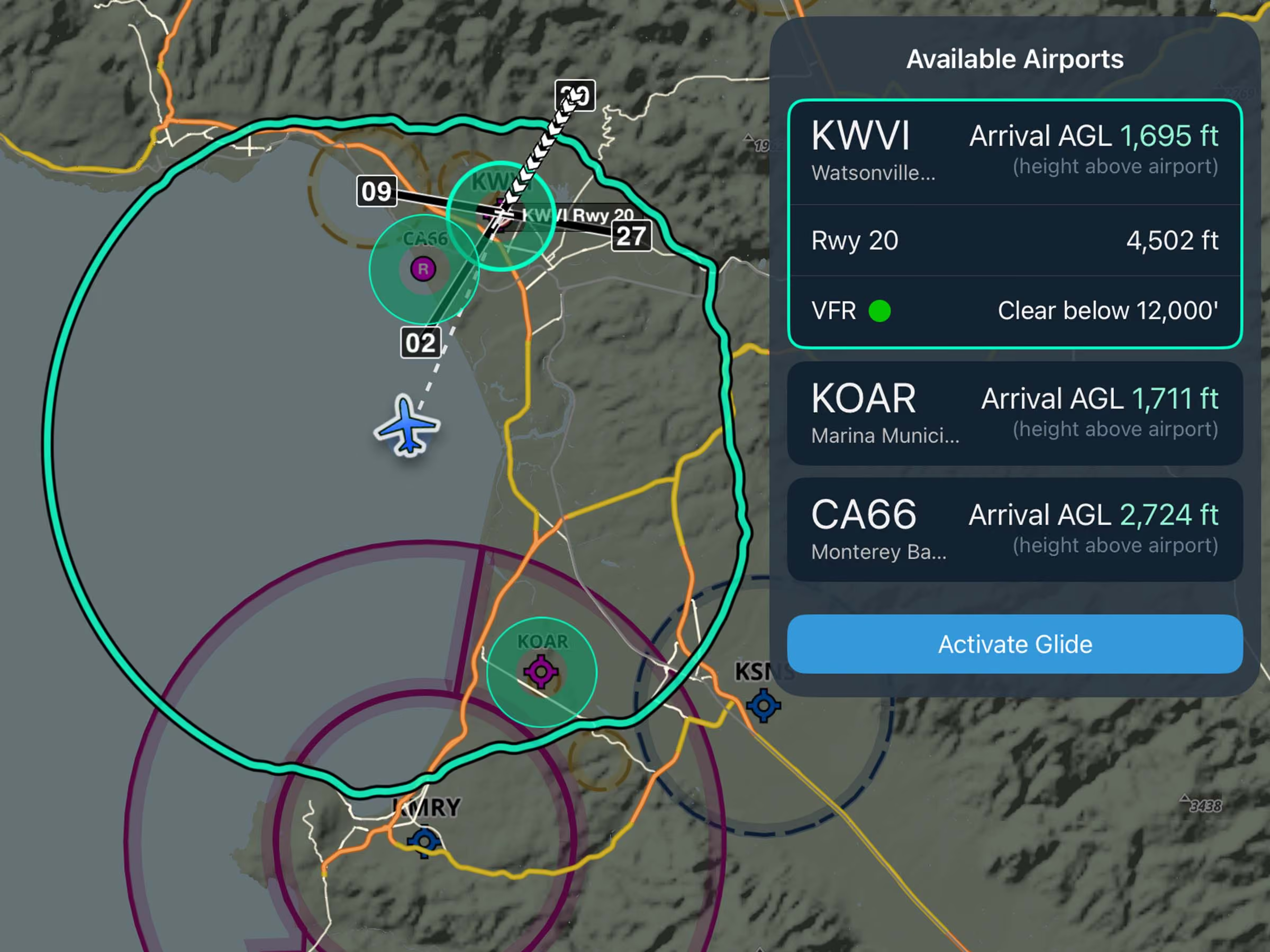
Emergency Glide Mode

Learn how to set up and use Emergency Glide Mode to quickly identify landing options during an engine-out or inflight emergency.

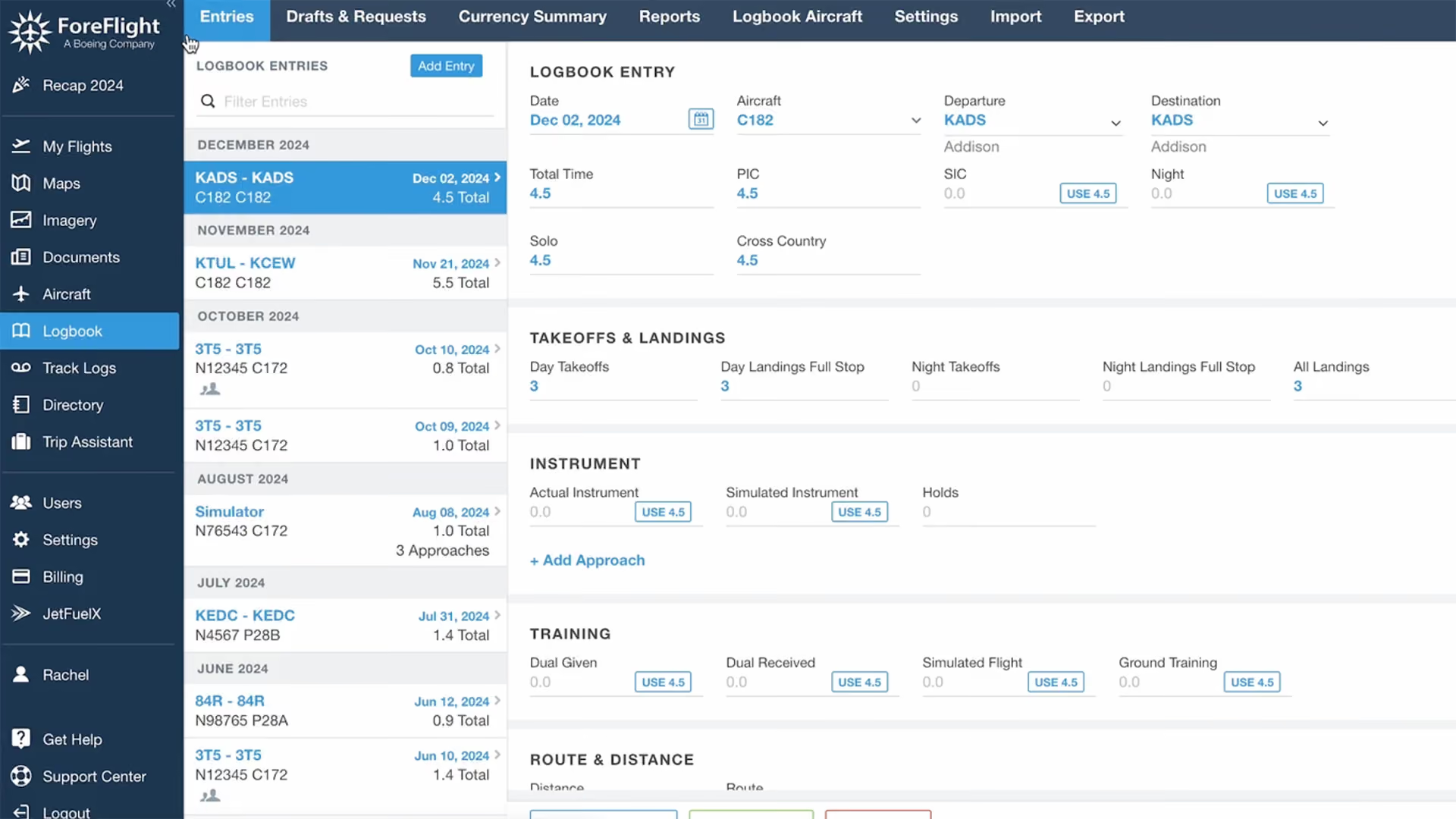
ForeFlight logbook entry screen showing flight details, takeoffs, landings, instrument and training data.
Quick Tips

Mastering ForeFlight Logbook

Learn how to use ForeFlight Logbook, import flight data, auto-record with track logs, edit flight details, and more in this quick walkthrough.

New features

back
next

Support

Support

FAQs
Find answers to your questions
Pilot's Guide
The complete ForeFlight handbook
Video Library
ForeFlight videos all in one place
Buying Guide
Choose the right iPad and plan