Repository navigation
Showcase
This page is a visual tour of the current Egroo experience. It highlights the chat surface, built-in AI agent workflows, multimodal prompts, session management, and real-time voice calling.
| Area | What it shows |
|---|---|
| Agent mentions | Calling an agent directly from the conversation composer |
| Agent replies | A generated response rendered inline in the timeline |
| Typing state | Live feedback while an agent is generating a reply |
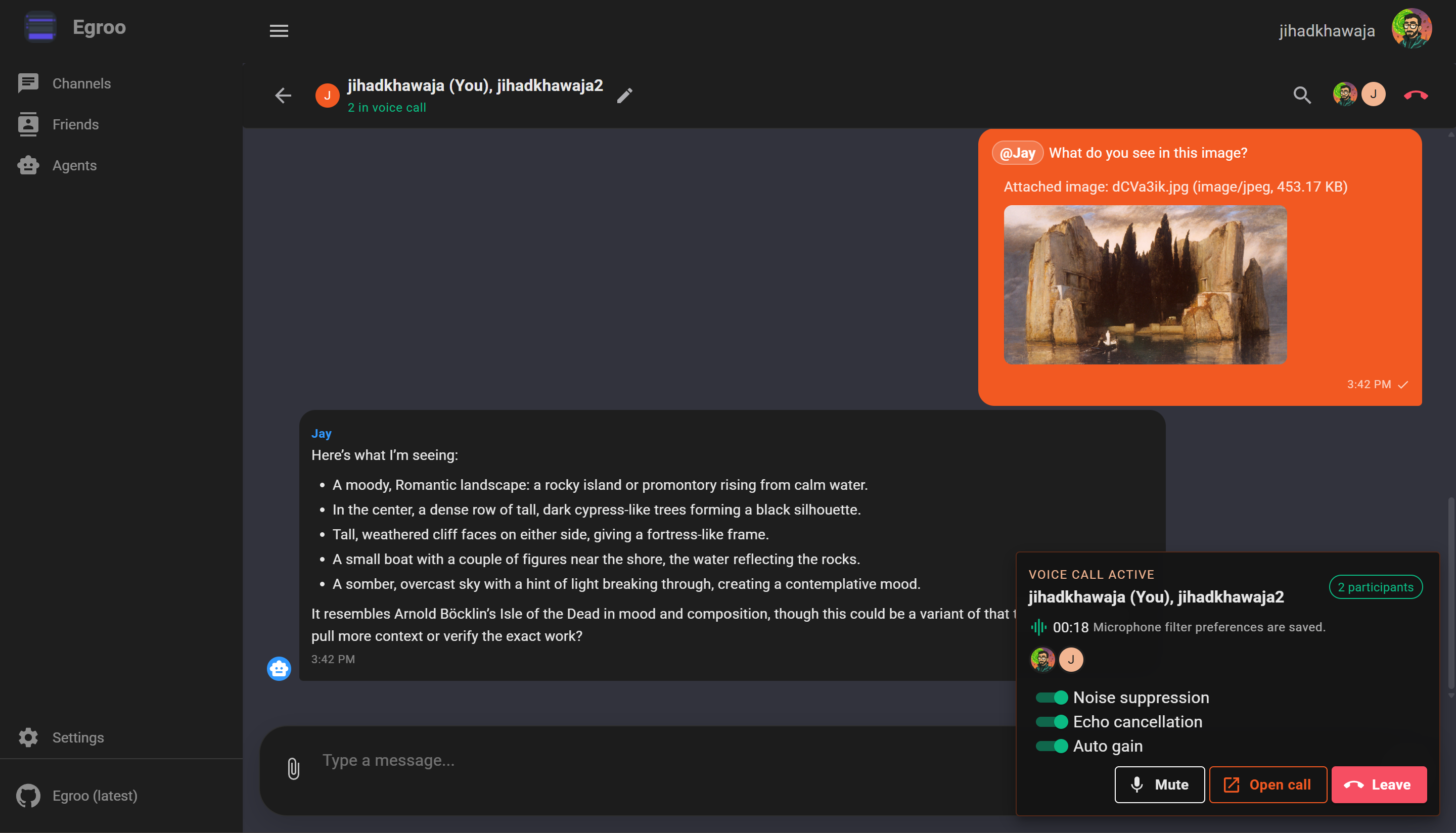
| Multimodal prompts | Image attachments flowing into an agent conversation |
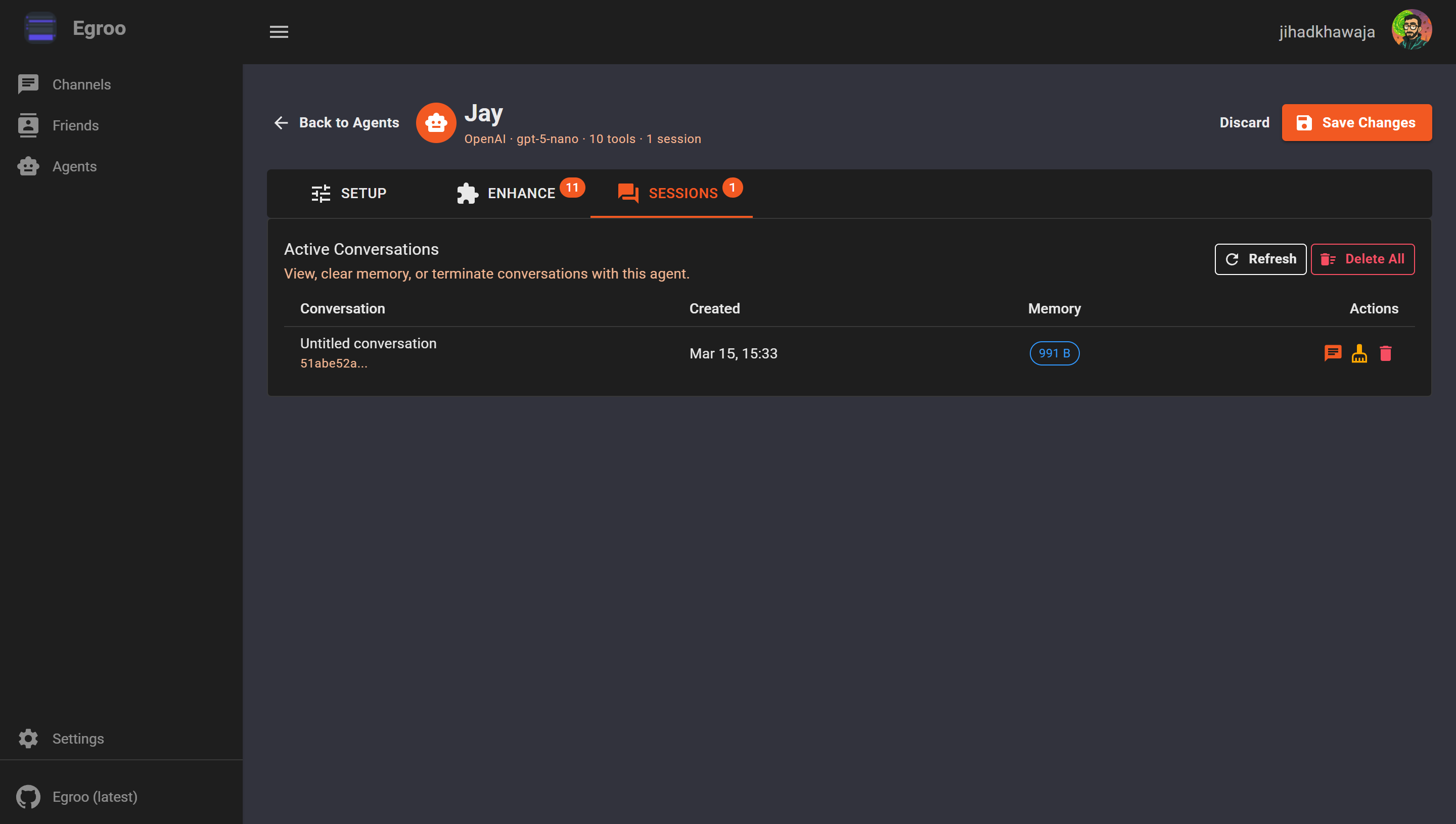
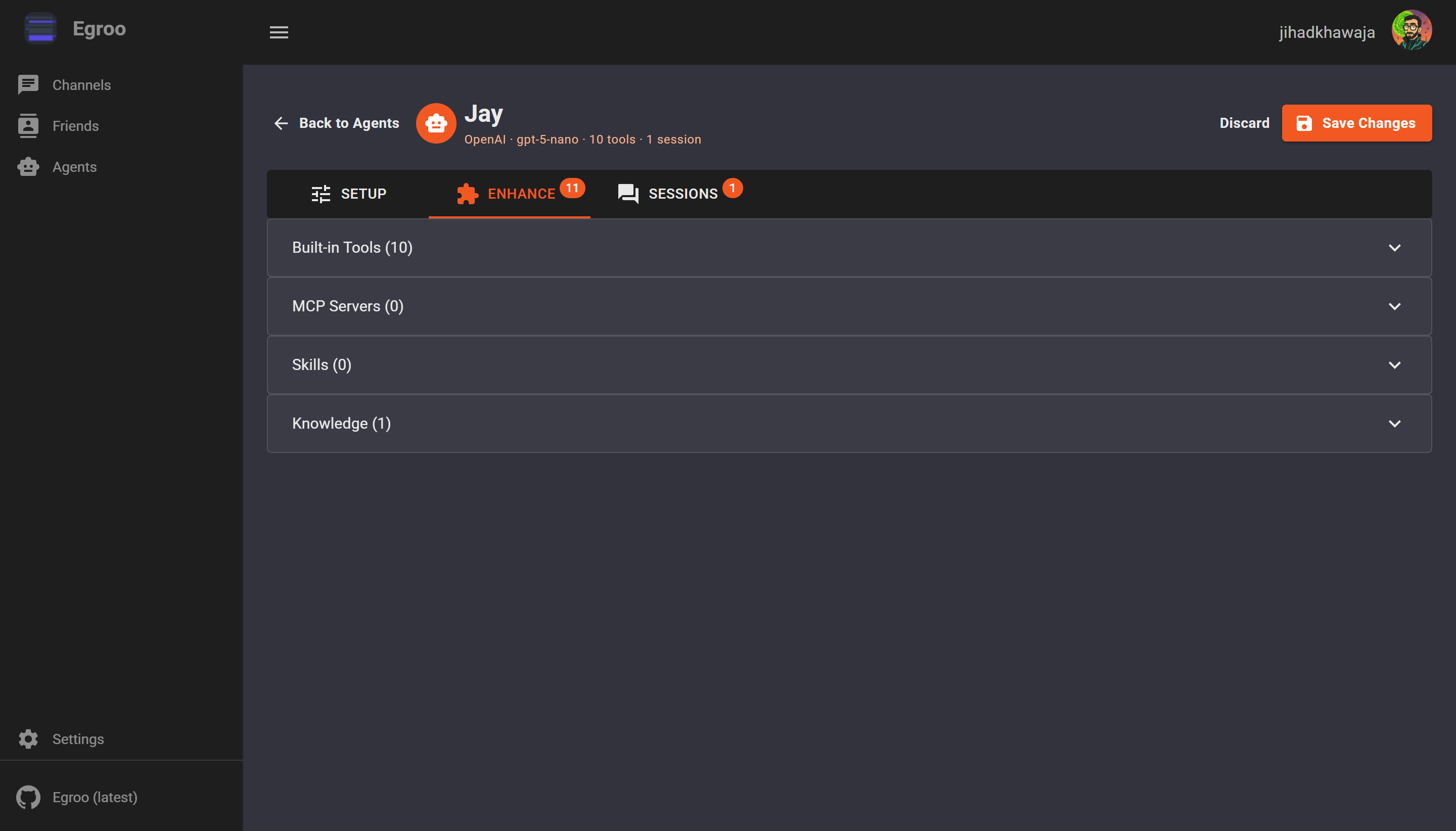
| Agent management | Session visibility and built-in tool configuration |
| Voice calls | Real-time calling directly inside group chat |
The composer supports agent mentions directly in the conversation flow, so users can bring an agent into a thread without switching context.
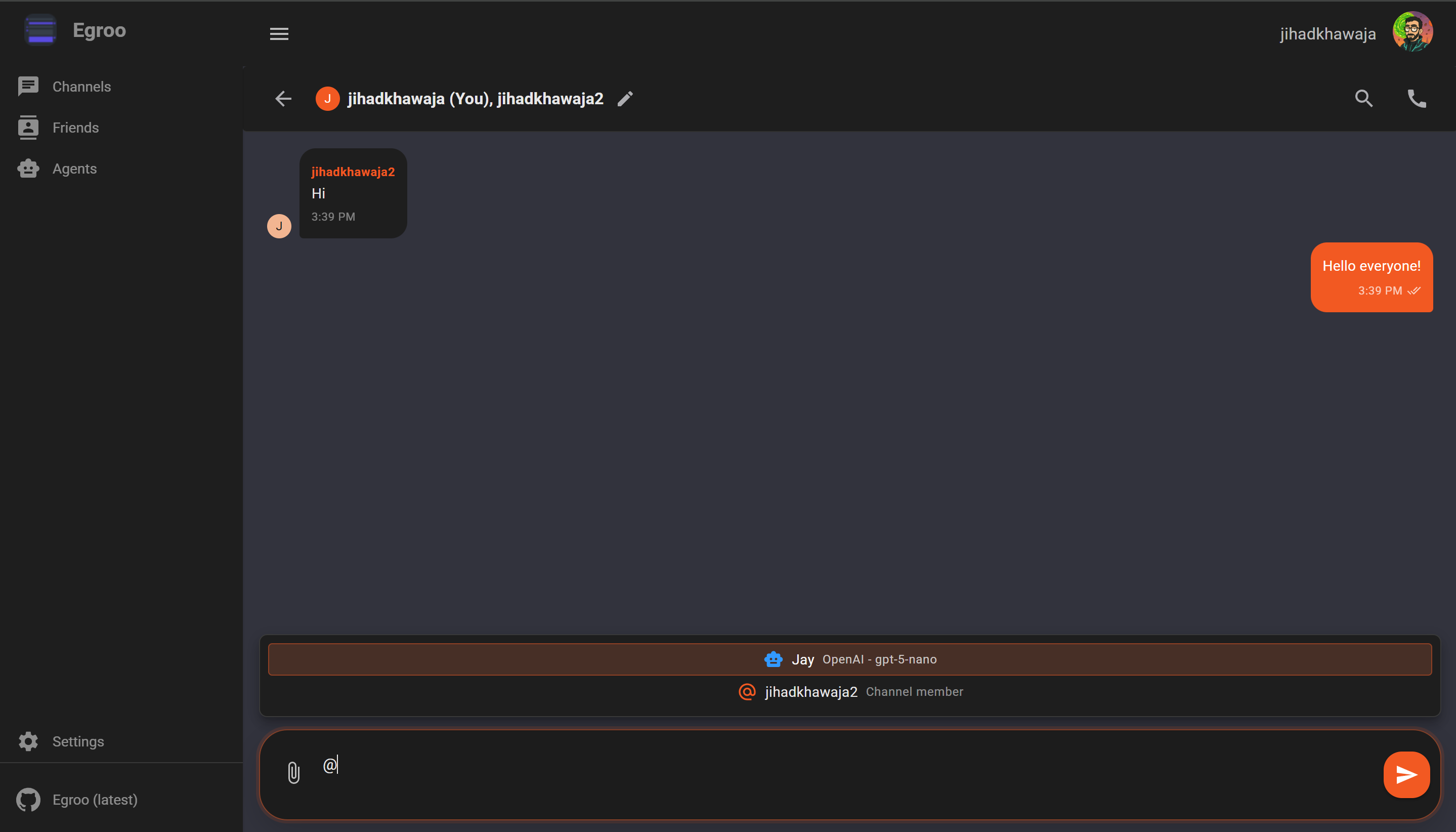
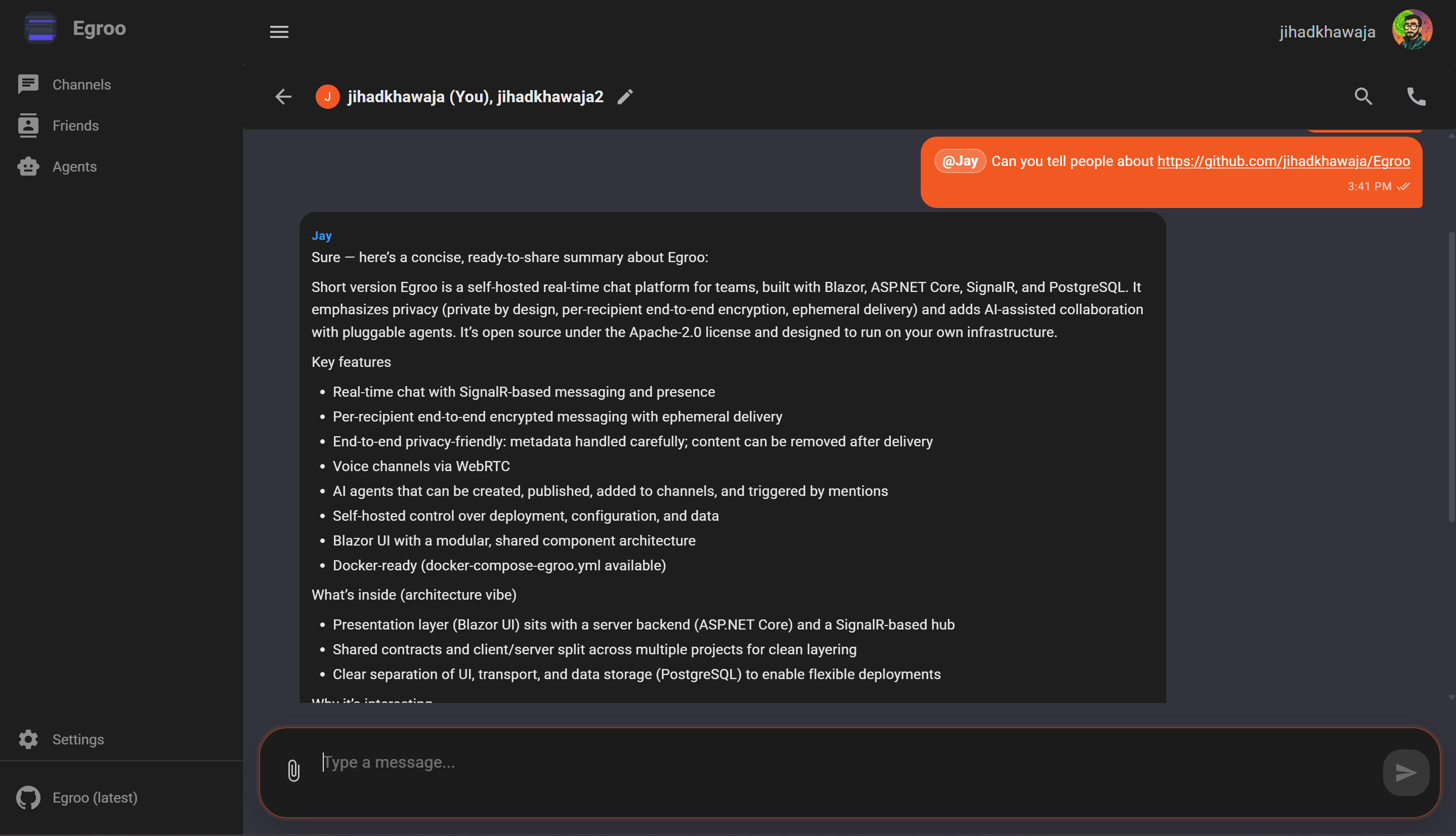
Agent responses appear as first-class messages inside the same channel or direct-message timeline. This keeps the workflow conversational instead of pushing AI interactions into a separate tool window.
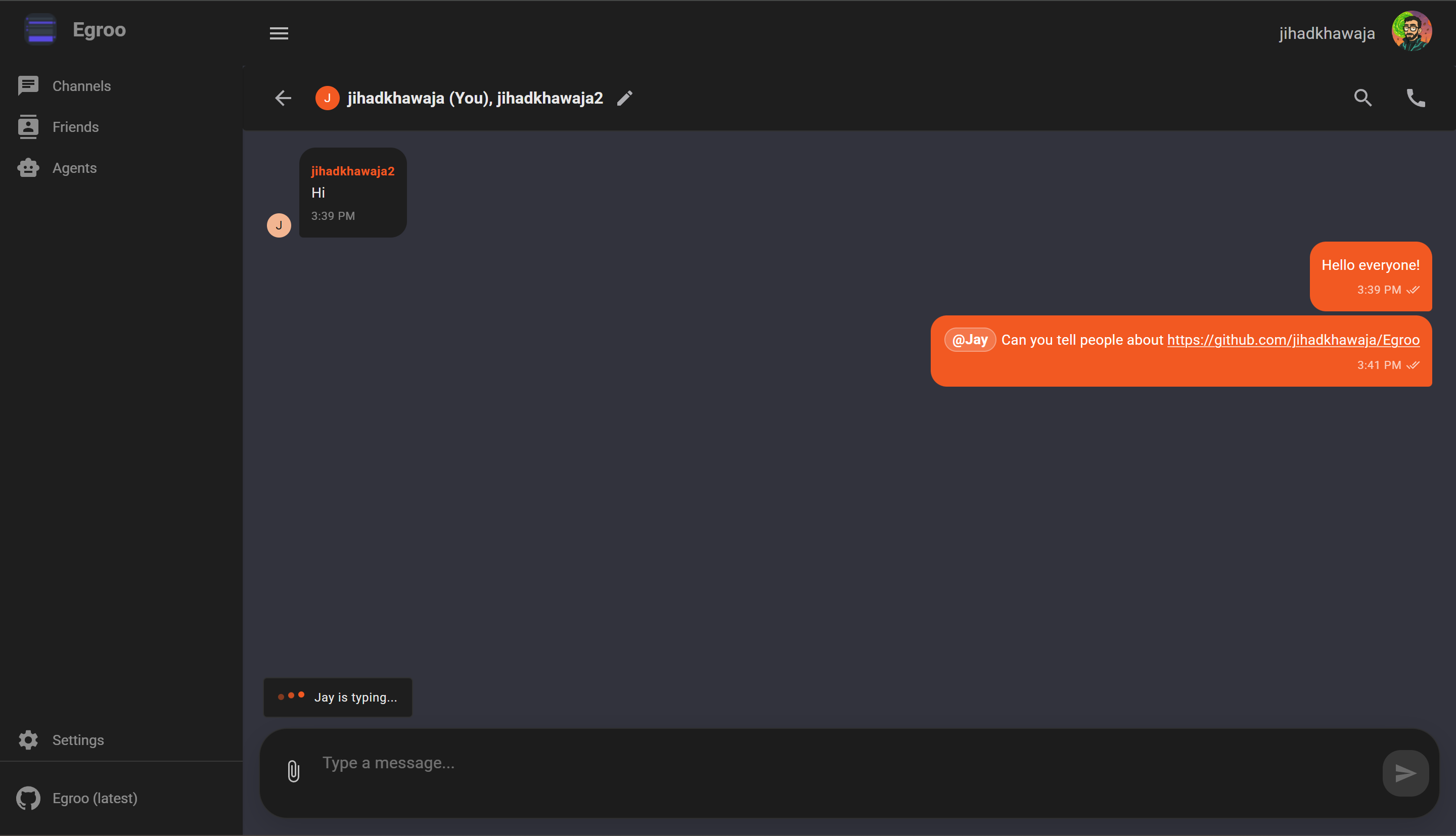
While an agent is working, the UI can show an in-thread typing indicator so users know the request is still active and a response is on the way.
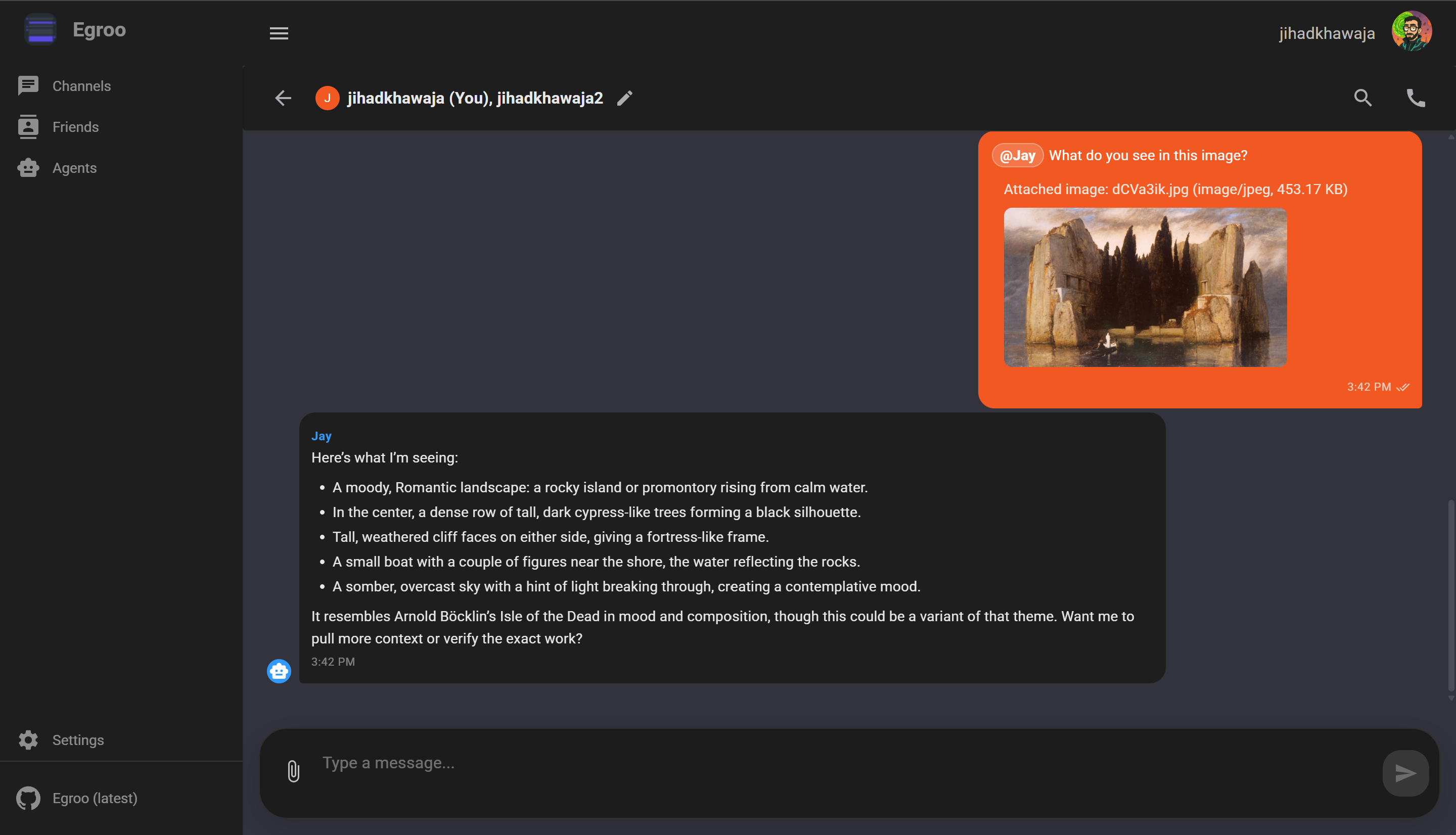
Agents can work with more than plain text. The UI supports attaching an image to a prompt so an agent can inspect and describe what it sees as part of the same conversation flow.
The agent management experience exposes active sessions, conversation history controls, and memory size so users can inspect or reset ongoing agent conversations.
Built-in tools, MCP server integrations, skills, and knowledge sources are managed from a dedicated agent configuration screen.
Egroo combines messaging and calling in the same workspace. Users can join a channel call, see current participants, and manage audio options without leaving the chat view.
These screens show the shape of the product in practice:
- Real-time chat stays central.
- AI agents remain part of the conversation, not a detached sidebar tool.
- Multimodal prompts fit naturally into the message flow.
- Session visibility gives users control over agent memory.
- Voice communication is available from the same collaboration surface.
For the project overview, architecture diagrams, and setup instructions, go back to the README.
