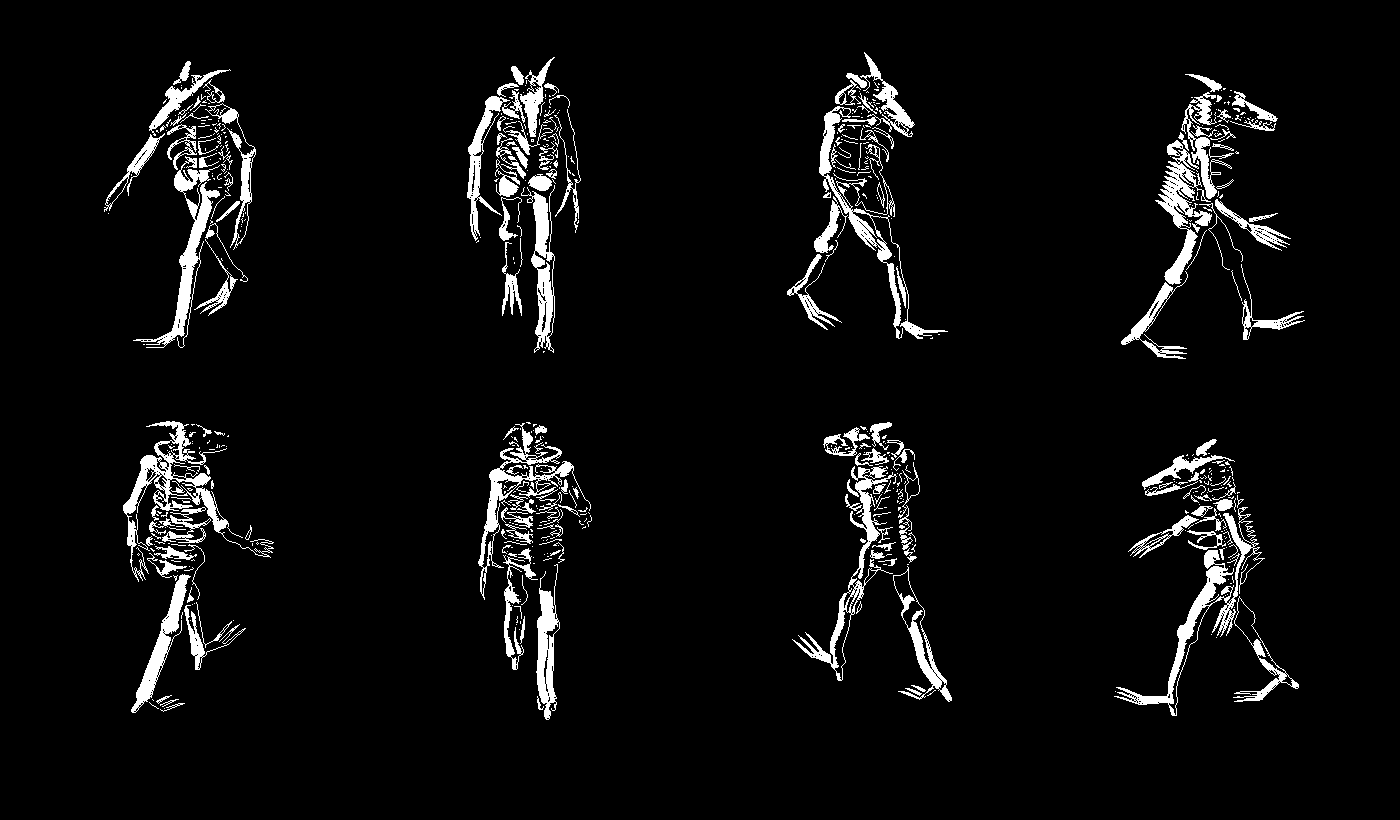
The worn metal lighters look great with the pixel textures, the scratches still read at this size. Having a small and a regular size of each is handy for pickups and desk clutter.

Antahonist
413
Posts
1
Topics
200
Followers
256
Following
A member registered Mar 29, 2024 · View creator page →
Creator of
Rusted scrap-metal game UI: 15 working bars for Godot, panels, buttons and 18 survival icons as transparent PNG.
A free handwritten pixel font: basic Latin in the Regular style, as TTF, BMFont and Construct 3 sprite font.
A neat handwritten pixel font with Latin, Cyrillic and 16 doodles: Regular, Bold and Large, for letters and diaries.
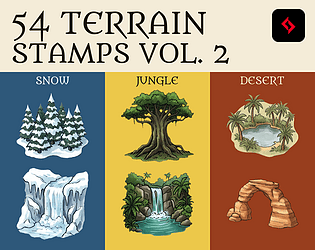
54 painted map stamps for fantasy worlds: desert, snow and jungle terrain as transparent PNG, 512 to 64 px.
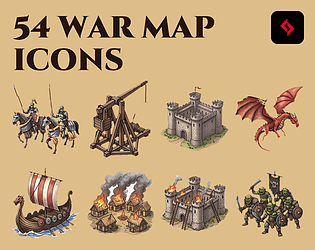
Painted parchment war map icons: armies, battle sites, front-line markers and fortresses. Transparent PNG, 512 to 64 px.
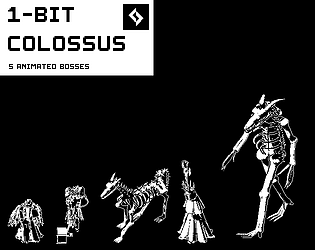
Five animated bosses in two colours: a giant skeleton, his bone hound and three souls-like bosses, in 8 directions.
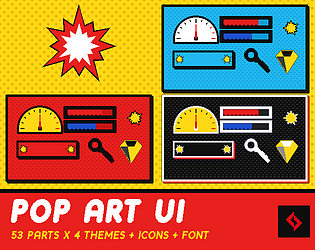
A comic book game interface in 4 themes: 53 UI parts, 36 icons, 2 pixel fonts and Godot 4 Theme files.
A 1980s Memphis game interface in 4 themes: 53 UI parts, 36 icons, 2 pixel fonts and Godot 4 Theme files.
A 1950s American game interface in 4 themes: 53 UI parts, 36 icons, 2 pixel fonts and Godot 4 Theme files.
A Bauhaus game interface in 4 themes: 53 UI parts, 36 icons, 2 pixel fonts and Godot 4 Theme files for stock controls.
Skeletons, ghouls and gargoyles in exactly two colours: 7 animated actions, 8 directions, 3 sizes, dark and light sets.
20 fantasy heroes in exactly two colours: 6 animated actions, 8 directions, 3 sizes, a dark set and a light set.
A 1920s game interface in 4 themes: 53 UI parts, 36 icons, 2 pixel fonts and Godot 4 Theme files for stock controls.
54 animated pixel art items, 46 UI parts and 2 pixel fonts in 1900s Art Nouveau: stained glass, whiplash brass, opal.
Red and black Soviet poster art for games: 54 icons, 12 posters, 52 UI parts, a font, 250 animations, a Godot demo.
Type your game's name, get a pixel art logo in 18 styles. Depth, arches, 9 animations. Export PNG, GIF, Godot. Free.
Run in browser
Free chunky pixel font for game titles and scores: Heavy style, basic Latin, TTF + BMFont + Construct 3.
Heavy pixel font for game titles, scores and damage numbers: 3 stackable styles, Cyrillic, 16 icons, Godot 4 node.
Make pixel art explosions, slashes, fire, magic and more in your browser. Export PNG strips, GIF, Godot SpriteFrames.
Run in browser
Colosseum, Taj Mahal, Notre-Dame and 10 more real monuments, built from real plans, one true scale, day and night.
An isometric town drawn in text characters: buildings, animated ground, water and walking characters, PNG and real text.
Try the character creator in your browser: 11 classes, 83 items, 15 animations. Free PNG sheet export.
Run in browser
Isometric character creator: 586 items, 86 classes, 63 monsters, mounts. 8-direction sprite sheets for any engine.
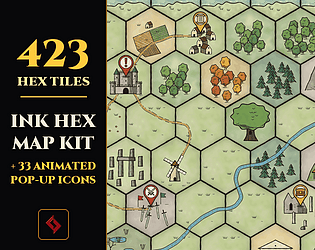
Pen-and-ink hex tiles in 3 styles: terrain, locations, coasts, rivers, roads, plus 33 animated pop-up icons for maps.
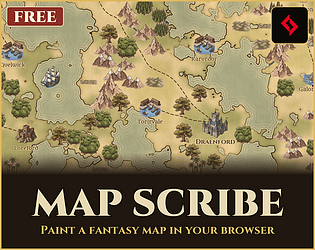
Paint a fantasy world map in your browser: the coast inks itself, stamps, rivers, names, random maps. Free PNG export.
Run in browser
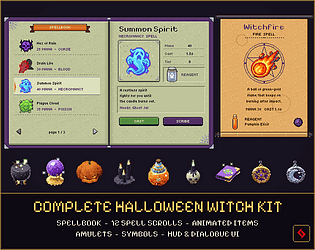
Animated pixel witch kit: spellbook, 12 spell scrolls, isometric items, amulets, magic symbols, HUD and dialogue UI.
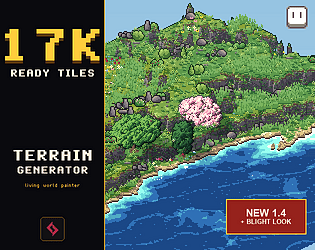
17,920 animated isometric pixel tiles in 10 looks for Godot, Tiled or any engine + Aseprite painter for living worlds.
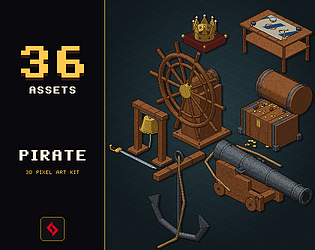
36 real 3D pirate ship props in crisp isometric pixel art: deck cannon, ship's wheel, cabin, treasure, gear.
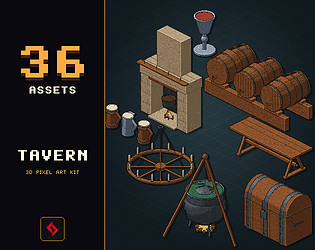
36 real 3D medieval tavern props in crisp isometric pixel art: hearth, ale casks, kitchen, tableware, inn.
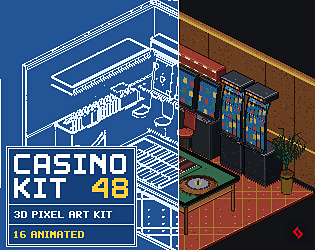
48 casino props from real datasheets in isometric pixel art: slots, tables, lounge, vault. 16 animated.
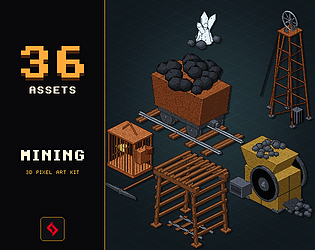
36 real 3D mining props in crisp isometric pixel art: headframe, mine car, jaw crusher, miner's gear, ores.
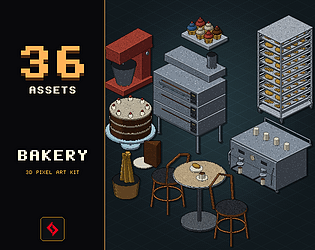
36 real 3D bakery and cafe props in crisp isometric pixel art: deck oven, espresso machine, breads, cakes.
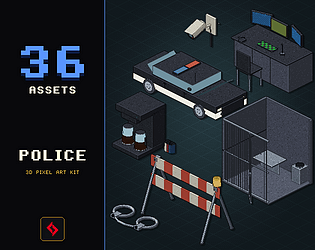
36 real 3D police station props in crisp isometric pixel art: holding cell, patrol car, forensics, dispatch.
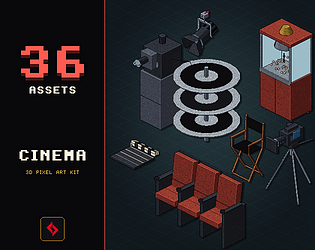
36 real 3D cinema and stage props in crisp isometric pixel art: projectors, spotlights, film set, backstage.
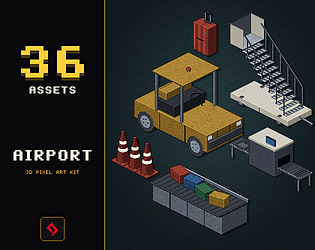
36 real 3D airport props in crisp isometric pixel art: check-in, security scanner, baggage tug, cargo ULD.
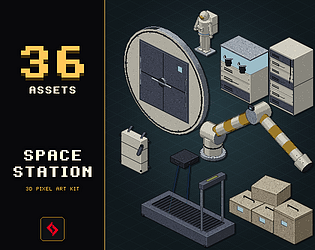
36 real 3D space station props in crisp isometric pixel art: payload racks, hatches, EVA suit, lab gear.
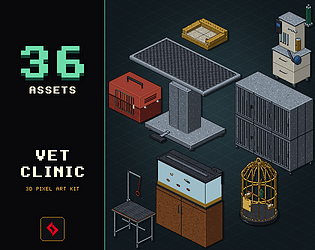
36 real 3D vet clinic and pet shop props in crisp isometric pixel art: exam tables, kennels, cages, grooming.
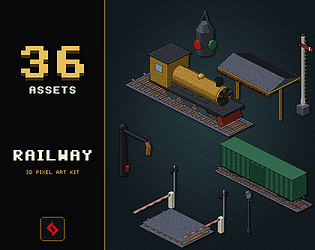
36 real 3D railway props in crisp isometric pixel art: steam and diesel locos, wagons, track, signals, station.
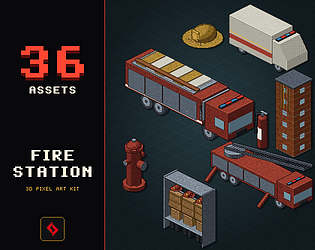
36 real 3D fire station props in crisp isometric pixel art: fire engine, ladder truck, hydrant, gear and rescue tools.
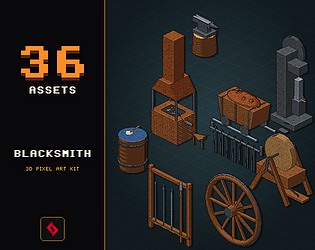
36 real 3D blacksmith props in crisp isometric pixel art: forge, anvil, tongs, hot steel, swords and a smithy.
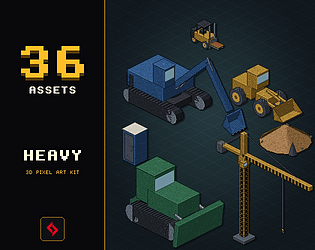
36 real 3D construction machines in crisp isometric pixel art: excavator, dozer, cranes, mixer truck and site gear.
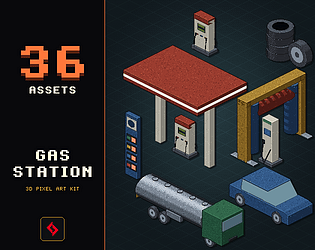
36 real 3D gas station props in crisp isometric pixel art: fuel pumps, EV charger, car wash, shop and vehicles.
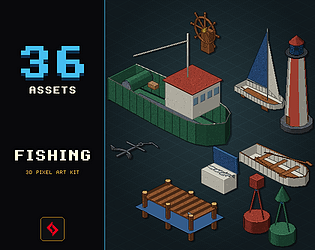
36 real 3D boats and fishing props in crisp isometric pixel art: rowboat, trawler, tackle, harbor and marine gear.
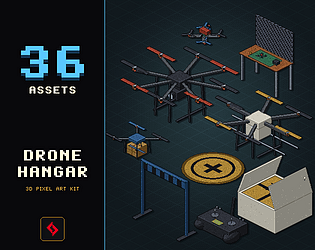
36 real 3D drone props in crisp isometric pixel art: FPV racers, camera and cargo drones, parts and hangar gear.
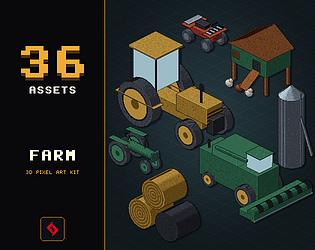
36 real 3D farm props in crisp isometric pixel art: tractors, a combine, implements, silo, bales and supplies.
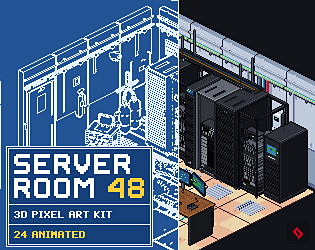
48 data-center props from real datasheets in isometric pixel art: racks, servers, cooling, IT tools, 24 animated.
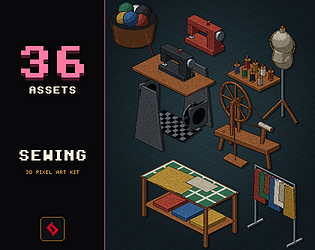
36 real 3D sewing props in crisp isometric pixel art: sewing machines, dress form, spinning wheel, fabric and notions.
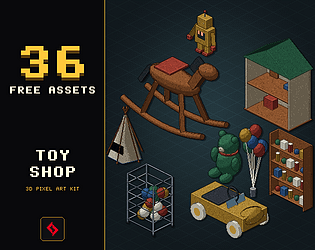
36 real 3D toys and toy-shop props in crisp isometric pixel art: rocking horse, train, robot, chess, doll house.
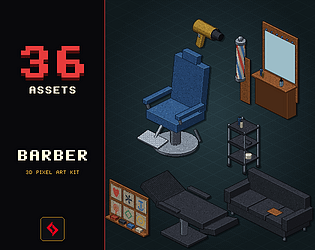
36 real 3D barber and tattoo studio props in crisp isometric pixel art: chairs, mirrors, tools and shop fittings.
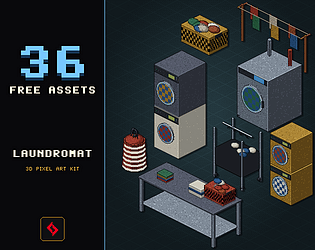
36 real 3D laundromat props in crisp isometric pixel art: washers, dryers, presses, laundry and shop fittings.
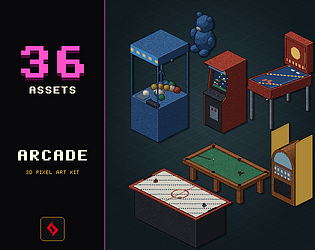
36 real 3D arcade props in crisp isometric pixel art: cabinets, pinball, claw machine, jukebox and prize games.
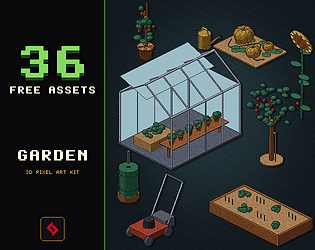
36 real 3D garden props in crisp isometric pixel art: tools, mowers, a greenhouse, raised beds and plants.
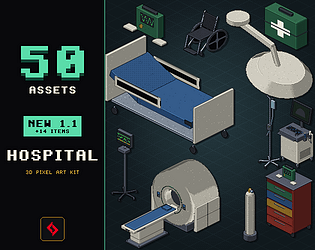
50 real 3D hospital props in isometric pixel art: beds, MRI, X-ray, ICU machines, lab and clinic gear, supplies.
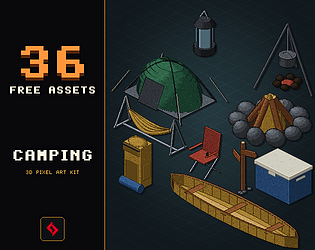
36 real 3D camping props in crisp isometric pixel art: tents, campfire, stoves, canoe, backpacks and trail gear.
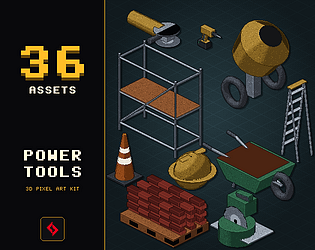
36 real 3D power tools and building-site props in crisp isometric pixel art: drills, saws, scaffold, materials.
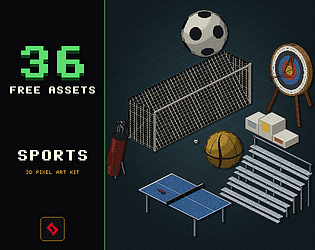
36 real 3D sports props in crisp isometric pixel art: balls, rackets, boards, goals, nets and courts at rule sizes.
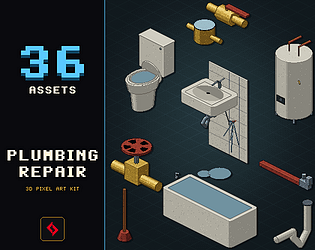
36 real 3D plumbing models in crisp isometric pixel art: fixtures, pipes and valves, 8 aligned leak states, tools.
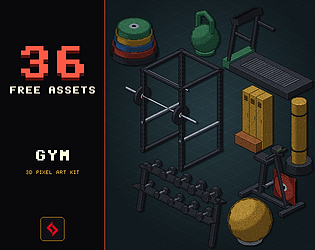
36 real 3D gym props in crisp isometric pixel art: treadmill, power rack, barbells, dumbbells and accessories.
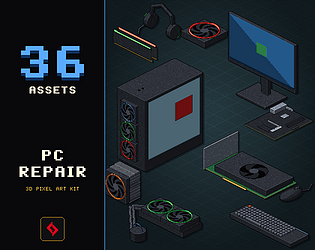
36 real 3D PC models in crisp isometric pixel art: cases, components, peripherals, 8 aligned GPU repair states.
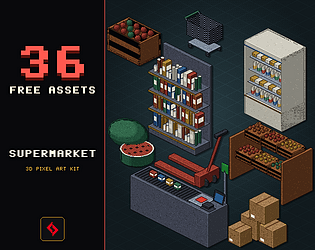
36 real 3D grocery store props in crisp isometric pixel art: shelves, chillers, checkout, produce and packaged food.
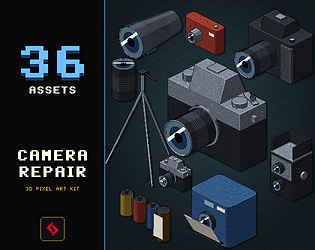
36 real 3D camera models in crisp isometric pixel art: film to digital, 8 aligned SLR repair states, lenses, parts.
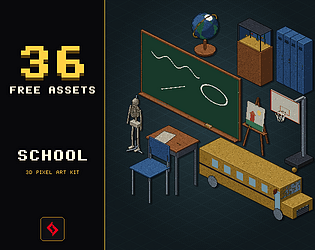
36 real 3D school props in crisp isometric pixel art: desks, chalkboard, supplies, science corner and a school bus.
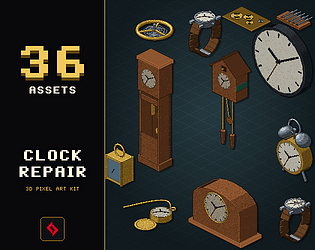
36 real 3D clock and watch models in crisp isometric pixel art: 8 aligned watch repair states, movements, tools.
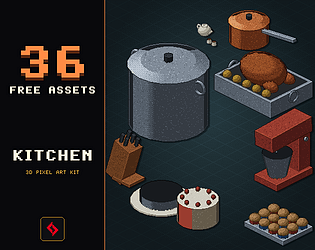
36 real 3D kitchen props in crisp isometric pixel art: pots, pans, knives, bakeware, spices and tableware.
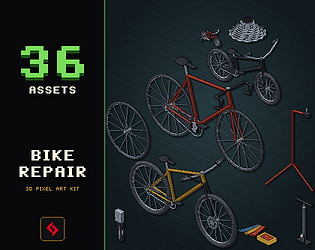
36 real 3D bicycle models in crisp isometric pixel art: 10 bikes, 8 aligned repair states, parts and tools.
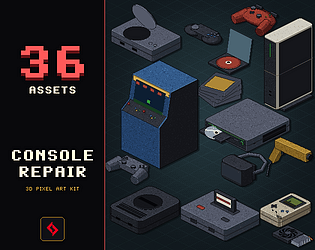
36 real 3D game console models in crisp isometric pixel art: retro to modern, 8 aligned repair states, parts.
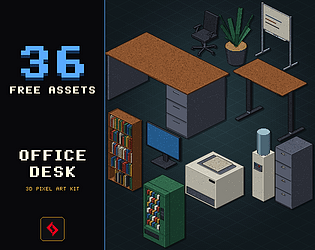
36 real 3D office props in crisp isometric pixel art: desks, chairs, printers, stationery and a break room.
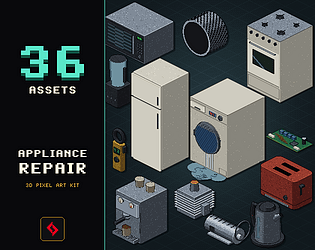
36 real 3D home appliance models in crisp isometric pixel art: 8 aligned washer repair states, parts, tools.
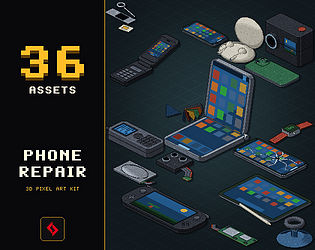
36 real 3D phone and gadget models in crisp isometric pixel art: five eras, 8 aligned repair states, swap parts.
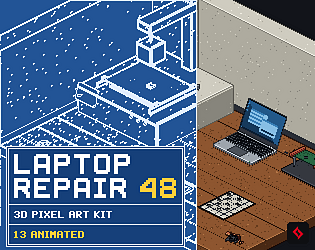
36 real 3D laptop models in crisp isometric pixel art: six eras, 8 aligned repair states, swap parts, teardowns.
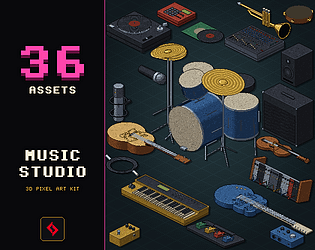
36 real 3D music models in crisp isometric pixel art: instruments, studio and stage gear, gear teardowns.
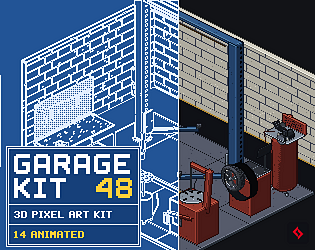
36 real 3D garage models in crisp isometric pixel art: engine parts, car parts, mechanic tools, engine teardowns.
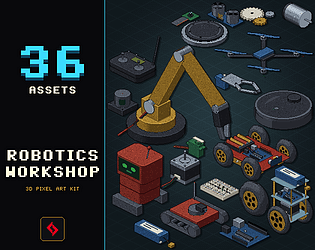
36 real 3D robotics models rendered to crisp isometric pixel art: motors, sensors, drones, robot arms, take-apart sets.
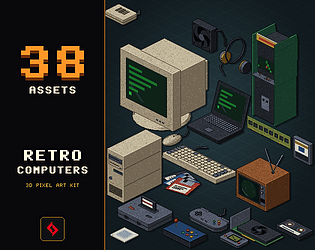
38 isometric + top-down pixel sprites: CRT monitors, arcade, consoles, PC parts and retro tech taken apart.
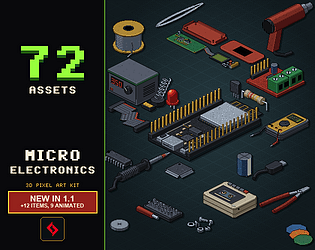
72 isometric + top-down pixel sprites: soldering tools, PCBs, chips, bench instruments, maker modules, 9 animated loops.
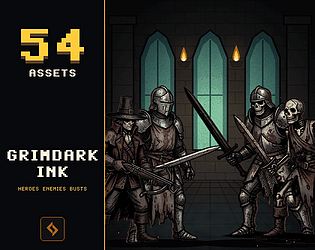
54 hand-inked grimdark heroes, enemies and portrait busts for side-on dungeon RPGs. Both facings, 512/256/128 PNG.
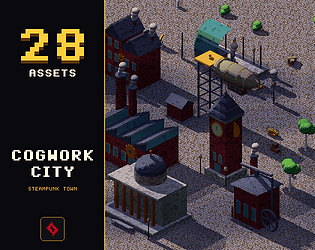
Isometric pixel steampunk town: clock tower, airship dock, factory, gasometer, tesla workshop, living lights.
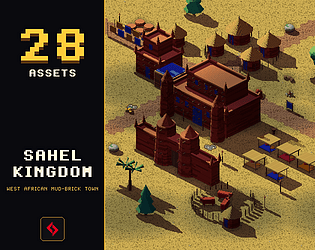
Isometric pixel West African mud-brick town: royal palace, granaries, market, city gate, dye pits, Godot demo.
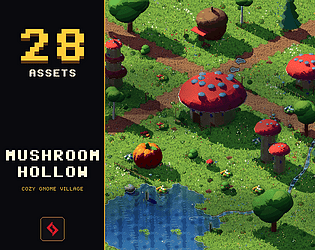
Isometric pixel cozy gnome village: mushroom houses, mushroom inn, stump bakery, pumpkin cottage, fireflies.
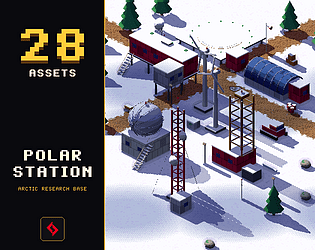
Isometric pixel arctic research base: raised lab, radar dome, ice drill, wind turbines, glowing greenhouse.
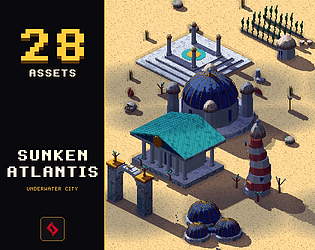
Isometric pixel underwater city: glass-domed palace, temple of tides, coral tower, kelp farm, glowing coral.
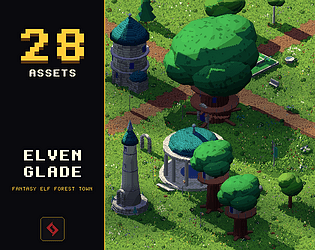
Isometric pixel elf town: hall in a giant tree, moon temple, crystal spire, sky platforms, glowing moonflowers.
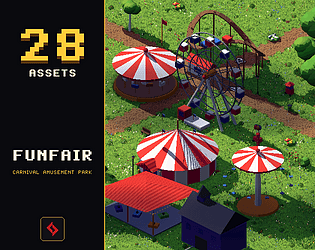
Isometric pixel carnival: ferris wheel, carousel, big top, roller coaster, bulbs that twinkle at night, Godot demo.
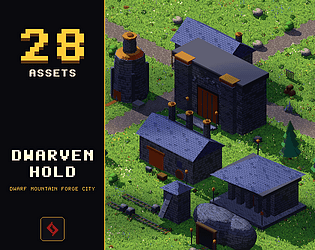
Isometric pixel dwarf city: mountain gate, great forge, smelter, brewery, mine with rails, glowing runes, Godot demo.
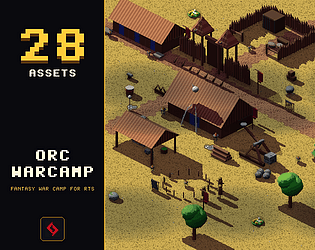
Isometric pixel orc war camp for RTS: chieftain hall, spiked gate, forge, totem, beast pen, 3 looks, Godot demo.
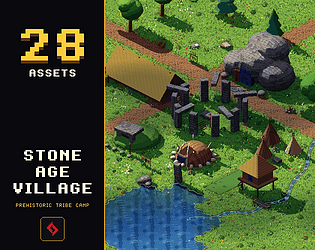
Isometric pixel Stone Age village: mammoth-bone hut, longhouse, cave home, stone circle, dolmen, Ice Age look.
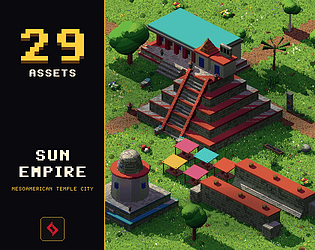
Isometric pixel Aztec temple city: great pyramid, ball court, palace, observatory, chinampa gardens, Godot demo.
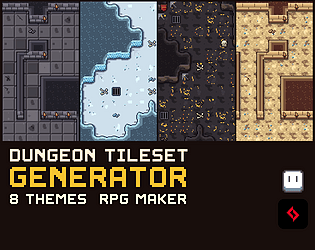
Seamless dungeon & cave tilesets in Aseprite: 47-tile autotile walls, 8 themes, 16-48 px, animated, Godot 4 terrains.
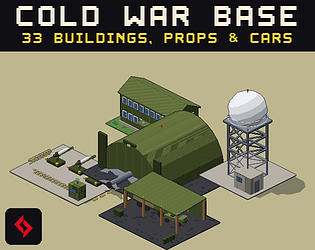
Isometric pixel Cold War military base: radar dome, hangar with a jet, missile silo, bunker + tank, trucks, Godot demo.
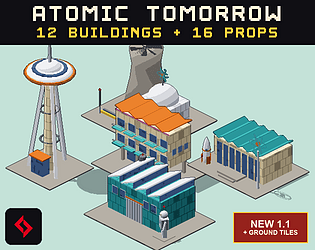
Isometric pixel 1950s city of tomorrow: saucer houses, sky tower, monorail, rocket diner, robots + a wasteland look.
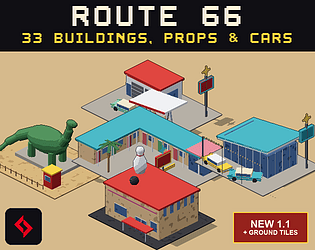
Isometric pixel 1950s roadside town: chrome diner, Googie gas station, neon motel, drive-in, 5 classic cars, Godot.
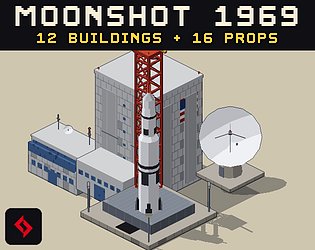
Isometric pixel space race: moon rocket launch, assembly building, mission control, lunar module. Godot demo.
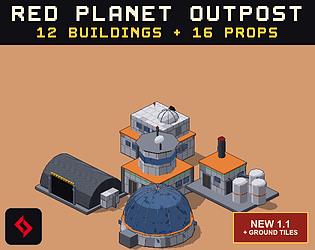
Isometric pixel Mars colony: habitat dome, greenhouse, landing pad, mining drill + 16 props, living lights, Godot.
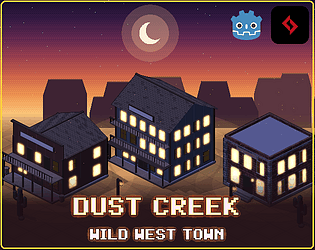
Isometric pixel Wild West town: 12 buildings, 32 props, 5 vehicles, 7 animated loops, living night lights, Godot demo.
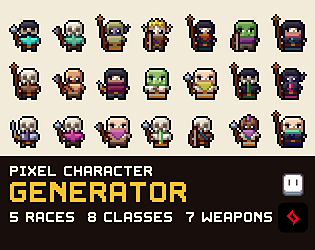
Generate animated 32x32 RPG heroes and 16x16 monsters in Aseprite: 5 races, 8 classes, 8 animations, RPG Maker sheet.
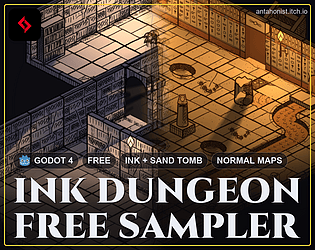
Free hand-inked isometric dungeon tiles in two styles: crypt and Egyptian tomb. Normal maps, Godot 4 TileSet included.
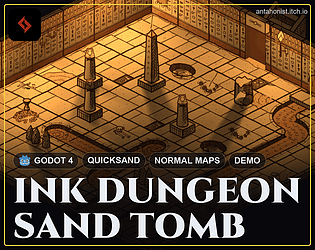
Hand-inked Egyptian tomb tiles: painted walls, quicksand, mummy cases, obelisks. Normal maps + playable Godot 4 demo.
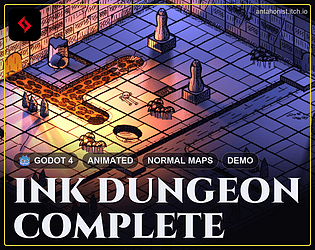
Complete hand-inked isometric dungeon kit: 265 tiles and props with normal maps, hazards and a playable Godot 4 demo.
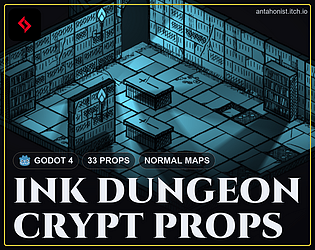
33 hand-inked isometric dungeon props with normal maps: cave-ins, sarcophagi, shelves, barrels, statues. Godot 4 ready.
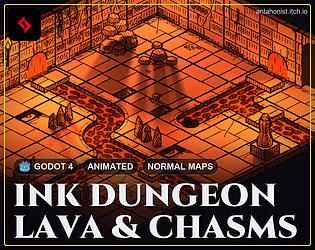
Animated lava, water and blood channels, bridges and chasms for Ink Dungeon. Normal maps, hazards, ready Godot 4 scene.
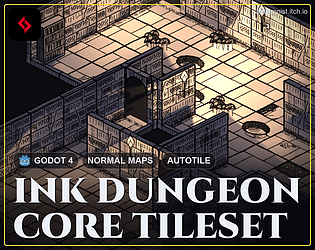
Hand-inked isometric dungeon tiles with normal maps: walls, arches, floors. Ready Godot 4 TileSet with lit sample scene.
Drop pixel sprite sheets, get crisp looping GIFs. Batch, Aseprite JSON, no blur, no flicker. Runs in your browser.
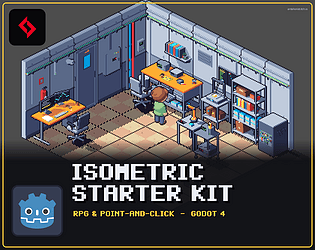
Isometric RPG & point-and-click template for Godot 4: click-to-walk, depth sorting, locks, quests, saves
Draw quests, factions, reputation and secrets as a node graph in the Godot 4 editor. One JSON file, one autoload.
Server racks, robots, lab and med gear: 56 devices with blinking LEDs and live screens. 4 turns, 64/32 px, 9 rooms.
Drag 4 corners, the pixels follow - no blur, no new colours. Exact 2:1 isometric walls and floors in one click.
Free Aseprite extension: type your game's title and get a 3D pixel-art logo, with materials and animations.
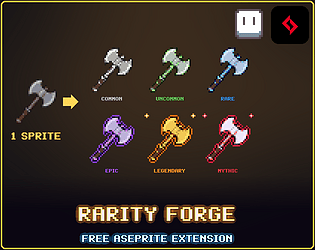
Free Aseprite extension: turn one item sprite into Common, Uncommon, Rare, Epic, Legendary and Mythic versions.
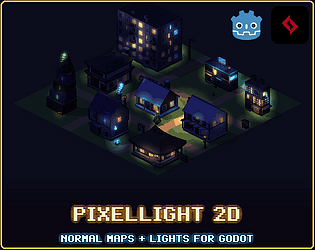
Free Godot 4 addon: auto normal maps for any sprite, lights from glowing pixels, shadow occluders and a day/night cycle.
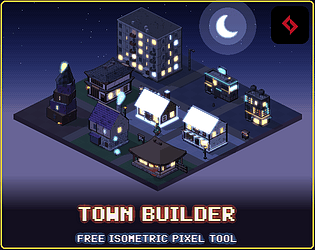
Build an isometric pixel town in your browser: 161 buildings & props from 23 towns, day/night lights, PNG + GIF export.
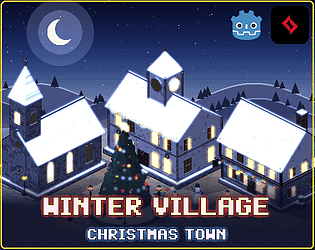
Isometric pixel Christmas town: 12 buildings, day/night, 3 looks, RPG front view, Godot demo.
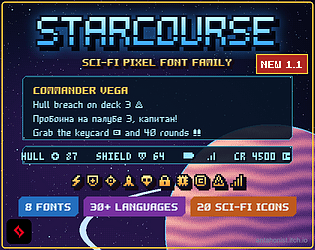
Sci-fi pixel font family: 4 fonts + 4 outlines, 30+ languages, 20 sci-fi icons inside the font. TTF, BMFont, Godot 4.
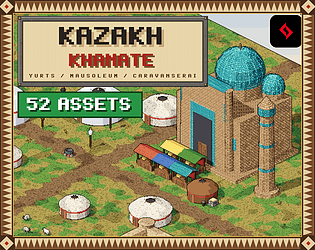
52 isometric pixel assets: yurts, Ak Orda, mausoleum, minaret, caravanserai, bazaar, adobe walls. Summer, winter, night.
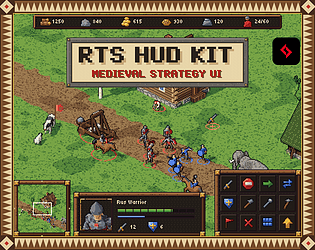
Pixel-art RTS interface: resources, minimap, unit panel, command card, 18 icons, portraits, selection rings, markers.
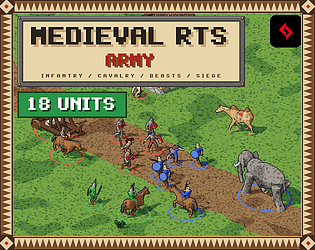
18 unit types: Rus, Norse, Knight and Kazakh infantry, four cavalry units
Free isometric pixel sprites from GOROD, NORDHEIM, Roads, Interiors, Vehicles: day, night, winter, shadow, normal maps.
79 isometric pixel assets: longhouses, mead hall, stave church, longships, shipyard, walls. Summer, winter, night.
131 isometric pixel assets: kremlin, wooden churches, izbas, workshops, farms, walls. Summer, winter and night lights.
18 isometric pixel vehicles in 8 directions: 80s cars, bus, trucks, cyberpunk hovers, carts. Headlights at night.
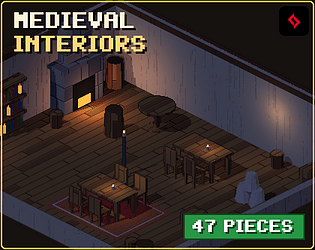
47 isometric pixel furniture pieces + wall & floor kit + 8 ready rooms. 4 turns, candlelight night, real-size scale.
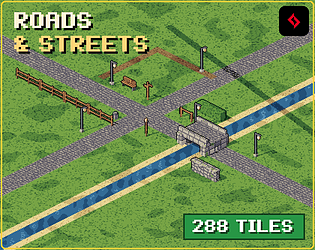
Isometric pixel road autotiles (dirt, cobble, asphalt) in 3 seasons + 20 street props with night lights.
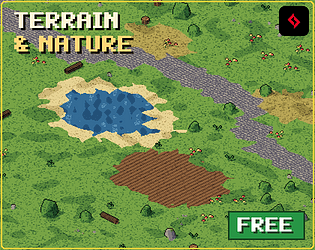
Free seamless isometric ground tiles: 12 terrains, 224 autotiles, rocks & bushes in 3 seasons. Same grid as our towns.
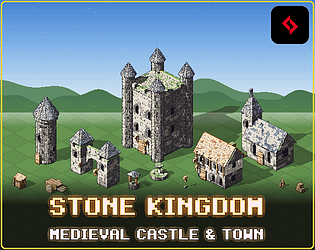
Isometric pixel medieval castle & town: 15 buildings + 16 props, 4 turns each, summer / winter / ruined looks, 2 sizes.
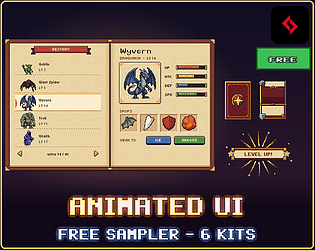
Free animated pixel UI: book page turn, scroll, letter, dialogue box, achiev, level up, card flip and burn, coupons.
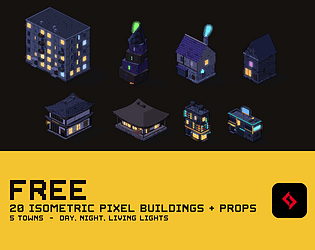
20 free isometric pixel sprites from 5 towns: cyberpunk, Soviet, spooky, magic and Japan. Day, night, living lights.
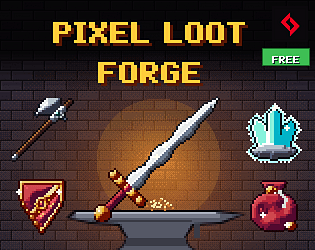
Forge pixel weapons, armor, gems, chests, potions and magic in 4 rarities. 16/32/64 px, PNG, sheets, RPG Maker. Free.
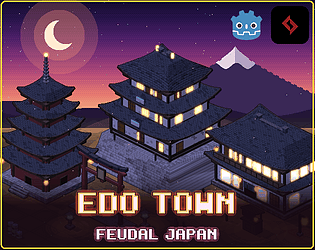
Isometric pixel feudal Japan: pagoda, castle, shrine, ryokan, tea house + 16 props. Day, night, living lights. Godot
24 debuffs + 24 buffs as looping pixel-art icons: burn, poison, stun, freeze, shield, regen... 32 & 64 px, GIF, Aseprite
32 pixel coupons in 4 rarities that snap to a grid, tear, burn and get stamped + register, receipt and a Godot 4 demo
Isometric pixel factory kit: animated machines, belts & pipes, robots with faces, bugs, turrets + Godot 4 demo
Isometric pixel magic town: wizard tower, academy, library, guild, portal + 16 props. night lights, front view.
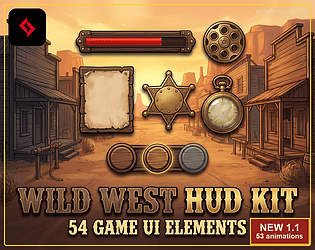
Painted western game UI: bars, revolver ammo counter, wanted stars, buttons with 4 states, panels, slots + 18 icons.
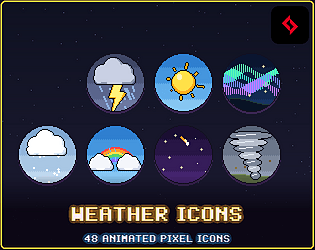
48 looping pixel weather icons: rain, storms, snow, moon phases, seasons, aurora and fantasy weather. 32 & 64 px.
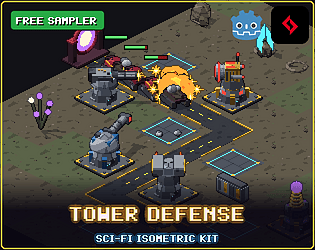
Free: 2 rotating isometric towers x 3 levels, 2 enemies, autotile. Sampler of the Sci-Fi Tower Defense Kit.
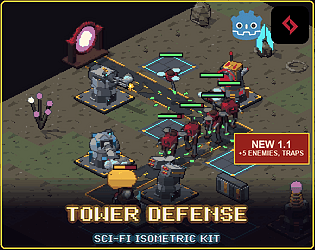
11 rotating towers x 3 levels, 13 enemies with death animations, traps, 3 biomes, UI and a playable Godot 4 demo.
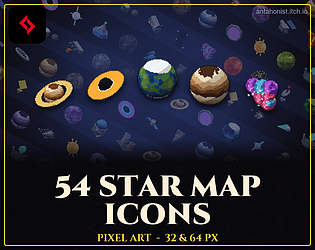
54 pixel-art galaxy map icons: planets, stars, black holes, stations, fleets and quest markers. 32 & 64 px.
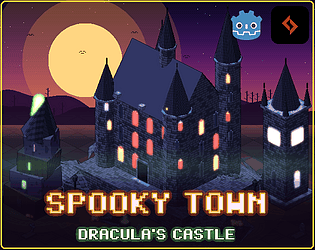
Halloween isometric pixel town: Dracula's castle, haunted manor, witch house, graveyard. Flickering lights, Godot demo.
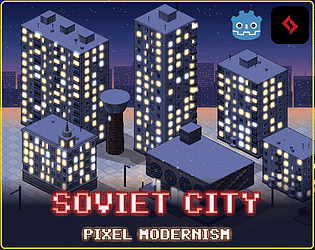
21 Soviet-era isometric pixel buildings and 16 props: panel blocks, brutalism, mosaics. Day, night, snow, Godot demo.
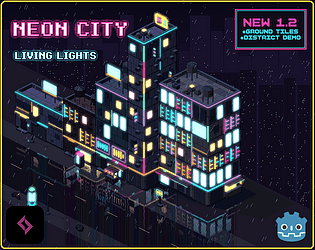
Modular isometric cyberpunk buildings that stack floor by floor, with living night lights. Godot 4 demo.
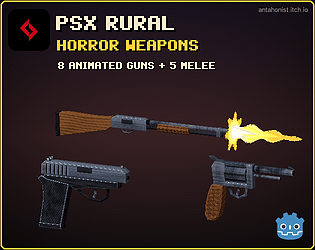
8 PS1-style guns with moving parts and muzzle flash, 5 farm-tool melee weapons, 3 finishes. GLB + FBX + Godot demo.
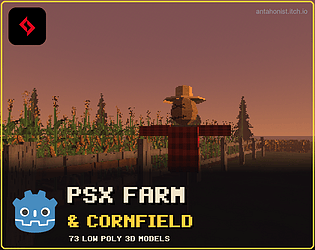
73 PS1-style low poly 3D farm models: crops in every growth stage, cornfield rows, props, seasonal trees. Wind animated.
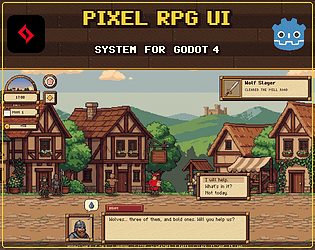
Dialogue, quests, inventory, shop, notifications and a day/night clock: animated pixel UI as one Godot 4 addon.
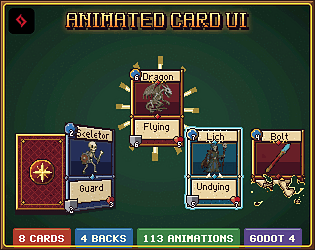
Pixel card game UI with 113 animations: 3D flip, rarity reveal, glow, cast, burn. 8 cards, 4 backs, Godot 4 demo.
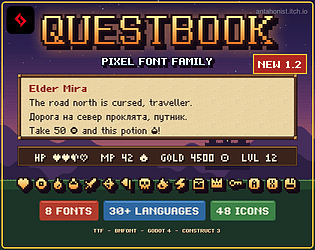
8 pixel fonts for RPGs: regular, bold, HUD, title + outline layers. 30+ languages, 48 game icons, TTF, BMFont, Godot.
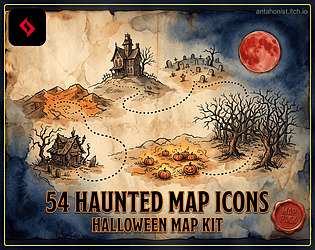
54 painted Halloween map icons: haunted places, cursed lands and spooky markers for world maps, quest logs and VTT maps.
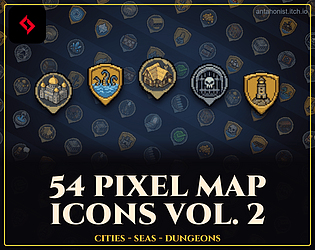
54 pixel-art map icons at 48x48 and 64x64 - cities, seas and dungeons for world maps, minimaps and quest logs.
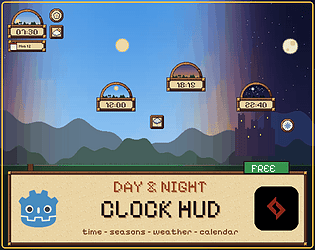
Free animated pixel day/night clock: 24h sky, analog watch, seasons, 8 weather icons, calendar, light tints. Godot demo.
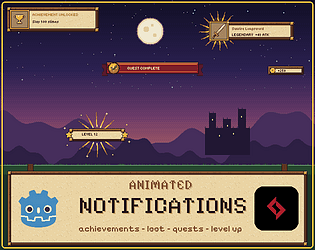
Animated pixel achievement toasts, loot popups by rarity, quest ribbons, level up and gold counter. 8 styles.
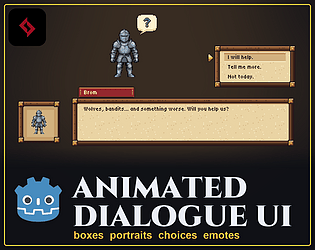
Animated pixel dialogue boxes, portraits, name tags, choice menus and 10 emote bubbles in 8 paper styles. Godot 4 demo.
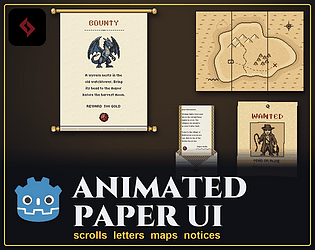
Animated pixel scroll, letter, tri-fold map and wanted notice in 8 paper types. Aseprite files + Godot 4 demo.
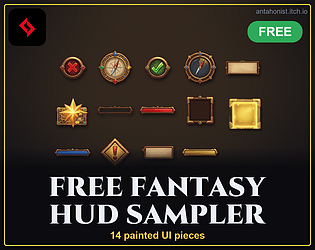
14 free painted fantasy RPG HUD pieces: health/mana bars, slots, buttons, dialogue and tooltip frames.
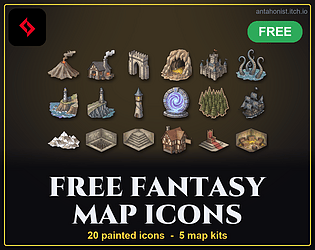
20 free painted fantasy map icons: castles, dungeons, city, sea and terrain. Transparent PNG, commercial use OK.
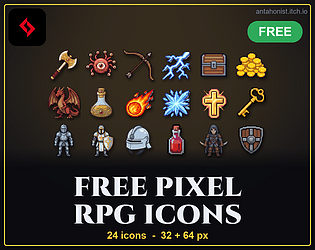
24 free pixel-art RPG icons: weapons, potions, loot, spells, monsters and heroes. 32x32 + 64x64, commercial use OK.
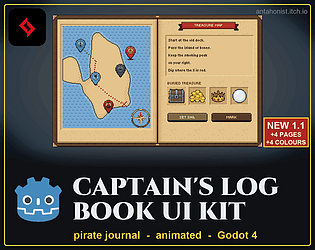
Animated pixel pirate logbook UI: page turns, open/close, 102 parts, 8 covers, 12 pages, Godot 4 demo.
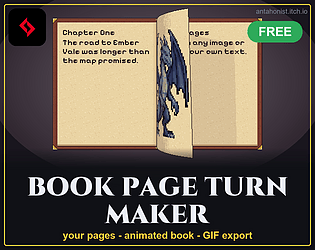
Free tool: put your own pages into an animated pixel-art book and export the page turn as GIF, PNG frames
14 free sci-fi UI pieces: radar, reticle, shield bar, button states, panel, slot, toggle and 4 icons. Commercial use OK.
90 sci-fi UI assets + 68 animations: radar, reticles, hotbar, bars, 4-state buttons, panels, 36 ship icons. Godot 4.
18 pixel crafting materials in 4 rarity tiers: ores, ingots, gems, wood, leather, cloth. 32x32 + 64x64, Aseprite.
Animated pixel spellbook UI for Halloween games: page turns, open/close, 113 parts, 8 covers, 12 pages, Godot 4 demo.
Animated pixel-art book UI: open, close and page-turn animations, 97 parts, 8 cover colours, 12 pages, Godot 4 demo.
Turn any item icon into a looping animation in one click: bob, coin spin, pulse, shine, glow and sparkles. For Aseprite.
54 pixel witch items - potions, ingredients and cursed relics. 32x32 & 64x64, Aseprite and RPG Maker IconSet.
54 spooky pixel monsters - classic monsters, critters and bosses. 32x32 & 64x64, Aseprite and RPG Maker IconSet.
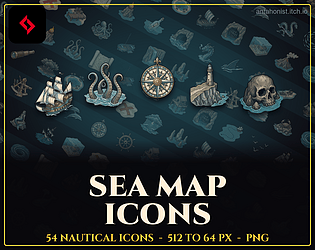
54 painted nautical map icons - ships, sea monsters, islands, hazards and navigation markers. 512 to 64 px PNG.
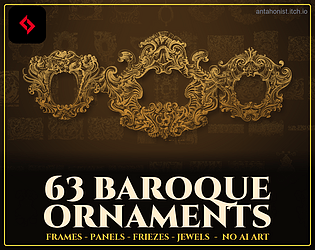
63 real 16th-18th century engraved ornaments - frames, panels, friezes, jewels - transparent PNG in 3 colours.
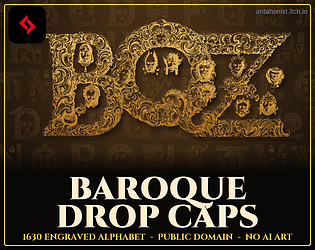
A complete 1630 baroque alphabet - 24 engraved drop caps cut out to transparent PNG in ink, gold and white. No AI art.
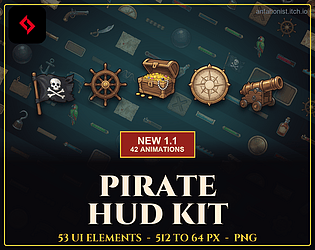
53 painted pirate UI elements + 42 animations: bars, buttons, panels, compass, map, cannon. PNG 512-64 px, Godot pack.
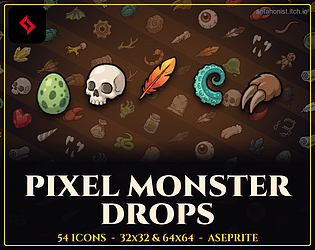
54 pixel RPG monster drops - fangs, claws, bones, scales, venom, elemental cores. 32x32 & 64x64 + Aseprite.
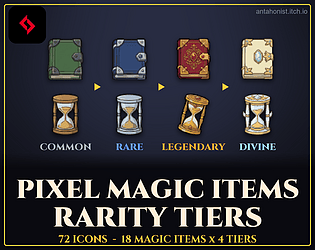
18 RPG magic items - staffs, wands, spellbooks, crystals - in 4 rarity tiers. Pixel art 32x32 & 64x64 + Aseprite.
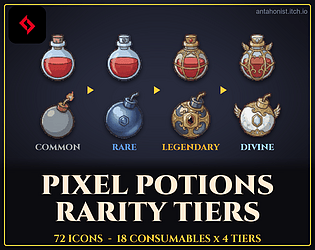
18 RPG potions and consumables in 4 rarity tiers - common, rare, legendary, divine. Pixel art 32x32 & 64x64 + Aseprite.
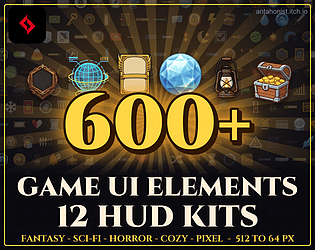
648 game UI elements in 12 HUD kits - fantasy, sci-fi, cyberpunk, horror, cozy, card game, puzzle and pixel styles.
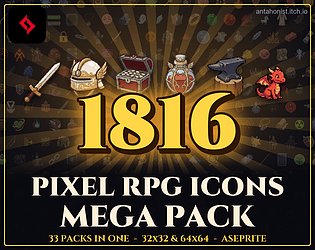
1816 pixel RPG icons in one download: 33 packs, 32x32 & 64x64, Aseprite sources, atlases and RPG Maker MV/MZ IconSets.
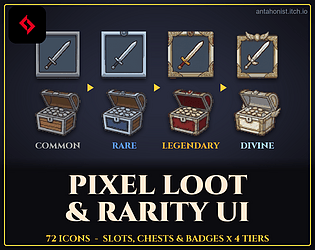
Pixel loot UI in 4 rarity tiers: item slots, frames, chests, loot bags, badges and rewards. 32x32 & 64x64 + Aseprite.
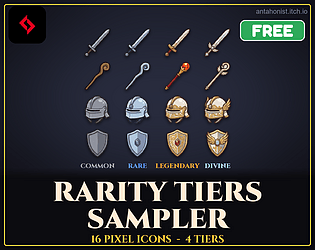
Free pixel longsword, staff, helmet and shield, each in 4 rarity tiers: common, rare, legendary, divine. 32 and 64 px.
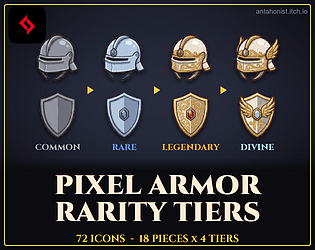
18 RPG armor pieces in 4 rarity tiers - common, rare, legendary, divine. Pixel art 32x32 & 64x64 + Aseprite files.
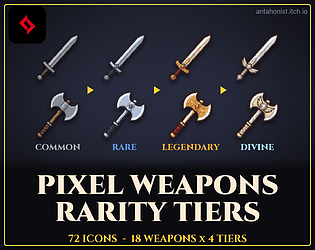
18 RPG weapons in 4 rarity tiers - common, rare, legendary, divine. Pixel art 32x32 & 64x64 + Aseprite files.
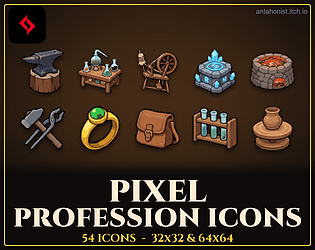
54 pixel crafting icons: workstations, master tools and goods, 32 and 64 px, with animated hover and selected states.
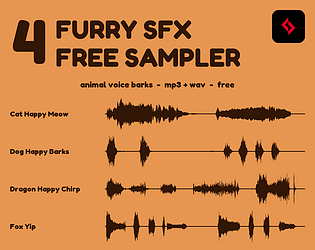
4 free anthro voice barks - cat meow, dog barks, fox yip, dragon chirp. WAV + MP3 for games and visual novels.
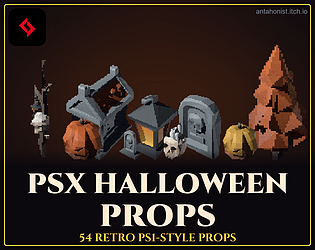
54 graveyard and Halloween props in authentic PS1 style: dithered, vertex-snapped, low-poly. Transparent PNG.
Free browser tool: combine a background, character sprites and a dialogue box and export the VN scene as PNG.
Run in browser
Cozy flat vector kit for match-3 and puzzle games: gems, boosters, buttons, stars, rewards + 4 bonus sounds.
6 anthro visual novel characters - cat, dog, fox, wolf, dragon, rabbit - each with 8 expressions. Transparent PNG.
6 free cozy UI sounds - wooden click, confirm, item pickup, coins, notification, level up. WAV + MP3.
Free cozy cafe background for visual novels - day and haunted night versions, 1920x1080 + 1280x720.
Soft, warm UI sounds for cozy games: clicks, toggles, menus, coins, rewards. WAV/MP3/OGG, Godot 4 addon, Unity script.
10 painted VN locations, each as a cozy autumn day and a haunted night. 16:9, up to 2560x1440, no characters or text.
20 anthro animal voice barks - cats, dogs, foxes, wolves, dragons, birds and bunnies. WAV + MP3 one-shots for games.
Free cartoon dungeon autotiles - stone floor and walls with soft shadows, every corner transition, Godot 4 + Tiled
Free spooky graveyard autotiles - dead grass and grave dirt with every corner transition, for Godot 4 and Tiled
Free cartoon farm autotiles - grass and dirt paths with every corner transition, ready for Godot 4 and Tiled
Free painted coastline autotiles - water and land with every corner transition, ready for Godot 4 and Tiled
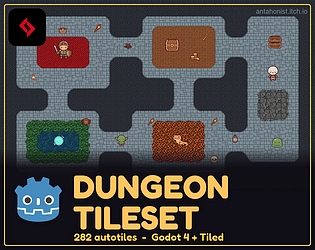
282 cartoon dungeon autotiles - walls with shadows, carpet, planks, water and lava, ready for Godot 4 and Tiled
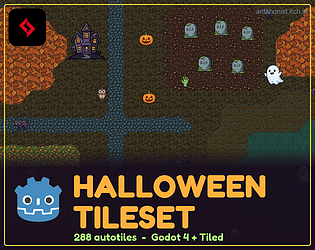
288 cute-spooky Halloween autotiles - graveyard, pumpkin patch, cursed ground and bog, ready for Godot 4 and Tiled
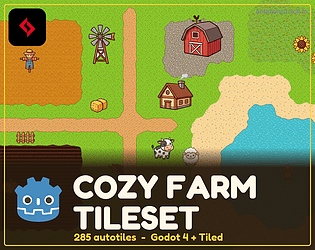
285 bright cartoon farm autotiles - paths, fields, pond and meadow transitions, ready for Godot 4 and Tiled
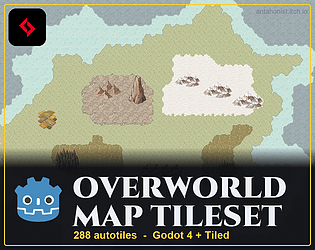
288 painted world-map autotiles - 8 terrains with corner transitions, ready for Godot 4 and Tiled
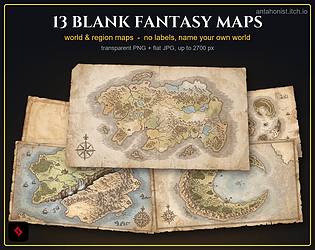
13 painted fantasy maps with no labels: continents, islands and kingdoms ready for your own world.
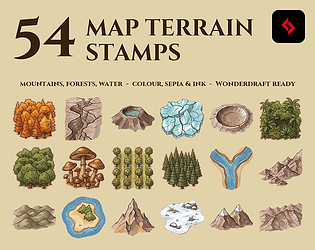
54 watercolour fantasy map stamps in colour, sepia and black ink + a ready Wonderdraft pack: mountains, forests, rivers
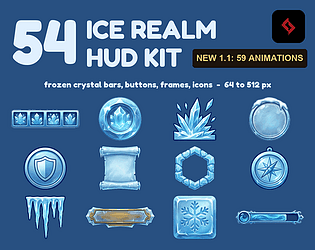
A frosty painted HUD kit - bars, buttons, frames and status icons in icy crystal blue
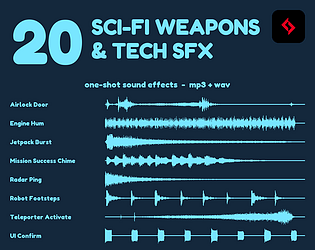
20 one-shot sci-fi sound effects - lasers, shields and spaceship tech for games
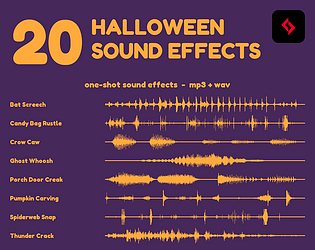
20 one-shot Halloween sound effects - pumpkins, ghosts and graveyards for games
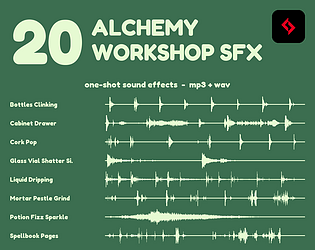
20 one-shot alchemy and potion-crafting sound effects for fantasy RPGs
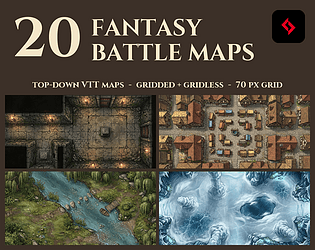
20 top-down battle maps for D&D and Pathfinder, gridded and gridless, 70 px squares for Roll20 and Foundry.
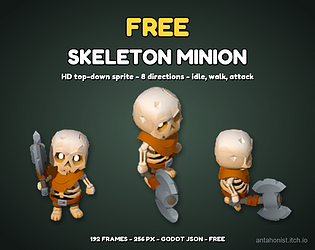
Free animated skeleton enemy, 8 directions, idle, walk and attack, 256 px HD sprites. Godot JSON included.
4 animated skeleton enemies, 8 directions, 9 actions, 256 px HD sprites for top-down RPGs. Godot JSON included.
Secret research bureau horror kit: gear, anomalies, staff portraits, map icons and UI. 144 transparent PNGs.
54 Greek weapons, armor and relics in pixel art, 128x64 with x2/x4 upscales, Aseprite files and a shared palette.
Ancient Greece game kit: weapons, armor, relics, gods, map icons and UI. 144 transparent PNGs in one style.
54 samurai weapons, armor and relics in pixel art, 128x64 with x2/x4 upscales, Aseprite files and a shared palette.
Feudal Japan game kit: samurai weapons, armor, relics, gods, map icons and UI. 144 transparent PNGs, one style.
Free browser tool: dialogue boxes with portraits, name plates and choice menus. Typewriter GIF, Godot and Ren'Py export.
Run in browser
Free browser tool: make health, mana, XP and boss bars as images. Every fill state and sprite strip in one ZIP.
Run in browser
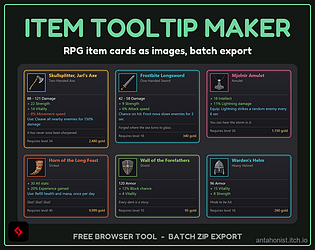
Free browser tool: make RPG item tooltips and stat cards as images, rarity colours, batch ZIP export.
Run in browser
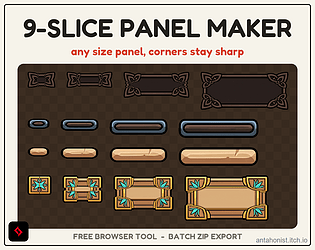
Free browser tool: turn one UI panel or button into any size, corners stay sharp. Batch sizes, Unity/Godot/CSS values.
Run in browser
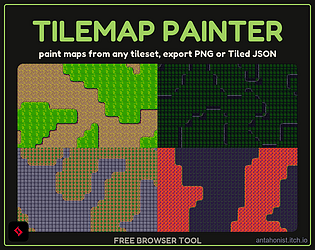
Free browser tile map editor: paint maps from any tileset, layers, fill, undo, export PNG and Tiled JSON.
Run in browser
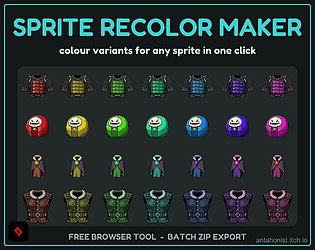
Free browser tool: recolor sprites, protect skin and metal, make batches of colour variants in one ZIP.
Run in browser
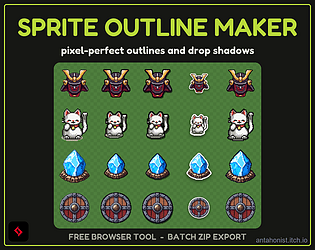
Free browser tool: add pixel-perfect outlines and drop shadows to sprites and icons, batch ZIP export.
Run in browser
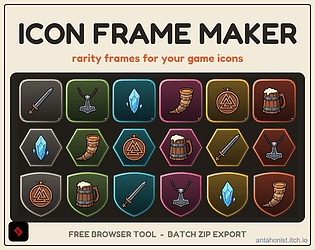
Free browser tool: add rarity frames to game icons, 7 shapes, batch ZIP export. No upload, runs locally.
Run in browser
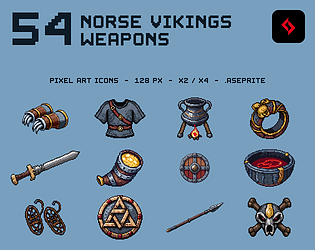
54 Viking weapons, armor and relics in pixel art, 128x64 with x2/x4 upscales, Aseprite files and shared palette.
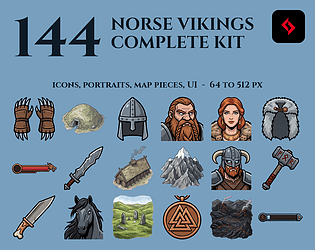
Norse Viking game kit: weapons, relics, gods, map icons and UI. 144 transparent PNGs in one consistent style.
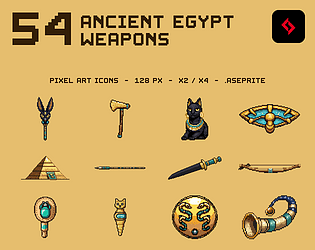
54 pixel-art ancient Egypt weapons, armor and relics: khopesh, bows, scarabs, masks. 128x64 with Aseprite.
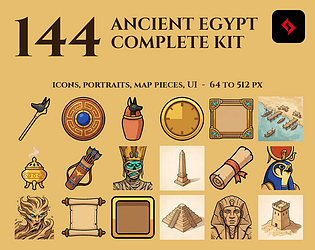
144 flat-vector Egypt assets: weapons, relics, gods, map icons and a full UI kit in one pack.
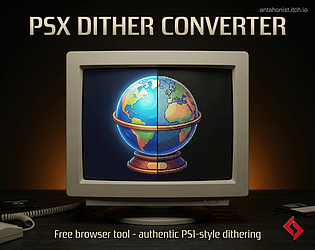
Free tool: give any image an authentic PS1 look - low-res, 5-bit colour, ordered Bayer dithering.
Run in browser
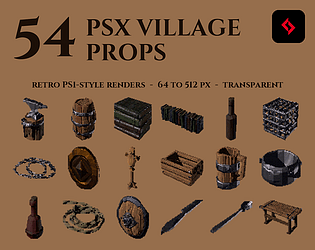
54 workshop, tavern and study props rendered in authentic retro PS1 style.
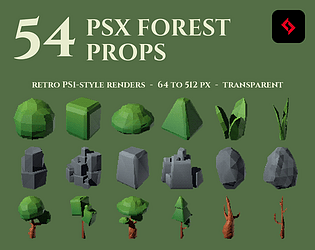
54 forest nature props rendered in authentic retro PS1 style - trees, rocks, bushes, grass.
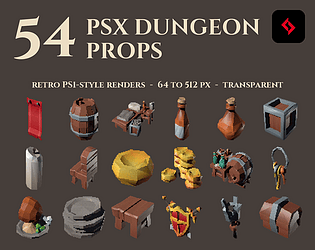
54 dungeon items rendered in authentic retro PS1 style - vertex snap, dithering, no filtering.
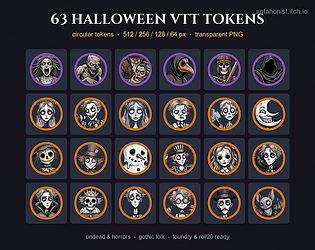
63 circular Halloween tokens - undead horrors and gothic folk, ready for Foundry and Roll20.
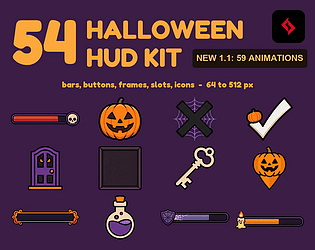
54 spooky flat-vector HUD elements - bars, buttons, frames and icons for your Halloween game UI.
54 spooky pixel-art game UI elements - bars, buttons, frames and icons for a Halloween HUD
54 spooky season icons in true pixel art - pumpkins, monsters, candy and decorations
54 glossy painted Halloween icons - pumpkins, witches, monsters, candy and spooky decorations
54 painted parchment map decorations - compass roses, borders, cartouches, ships and sea monsters
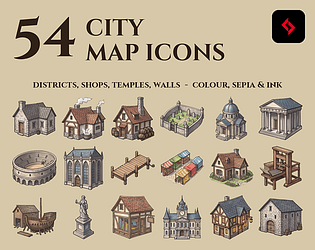
54 painted parchment city & settlement map markers - districts, streets and landmarks for your world map
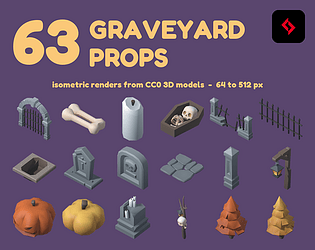
63 isometric graveyard props: gravestones, crypt, fences, lanterns, pumpkins, bones. 512 to 64 px transparent PNG.
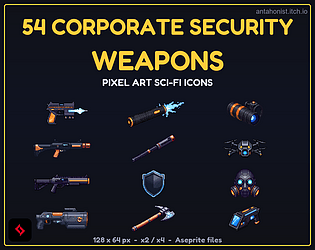
54 pixel art tactical security weapon icons: stun guns, riot shields, drones. 128x64 px, x2 and x4, Aseprite.
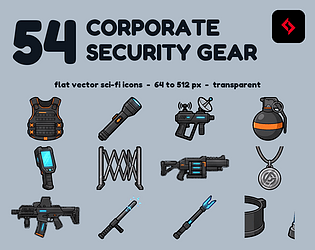
54 flat vector tactical security weapon icons: tasers, riot shields, drones, gear. 512 to 64 px transparent PNG.
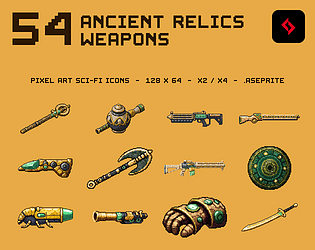
54 pixel art ancient relic weapon icons: glyph blades, scarabs. 128x64 px, x2 and x4, Aseprite included.
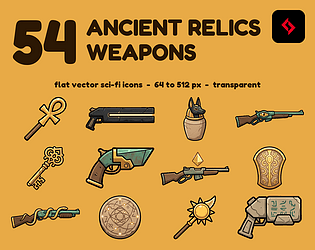
54 flat vector ancient relic weapon icons: sun disc pistols, masks. 512 to 64 px transparent PNG.
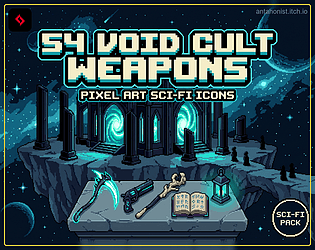
54 pixel art void cult weapon icons: obsidian pistols, scythes, staffs, ritual gear. 128x64 px, x2 and x4, Aseprite.
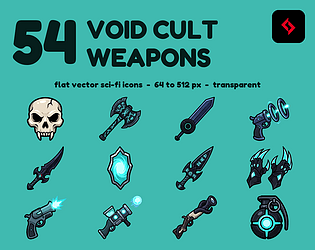
54 flat vector void cult weapon icons: obsidian pistols, ritual gear. 512 to 64 px transparent PNG.
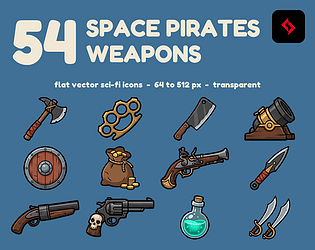
54 flat vector space pirate weapon icons: blasters, cutlasses, treasure gear. 512 to 64 px transparent PNG.
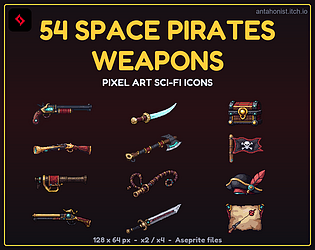
54 pixel art space pirate weapon icons: plasma flintlocks, treasure gear. 128x64 px, x2 and x4, Aseprite.
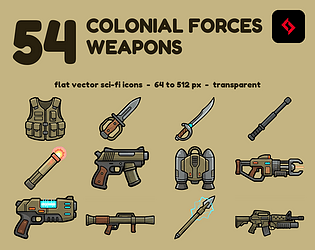
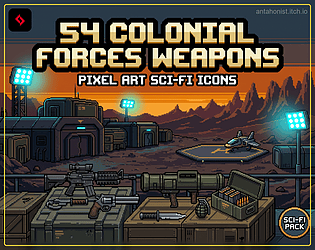
54 flat vector human colonial army weapon icons: rifles, blades, gear. 512 to 64 px transparent PNG for sci-fi games.
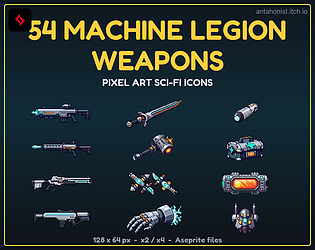
54 pixel art robot army weapon icons: beam rifles, energy blades, drones. 128x64 px plus x2 and x4, Aseprite included.
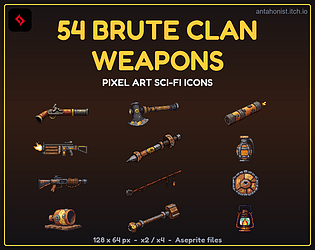
54 pixel art scrap-built weapon icons: barrel guns, nail bombs. 128x64 px plus x2 and x4, Aseprite included.
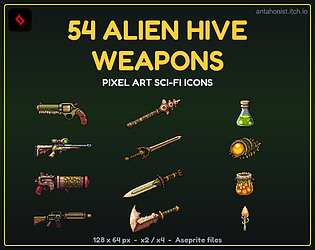
54 pixel art alien bio-weapon icons: fang rifles, bone blades, acid vials. 128x64 px plus x2 and x4, Aseprite included.
54 pixel art sci-fi weapon icons: rifles, blades, grenades, gear. 128x64 px plus x2 and x4, Aseprite files included.
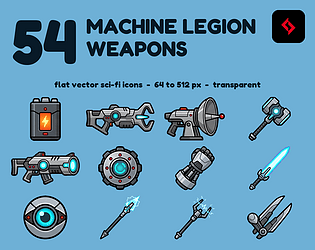
54 flat vector robot army weapon icons: energy rifles, blades, grenades, shields. 512 to 64 px transparent PNG.
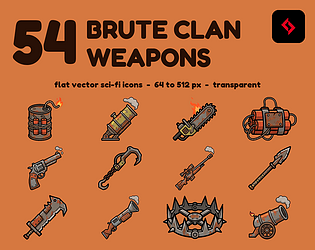
54 flat vector scrap-built brute weapon icons: ranged, melee and gear. 512 to 64 px transparent PNG for sci-fi games.
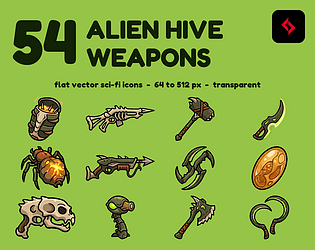
54 flat vector alien bio-weapon icons: ranged, melee and gear. 512 to 64 px transparent PNG for sci-fi games.
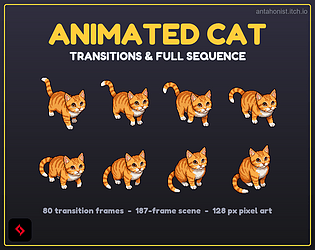
Add-on for Animated Cat: 8 pose transitions + a 187-frame scene. Walk, sit, play, roll, stand up. 128px pixel art.
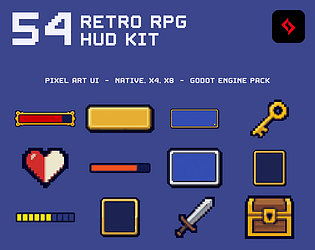
54 pixel-art 16-bit RPG HUD elements: bars, hearts, windows, buttons, cursors and item icons. Native + x4 + x8 PNG.
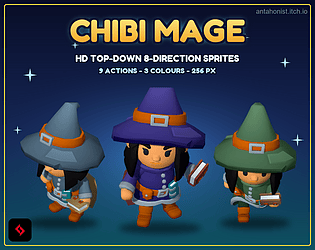
HD top-down Mage sprite: 8 directions, 9 actions, 3 muted colours, 256 px transparent PNG, Godot-ready.
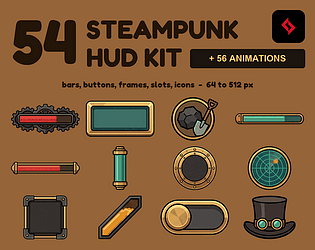
54 flat-vector steampunk HUD elements: bars, gauges, buttons, panels and icons. Transparent PNG, 512-64 px.
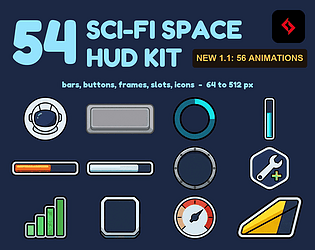
54 flat-vector sci-fi space HUD elements: bars, gauges, radar, buttons, panels and icons. Transparent PNG, 512-64 px.
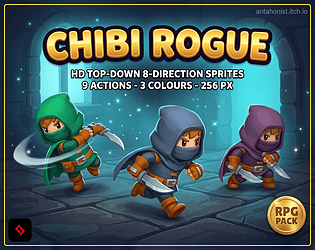
HD top-down Rogue sprite: 8 directions, 9 actions, 3 muted colours, 256 px transparent PNG, Godot-ready.
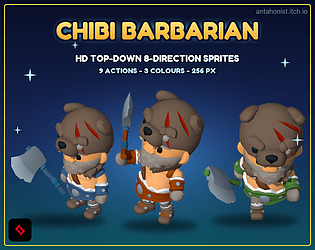
HD top-down Barbarian sprite: 8 directions, 9 actions, 3 muted colours, 256 px transparent PNG, Godot-ready.
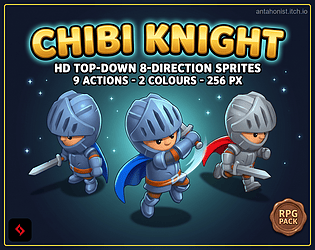
HD animated top-down knight: 9 actions, 8 directions, 2 colours, 256px PNG with Godot JSON. Sword combat, roll, defend.
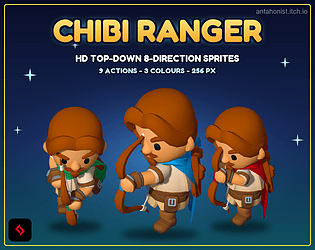
HD animated top-down archer: 9 actions, 8 directions, 3 colours, 256px PNG with Godot JSON.
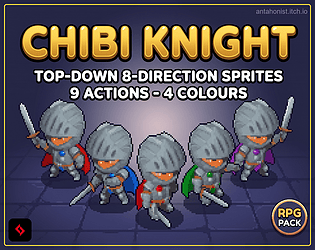
Animated top-down knight: 9 actions, 8 directions, 4 colours, 92 px pixel art with Godot JSON and Aseprite files.
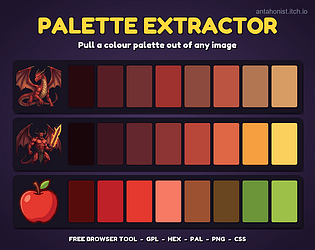
Pull a color palette from any image. GPL, HEX, PAL, PNG and CSS export for Aseprite, GIMP and Lospec.
Run in browser
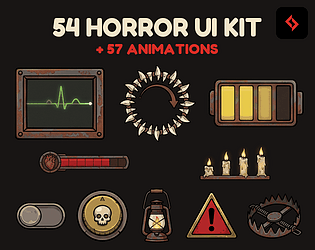
54 horror game UI elements: sanity and health bars, buttons, frames and spooky icons. Transparent PNG, 512 to 64 px.
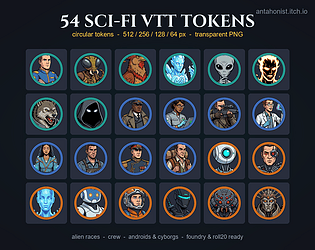
54 round sci-fi tokens for Foundry VTT, Roll20 and Owlbear: aliens, crew and androids. Transparent PNG, 512 to 64 px.
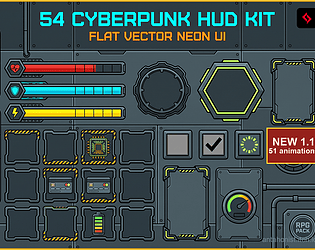
54 cyberpunk game UI elements + 51 animations: bars, buttons, panels, gauges, tech icons. PNG 512 to 64 px.
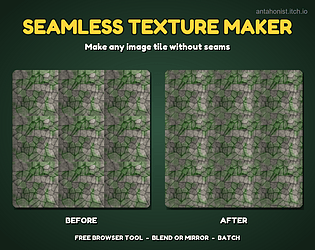
Make any image tile without seams. Edge blending or mirror mode, tiled preview, batch export.
Run in browser
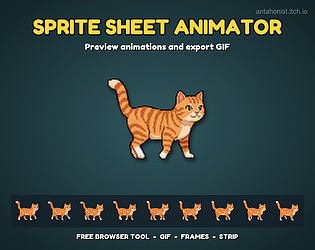
Preview sprite sheet animations and export GIF, frames or strip. Transparent GIF, no upload.
Run in browser
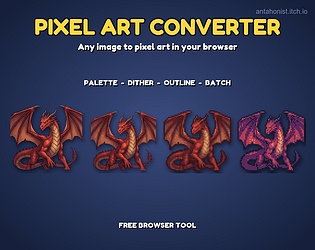
Turn any image into pixel art in your browser. Palettes, dithering, outline, batch export.
Run in browser
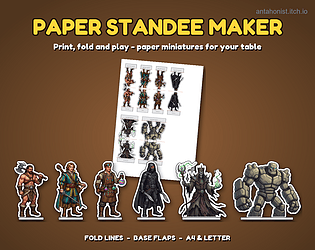
Turn character art into fold-up paper miniatures. Auto layout on A4/Letter, fold lines, base flaps.
Run in browser
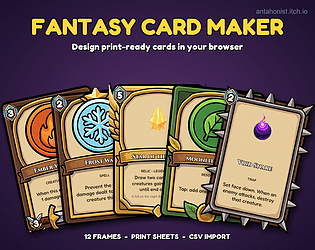
Design fantasy TCG and tabletop cards in your browser. 12 frames, art library, CSV import, print sheets. No upload.
Run in browser
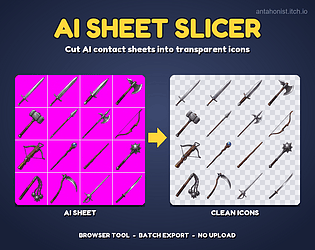
tool, generator, sprite-sheet, slicer, ai-art, pixel-art, icons, background-remover, asset-tool, gamedev
Run in browser
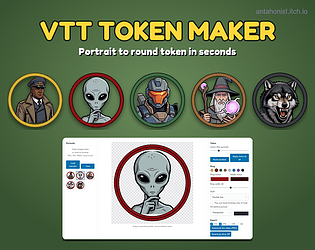
Turn any portrait into a round VTT token with a ring. Batch export to PNG. Runs in your browser, nothing is uploaded.
Run in browser
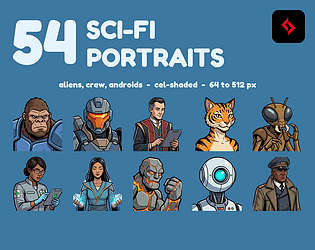
Hard-edge cel-shaded sci-fi portraits - 54 aliens, crew classes, androids and cyborgs for RPGs, VNs and dialogue UI
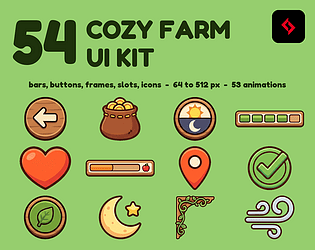
Cozy flat vector farming UI kit - HUD bars, wooden buttons and panels, and status icons for farming sims and cozy games
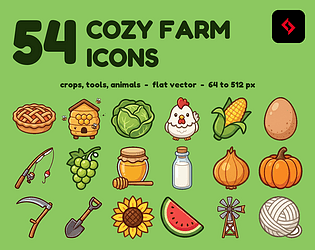
Cozy flat vector farm icons - crops, tools, buildings, animals and farm products for farming sims and cozy games
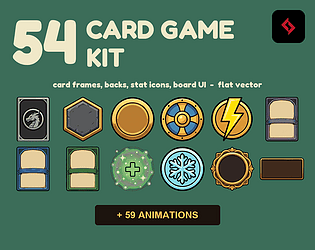
Flat vector card game UI kit - card frames by rarity, card backs, stat icons and board UI for digital card games
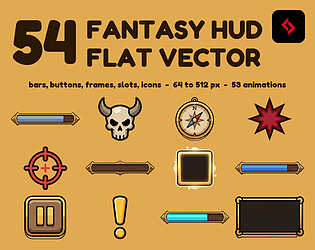
Flat vector RPG HUD kit - health/mana bars, inventory slots, buttons, frames and status icons for fantasy games
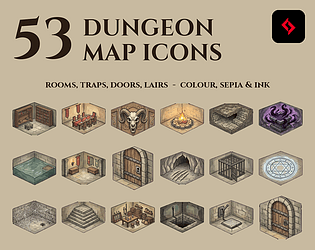
Painted parchment dungeon map icons - rooms, passages, mechanisms and hazard markers for dungeon-crawl maps
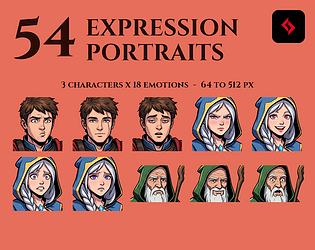
Hard-edge cel-shade expression sheets - 3 RPG characters, 18 emotions each, for dialogue systems
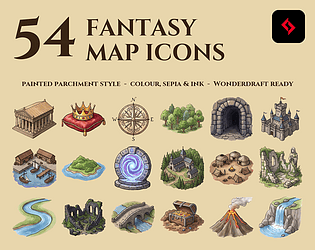
Painted parchment map icons - settlements, terrain and points of interest for fantasy world maps
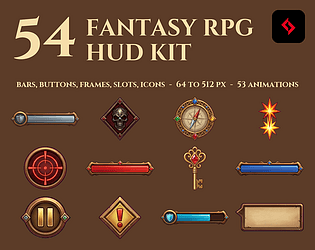
Ornate painted HUD kit - health/mana bars, inventory frames, buttons and status icons for fantasy RPGs
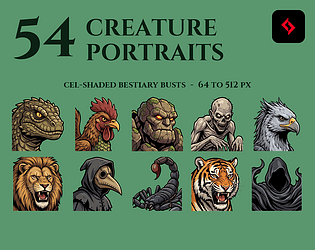
54 hard-edge cel-shaded creature portraits - beasts, undead horrors and elemental aberrations for your bestiary.
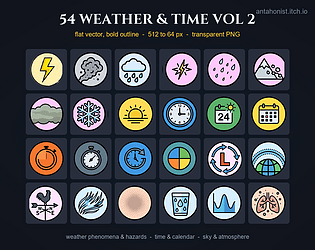
54 flat vector weather, time and sky icons with a bold outline - all-new concepts, circular badge style.
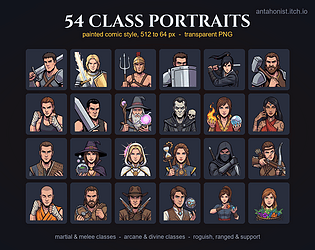
54 painted comic-style portraits covering fantasy RPG classes, from warriors and wizards to rogues and rangers.
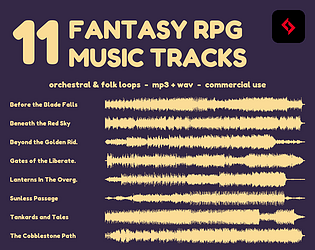
11 orchestral and folk background music loops for fantasy RPGs - exploration, tavern, and tension themes.
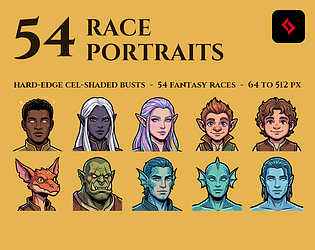
54 bold-outline cel-shaded portraits covering fantasy RPG races, from common adventurers to monstrous bloodlines.
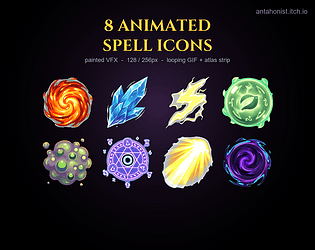
8 looping animated spell-effect icons - fire, ice, lightning, poison, holy light and more. GIF + atlas included.
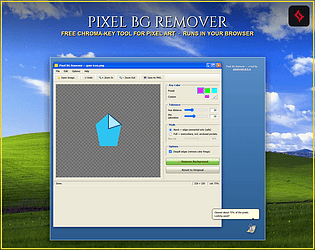
remove magenta/green backgrounds from pixel art without mangling thin edges. HSV hue-distance, not naive RGB or ML.
Run in browser
A 62-creature art book - full illustration + portrait for every monster, with original flavor text. 72 pages, PDF.
54 sketchy ink survival-game icons: resources, tools and status icons in a gothic-whimsical style.
Free browser tool: pack loose sprite/icon PNGs into one sheet + a matching JSON atlas. No upload, no account.
Run in browser
54 flat-vector guild badge icons - craft, trade and city guilds for RPGs, city builders and faction systems.
54 glossy painted siege weapon and castle icons - trebuchets, catapults, walls and more for strategy games.
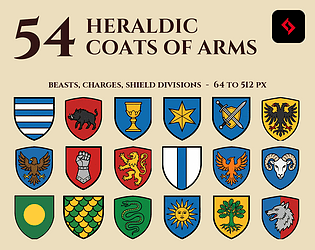
54 flat-vector heraldic coat of arms icons - beasts, symbols & shield patterns for RPGs and strategy games.
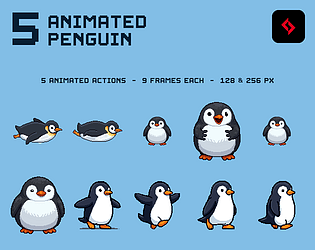
A cute chubby penguin - idle, jump, flap, waddle & belly slide, 128x128 pixel art
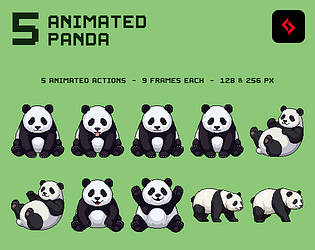
A cute giant panda - idle, stand up, eat bamboo, walk & roll, 128x128 pixel art
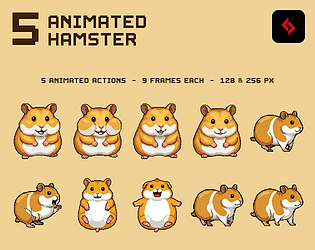
A chubby golden hamster - idle, jump, cheek stuff, walk & roll, 128x128 pixel art
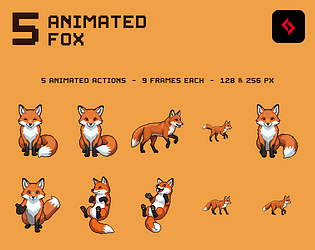
A cute red fox with a white chest & tail-tip - idle, jump, paw swipe, walk & roll, pixel art
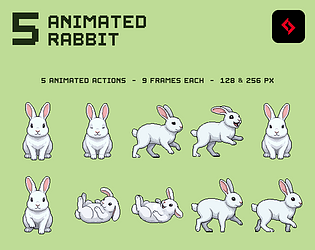
A cute white bunny - idle, jump, paw swipe, hop & roll, 128x128 pixel art
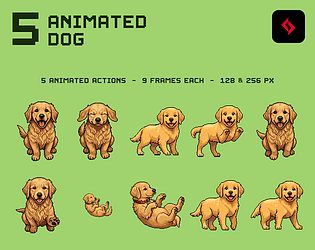
A happy golden retriever puppy - idle, jump, paw swipe, walk & roll, 128x128 pixel art
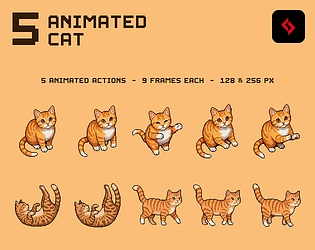
A friendly orange tabby cat - idle, jump, paw swipe, walk & roll, 128x128 pixel art
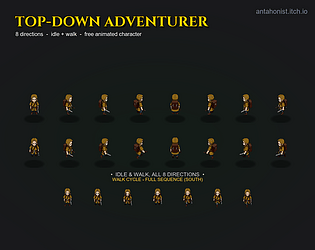
Free top-down RPG character - idle + walk cycle, all 8 directions, transparent PNG
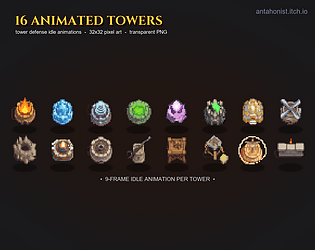
16 animated tower defense towers - 9-frame idle loops, flicker/glow/shimmer, 32x32 pixel art
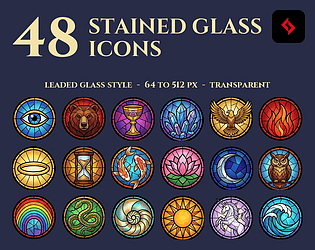
48 fantasy icons as stained glass window roundels - sacred symbols, creatures, nature motifs
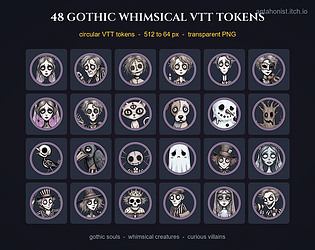
48 circular VTT tokens - gothic whimsical characters, Foundry & Roll20 ready, transparent PNG
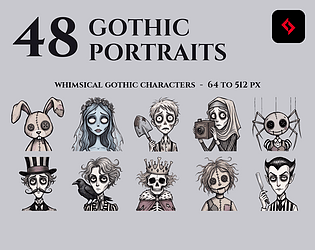
48 whimsical gothic character portraits - pale, hollow-eyed, spindly cast, transparent PNG
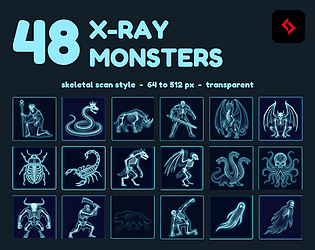
48 fantasy monsters as glowing skeletal X-ray scans - low, mid & boss-tier bestiary, transparent PNG
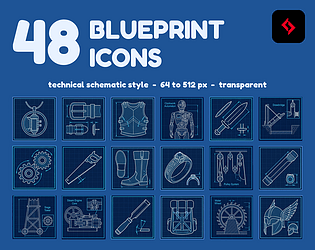
48 technical blueprint schematic icons - RPG crafting, steampunk & tycoon UI, transparent PNG
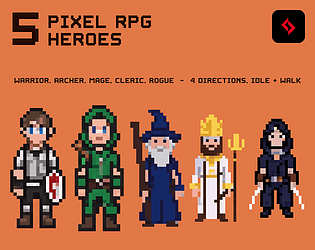
5 animated RPG characters - idle + walk cycle, 4 directions, RPG-Maker scale
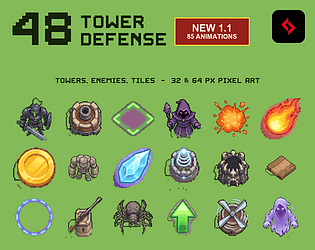
48 top-down pixel tower defense assets: towers, enemies, UI and effects + 85 animations. 32x32 and 64x64.
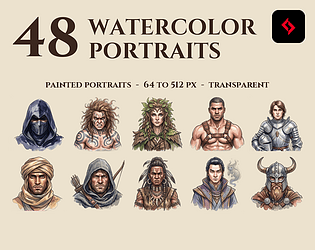
48 painted fantasy character portraits in a watercolor style, transparent PNG, 512 to 64 px.
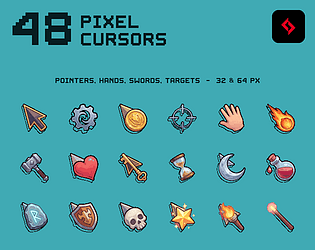
48 fantasy RPG cursor icons with bonus .cur files (hotspot set). True pixel art, 32x32 and 64x64.
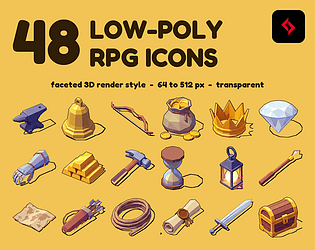
48 low-poly 3D rendered RPG icons: weapons, treasure and tools. Faceted style, transparent PNG, 512 to 64 px.
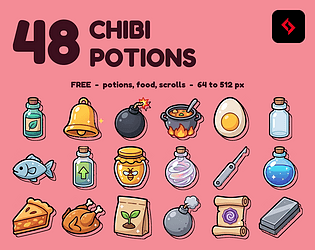
48 cute chibi potion, food & item icons for any RPG inventory. Flat vector, transparent PNG, 512-64px.
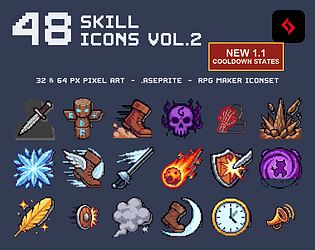
48 RPG ability icons: melee, magic and support skills. True pixel art, 32x32 and 64x64, .aseprite sources.
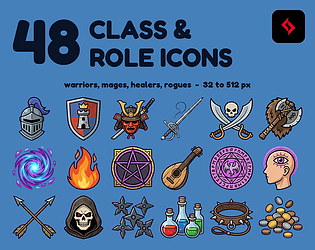
48 pixel art class & role emblem icons - warriors, mages, rogues and more
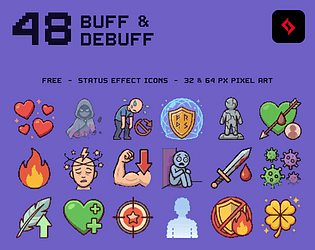
48 free pixel art buff & debuff status effect icons - stat boosts, curses and more
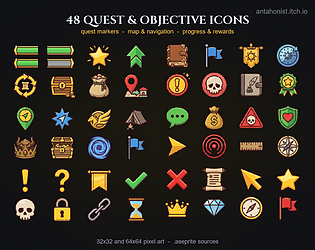
48 pixel art quest & objective UI icons - markers, progress bars, map pins and more
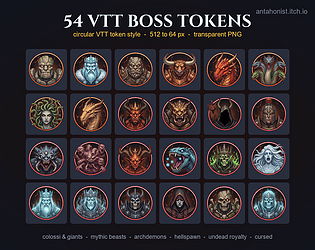
54 painted boss monster bust tokens in a fiery circular VTT frame - ready for Foundry/Roll20
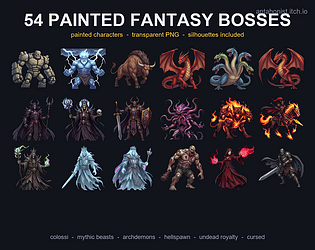
54 full-body painted fantasy boss monsters - dragons, demons, titans and undead lords
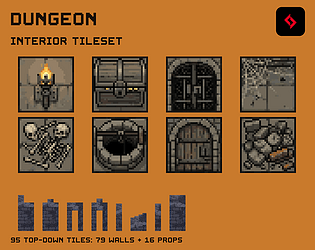
95 flat vector dungeon tiles - modular walls, floors and props, square top-down
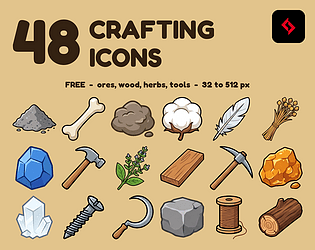
48 free pixel art crafting & resource icons - ores, plants, hides, tools and more
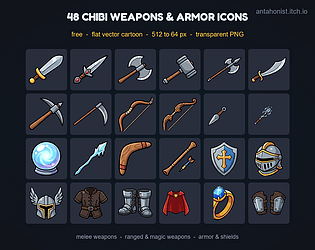
chibi, weapons, armor, icons, free, fantasy, rpg, inventory, flat-vector, game-assets
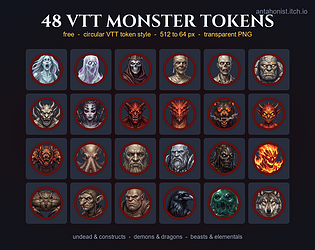
48 free monster bust tokens in a circular VTT frame - drop straight into Foundry or Roll20
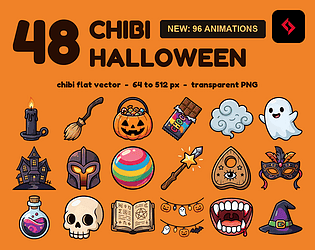
48 spooky-cute flat vector Halloween icons - pumpkins, witchcraft, trick or treat & more
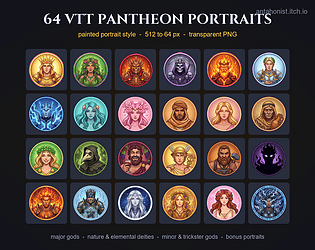
64 painted god & goddess bust portraits in clean circular medallions - ready for VTT tokens
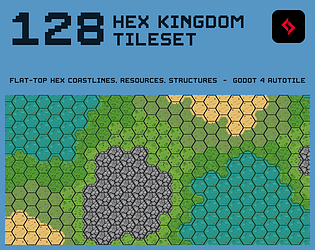
128 flat hex tiles: coastline autotiles, resources and structures for 4X games. Ready Godot 4 TileSet + map brush.
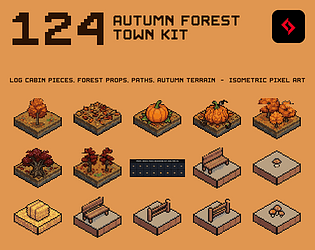
124 isometric autumn tiles - log cabin, terrain, forest path & 32 seasonal props
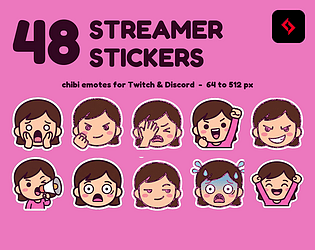
48 flat vector chibi face stickers - Discord emoji, Twitch chat & stream overlay reactions
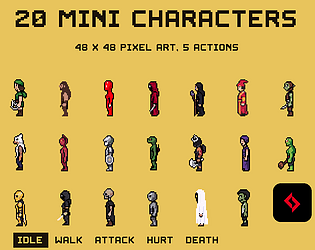
20 animated retro pixel characters 48x48 - idle, walk, attack, hurt & death per character
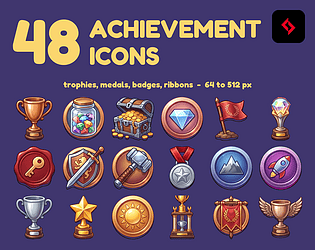
48 glossy painted achievement icons - trophies, medals & milestones for any game's UI
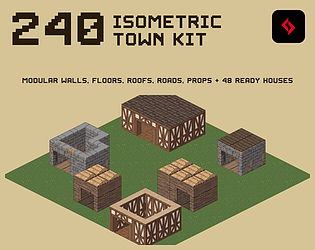
240 isometric tiles + 48 ready-made buildings: 3 building kits, terrain, roads and 32 props for a fantasy town.
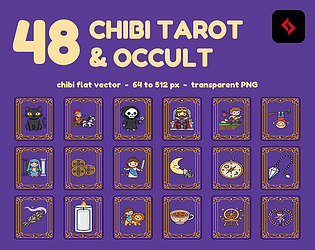
48 flat vector chibi tarot cards - full Major Arcana + fortune-telling & occult icons
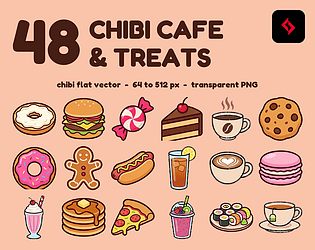
48 flat vector chibi food, drinks & cafe props - sweets, beverages & cafe meals, transparent PNG
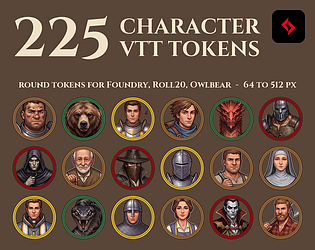
225 circular VTT tokens - heroes, villains & creatures for Foundry, Roll20 & tabletop
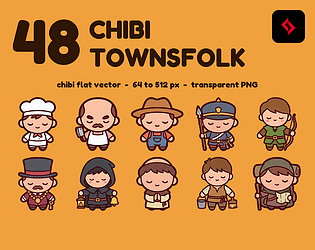
48 flat vector chibi NPCs - merchants, city dwellers & special village roles, transparent PNG
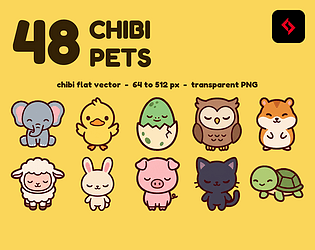
48 flat vector chibi pets and companions: pets, magical creatures, baby animals. Thick outline, transparent PNG.
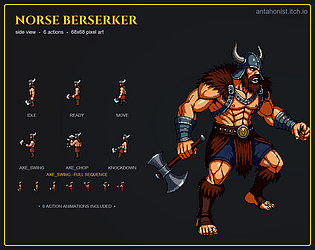
Side-view Viking with 6 actions: idle, ready, move, axe swing, axe chop, knockdown. 68x68 pixel art.
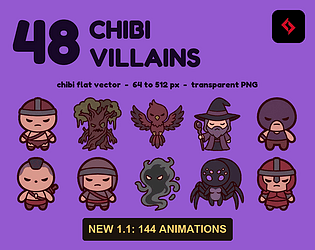
48 flat vector chibi villains: dark warriors, casters, undead and boss monsters. Transparent PNG.
48 flat vector chibi UI icons: buttons, notifications, HUD badges. Glossy rounded style, transparent PNG.
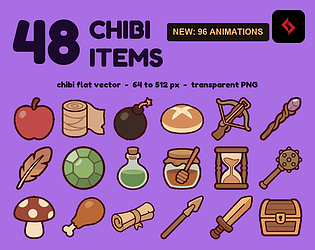
48 flat vector chibi items: weapons, potions, treasure and magic. Thick outline, no shading, transparent PNG.
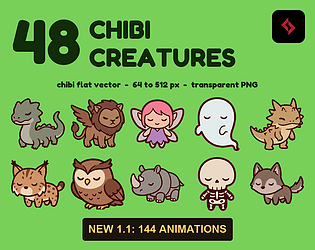
48 flat vector chibi creatures: dragons, beasts, undead and monsters. Thick outline, no shading, transparent PNG.
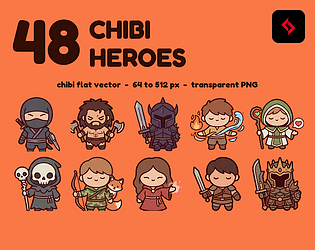
48 flat vector chibi heroes: warriors, casters, rogues and exotic classes. Thick outline, no shading, transparent PNG.
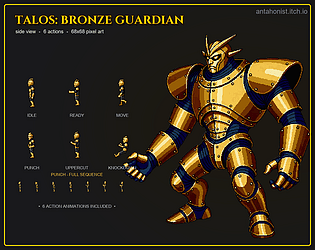
Side-view boss with a 6-action combat moveset: idle, ready, move, punch, uppercut, knockdown. 68x68 pixel art.
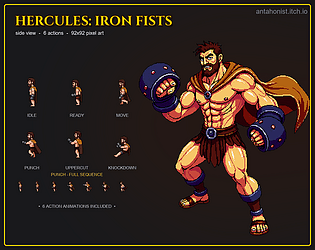
Side-view brawler with a 6-action combat moveset: idle, ready, move, punch, uppercut, knockdown. 92x92 pixel art.
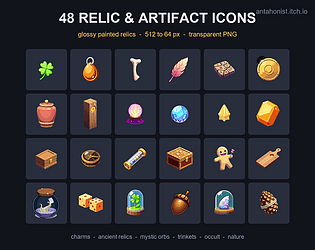
48 painted relic & artifact icons for roguelike relic screens and loot: charms, orbs, occult objects. PNG 512 to 64 px
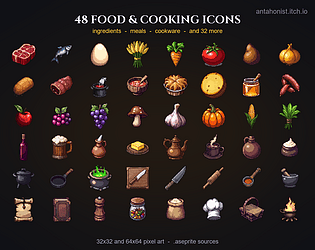
48 pixel-art food, cooking and kitchen icons, from ingredients to tools.
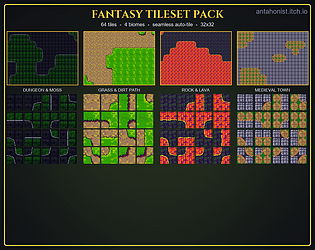
64 pixel terrain tiles in 4 biomes: dungeon, grass path, lava, town. 16-tile Wang sets for Tiled, Godot, RPG Maker.
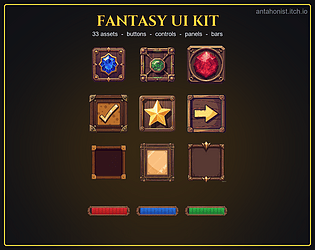
33 individual dark-fantasy UI assets: buttons, controls, panels and bars as transparent PNG.
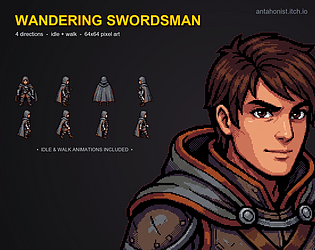
A hooded pixel-art swordsman with idle + walk animations in 4 directions
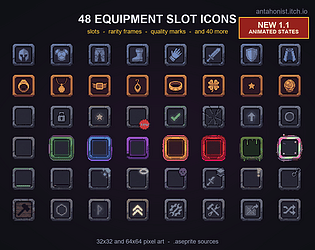
48 pixel-art inventory slots, rarity frames & quality marks for RPG UI
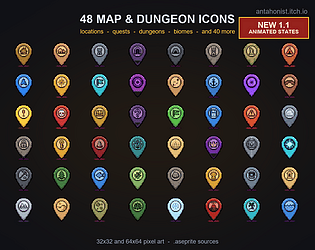
48 pixel-art map pin markers for minimaps, world maps and dungeon layouts in RPGs and roguelikes.
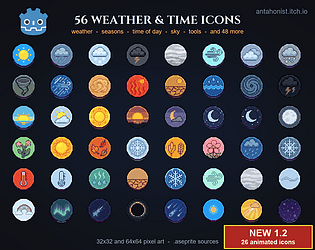
56 pixel-art weather & time badge icons, 26 of them animated, plus a ready Godot 4 weather clock HUD.
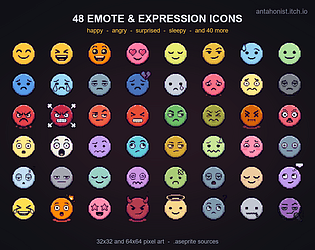
48 pixel-art face-bubble emotes for dialogue systems, chat reactions and visual novel UI.
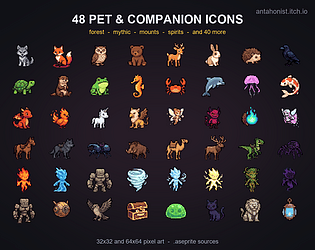
8 pixel-art icons for companion creatures, mounts and elemental spirits for RPGs and collectors.
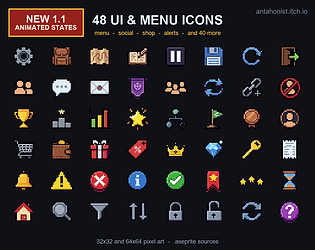
48 pixel-art menu, social, shop and alert icons with animated hover, press and selected states. Any genre.
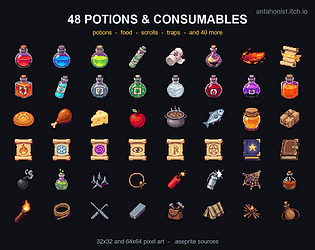
48 pixel-art icons for potions, food, scrolls, throwables and traps: everything your party uses up.
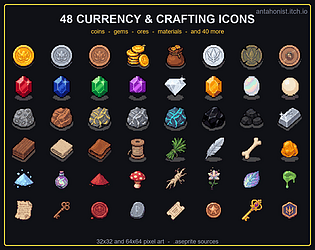
48 pixel-art icons for coins, gems, ores, crafting materials, alchemy reagents and loot tokens for RPGs.
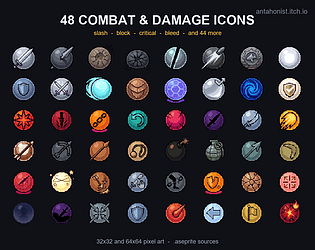
48 pixel-art icons for physical damage types, defense, crits and combat stances, with animated hover and press states.
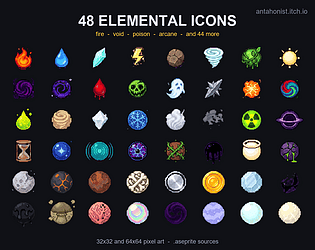
48 pixel-art elemental orbs for damage types, resistances and spell effects: fire, ice, void, poison and more.
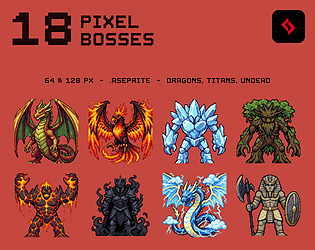
18 large pixel boss sprites at 64x64 and 128x128, scaled to tower over my 48 Pixel Fantasy Characters.
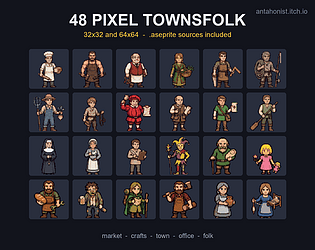
48 pixel town sprites at 32x32 and 64x64, scaled to match my pixel heroes and monsters.
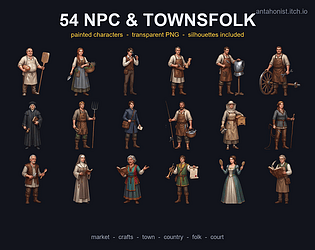
54 painted NPCs: traders, craftsmen, officials and court. Same height and style as 54 Fantasy Heroes.
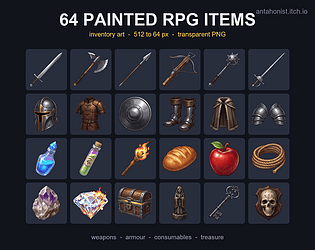
64 painted inventory illustrations: weapons, armour, consumables and treasure.
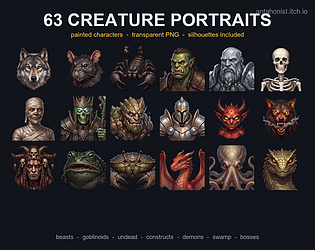
63 painted bestiary busts for encounter cards and monster journals. RPG Maker facesets included.
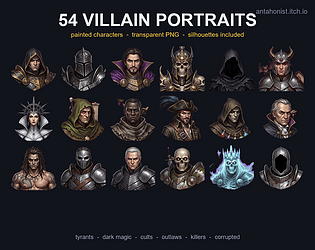
54 painted villain busts for dialogue, boss reveals and enemy cards. RPG Maker MV/MZ facesets included.
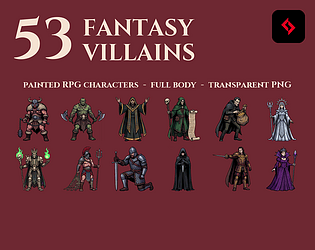
53 hard-edge painted RPG villains: tyrants, knights, dark casters, cults, outlaws. Transparent PNG + silhouettes.
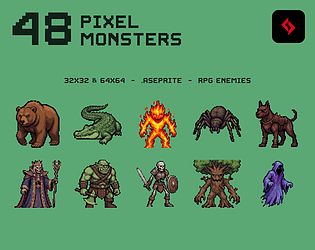
48 fantasy RPG monster sprites at 32x32 and 64x64.
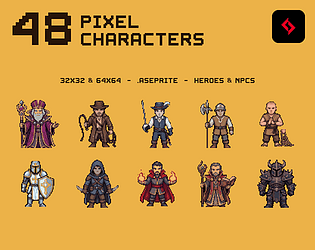
48 fantasy RPG character sprites at 32x32 and 64x64, with indexed .aseprite sources.
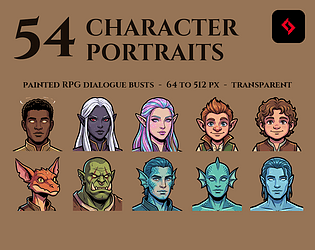
54 painted hero busts for dialogue, party menus and character select. RPG Maker MV/MZ facesets included.
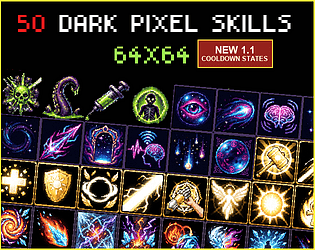
50 pixel ability icons at 64x64 for skill trees and hotbars, with animated cooldown, ready and hover states.
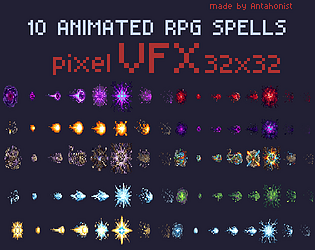
High-quality animated magic effects and projectile sprite sheets for your game.
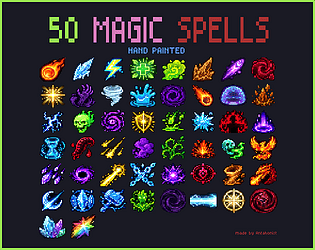
A massive collection of 50 high-quality pixel art magic spells
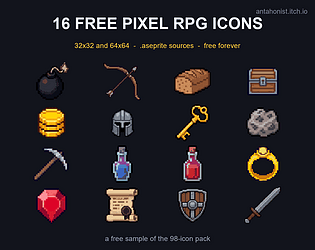
16 free 32x32 pixel art RPG icons with editable .aseprite sources. Try the style before the full Pixel RPG Bundle packs.
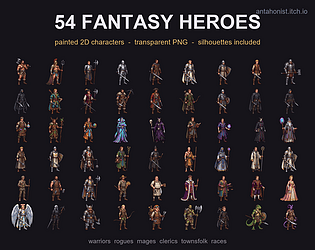
54 painted fantasy RPG heroes in full body and portrait busts, transparent PNG + RPG Maker MZ/MV battlers and faces.
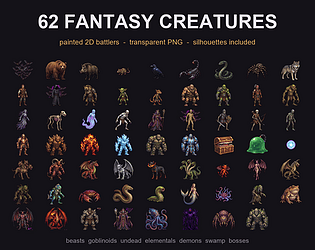
62 painted creatures for battles and bestiaries: beasts, undead, demons, elementals and bosses.
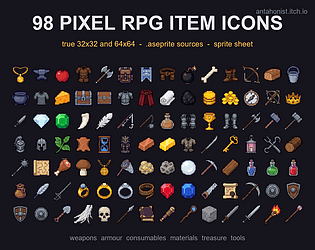
Weapons, armour, potions, materials, treasure and tools on a true pixel grid.
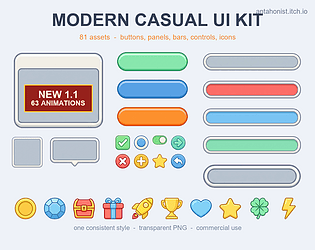
A bright casual game UI for mobile: buttons in 3 states, popup, bars, 16 controls and 48 icons, transparent PNG.
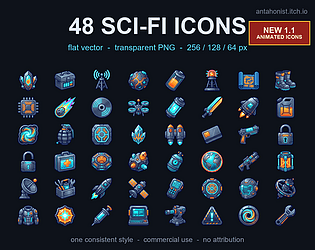
Tech, gear and space icons in one consistent flat style. PNG in three sizes.
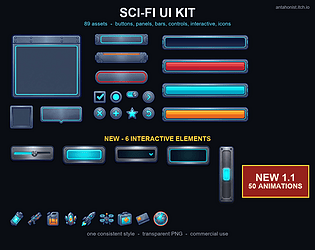
Buttons, panels, bars, controls, 48 icons and 50 animations in one consistent sci-fi style. Godot 4 ready.
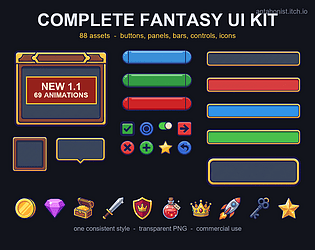
A full fantasy game interface: buttons in 3 states, panels, bars, 16 controls and 55 icons, as transparent PNG.
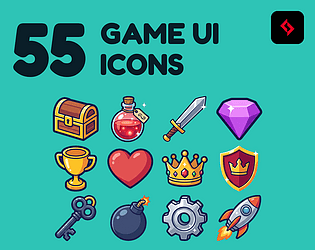
55 game icons in one flat style with bold outlines: coins, chests, potions, weapons and UI symbols, plus a Roblox model.
The Hall blames goblins. The lantern your family kept since the war has gone cold. Go down anyway.
Action
Play in browser
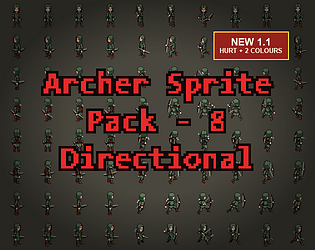
Top-down pixel archer: 8 directions, idle, walk, attack, hurt, 4 colours, 92 px. Aseprite files + Godot 4 demo.
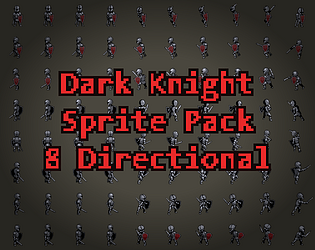
Top-down dark knight: 8 directions, idle, walk, attack, hurt, 5 shield colours, 92 px. Aseprite files + Godot 4 demo.
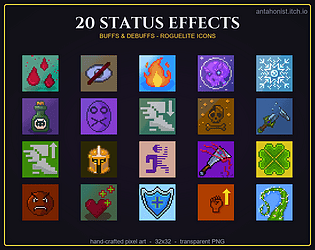
20 pixel art status effect icons for your roguelite or RPG game. Includes buffs and debuffs.
20 hand-crafted fantasy spell icons for RPGs and roguelikes
16 pixel spell icons at 32x32 with animated cooldown sweep, ready flash, hover, press and disabled states. Godot 4.
19 pixel RPG skill icons at 32x32 with animated cooldown sweep, ready flash, hover, press and disabled states.
Recent community posts
GOROD - Slavic Stronghold Pixel Art comments · Replied to punkrock_kid in GOROD - Slavic Stronghold Pixel Art comments