PyGPT - Desktop AI Assistant (pygpt) Package name

Install latest/stable of PyGPT - Desktop AI Assistant

Ubuntu 16.04 or later?

Make sure snap support is enabled in your Desktop store.

Install using the command line

sudo snap install pygpt

Don't have snapd? Get set up for snaps.

Channel Version Published

Details for PyGPT - Desktop AI Assistant

Package name

  • pygpt

License

  • MIT

Last updated

  • 20 August 2026 - latest/stable
  • 20 August 2026 - latest/edge

Websites


Contact


Donations


Source code


Report a bug


Report a Snap Store violation

Share this snap

Generate an embeddable card to be shared on external websites.

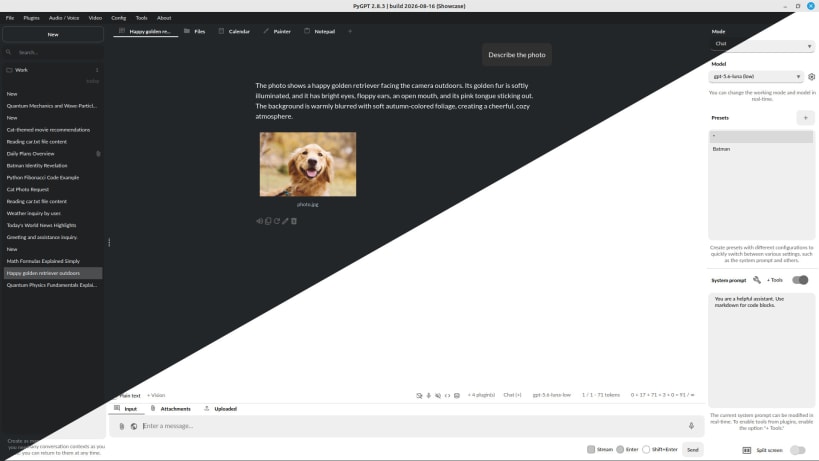
Desktop AI Assistant powered by GPT-5/4, o1, o3, Ollama, Gemini, Claude, Grok, Perplexity, DeepSeek. Chatbot, assistant, agent.

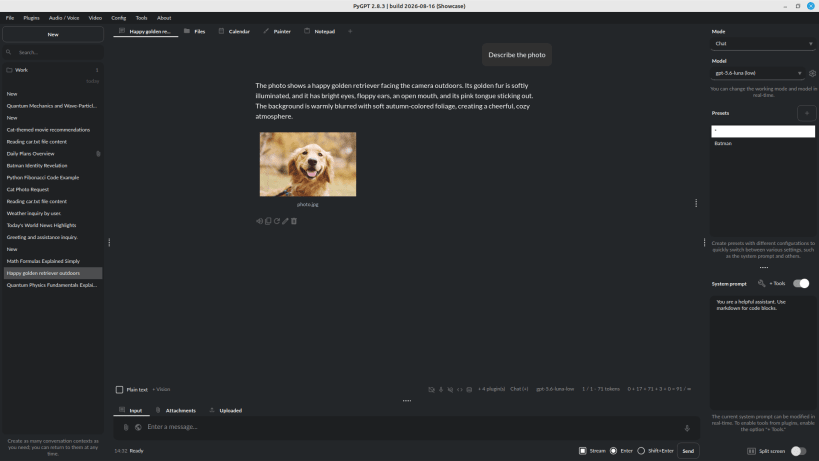
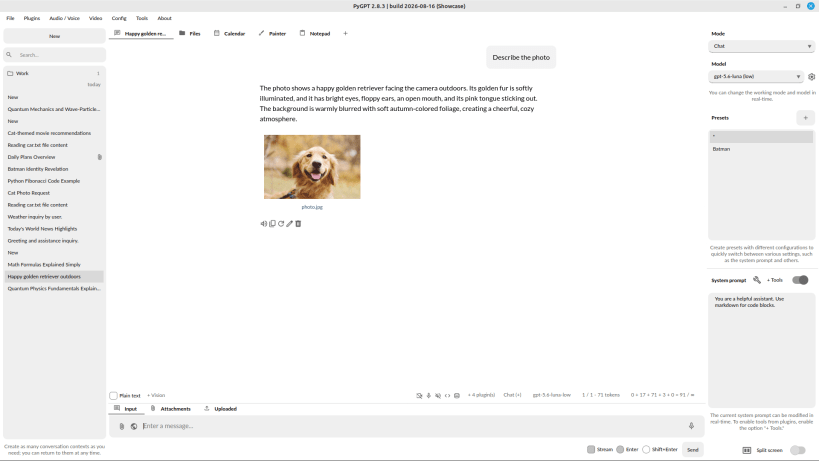
PyGPT is an all-in-one Desktop AI Assistant that provides direct interaction with OpenAI language models, including GPT-5, GPT-4, o1, o3, and more, through the OpenAI API. The application also supports alternative LLMs, like those available on HuggingFace, locally available models via Ollama (like gpt-oss, Llama 3, Mistral, DeepSeek V3/R1 or Bielik), and other models like Google Gemini, Anthropic Claude, Perplexity / Sonar, and xAI Grok.

Features

  • Desktop AI Assistant for Linux, Windows and Mac, written in Python.
  • Works similarly to ChatGPT, but locally (on a desktop computer).
  • 11 modes of operation: Chat, Chat with Files, Chat with Audio, Research (Perplexity), Completion, Image generation, Assistants, Experts, Agents (OpenAI and LlamaIndex), and Autonomous Mode.
  • Supports multiple models like OpenAI GPT-5, GPT-4, o1, o3, o4, Google Gemini, Anthropic Claude, xAI Grok, DeepSeek V3/R1, Perplexity / Sonar, and any model accessible through LlamaIndex and Ollama such as DeepSeek, gpt-oss, Llama 3, Mistral, Bielik, etc.
  • Chat with your own Files: integrated LlamaIndex support: chat with data such as: txt, pdf, csv, html, md, docx, json, epub, xlsx, xml, webpages, Google, GitHub, video/audio, images and other data types, or use conversation history as additional context provided to the model.
  • Built-in vector databases support and automated files and data embedding.
  • Handles and stores the full context of conversations (short and long-term memory).
  • Internet access via Google and Microsoft Bing.
  • Speech synthesis via Microsoft Azure, Google, Eleven Labs and OpenAI Text-To-Speech services.
  • Speech recognition via OpenAI Whisper, Google and Microsoft Speech Recognition.
  • Real-time video camera capture in Vision mode.
  • Image analysis via vision models
  • Integrated calendar, day notes and search in contexts by selected date.
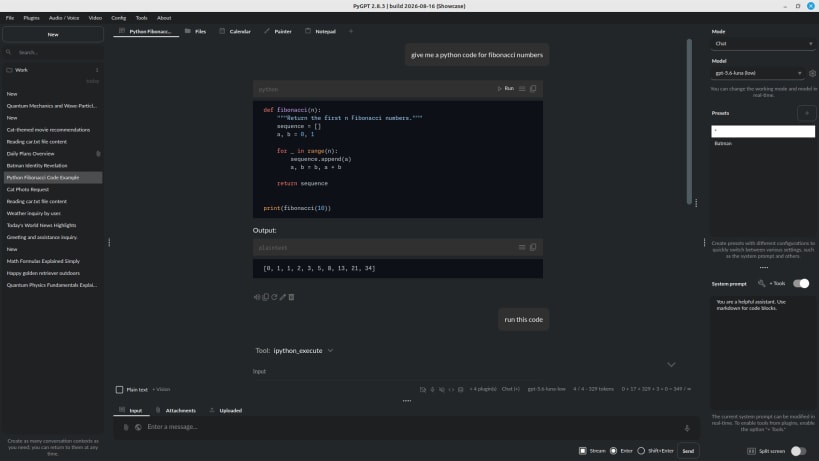
  • Tools and commands execution (via plugins: access to the local filesystem, Python Code Interpreter, system commands execution, and more).
  • Custom commands creation and execution.
  • Crontab / Task scheduler included.
  • Manages files and attachments with options to upload, download, and organize.
  • Context history with the capability to revert to previous contexts (long-term memory).
  • Allows you to easily manage prompts with handy editable presets.
  • Includes a notepad.
  • Includes simple painter / drawing tool.
  • Supports multiple languages.
  • Image generation via models like gpt-image, Imagen and Nano Banana.
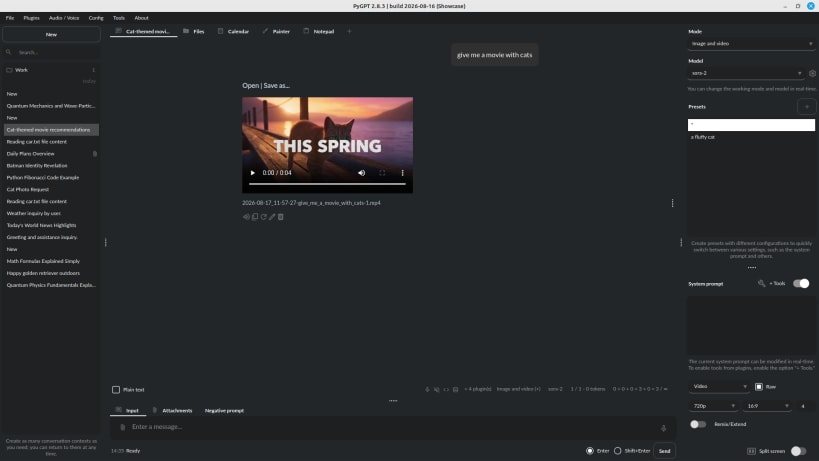
  • Video generation via models like Veo3 and Sora2.
  • Fully configurable.
  • Themes support.
  • Real-time code syntax highlighting.
  • Plugins support with built-in plugins like Files I/O, Code Interpreter, Web Search, Google, Facebook, X/Twitter, Slack, Telegram, GitHub, and many more.
  • Built-in token usage calculation.
  • Utilizes the user's own API key.

The application is free, open-source, and runs on PCs with Linux, Windows and Mac. The full Python source code is available on GitHub.

Project Website: https://pygpt.net

GitHub: https://github.com/szczyglis-dev/py-gpt

PyPi: https://pypi.org/project/pygpt-net

Microsoft Store: https://apps.microsoft.com/detail/XP99R4MX3X65VQ

Documentation: https://pygpt.readthedocs.io/en/latest

Changelog:

2.8.4 (2026-08-19)

  • Added a new Security settings section for host-side plugin permissions.
  • Added separate read and write restrictions for local filesystem access outside the workdir data directory.
  • Added per-system Linux, Windows, and macOS system-command whitelists and blacklists, with the whitelist taking precedence when enabled.
  • Added shared filesystem and command security checks across filesystem-capable plugins and host-side command execution.
  • Added Permission denied tool responses that point to Settings -> Security when filesystem access is blocked.
Revision Channel Version Published Build Commit

The build and commit information is derived from build infrastructure records.


Install PyGPT - Desktop AI Assistant on your Linux distribution

Choose your Linux distribution to get detailed installation instructions. If yours is not shown, get more details on the installing snapd documentation.



Where people are using PyGPT - Desktop AI Assistant

Users by distribution (log)

Ubuntu 24.04
Ubuntu 26.04
Ubuntu 22.04
Zorin OS 18
Linux Mint 22.3
Ubuntu 20.04
Zorin OS 17
Debian 13
Fedora 44
Ubuntu 25.10
Manjaro
Debian 12
KDE Neon 24.04
Linux Mint 21.3
pop 24.04