

Claude Chat is Anthropic's conversational AI assistant that allows users to interact with Claude using natural language. It can answer questions, generate content, analyze information and assist with a wide range of everyday tasks. Claude Chat is available on the web, desktop (Windows and macOS) and mobile (Android and iOS) platforms.
Features of Claude Chat
Claude Chat provides a range of features that make it useful for writing, analysis, coding and everyday productivity tasks.
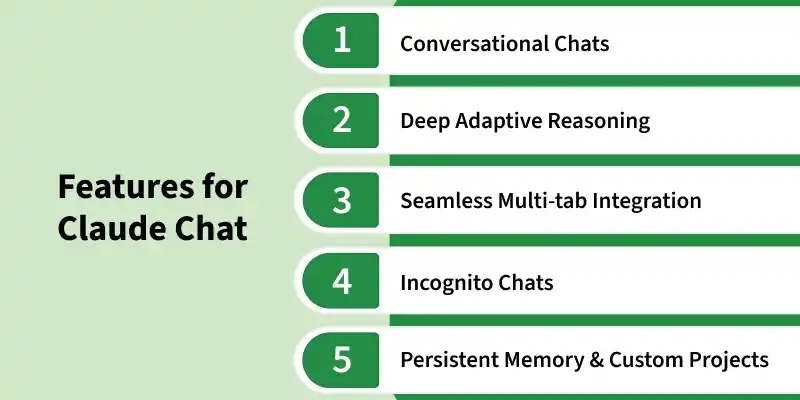
1. Conversational Chats
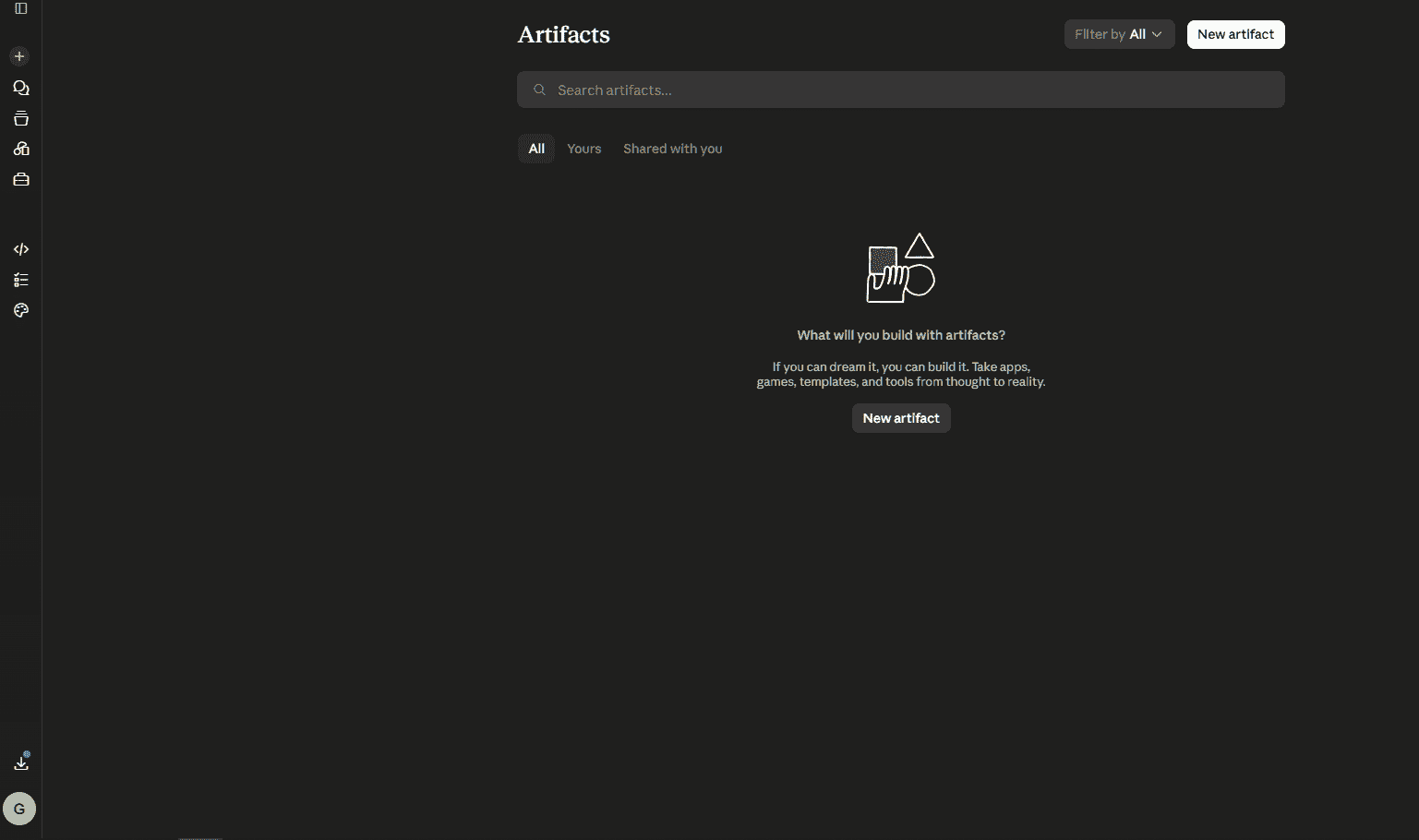
Claude Chat provides a natural, back-and-forth conversation experience while keeping larger outputs organized.
- Supports interactive conversations for asking questions, refining ideas, and solving problems.
- Displays substantial outputs, such as documents, code, tables and diagrams, as Artifacts in a separate preview panel.
- Lets you continue the discussion while viewing and editing the generated content side by side.
2. Deep Adaptive Reasoning
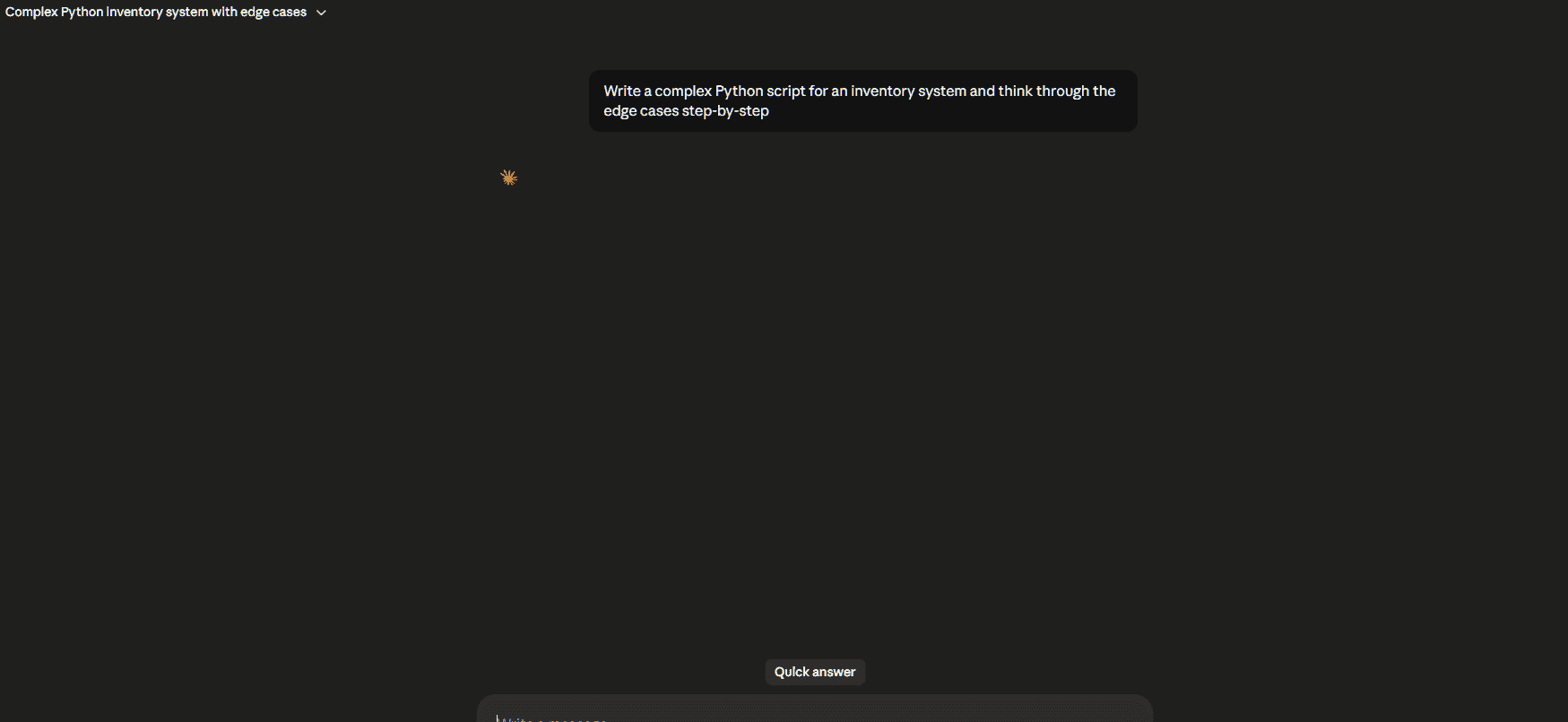
Claude can solve problems that require logical reasoning, step-by-step analysis, or structured thinking.
- Handles tasks such as mathematical problems, logical reasoning and detailed analysis.
- Can explain the intermediate steps involved in reaching a solution.
- Makes it easier to understand the reasoning process instead of only viewing the final answer.
3. Persistent Memory and Projects
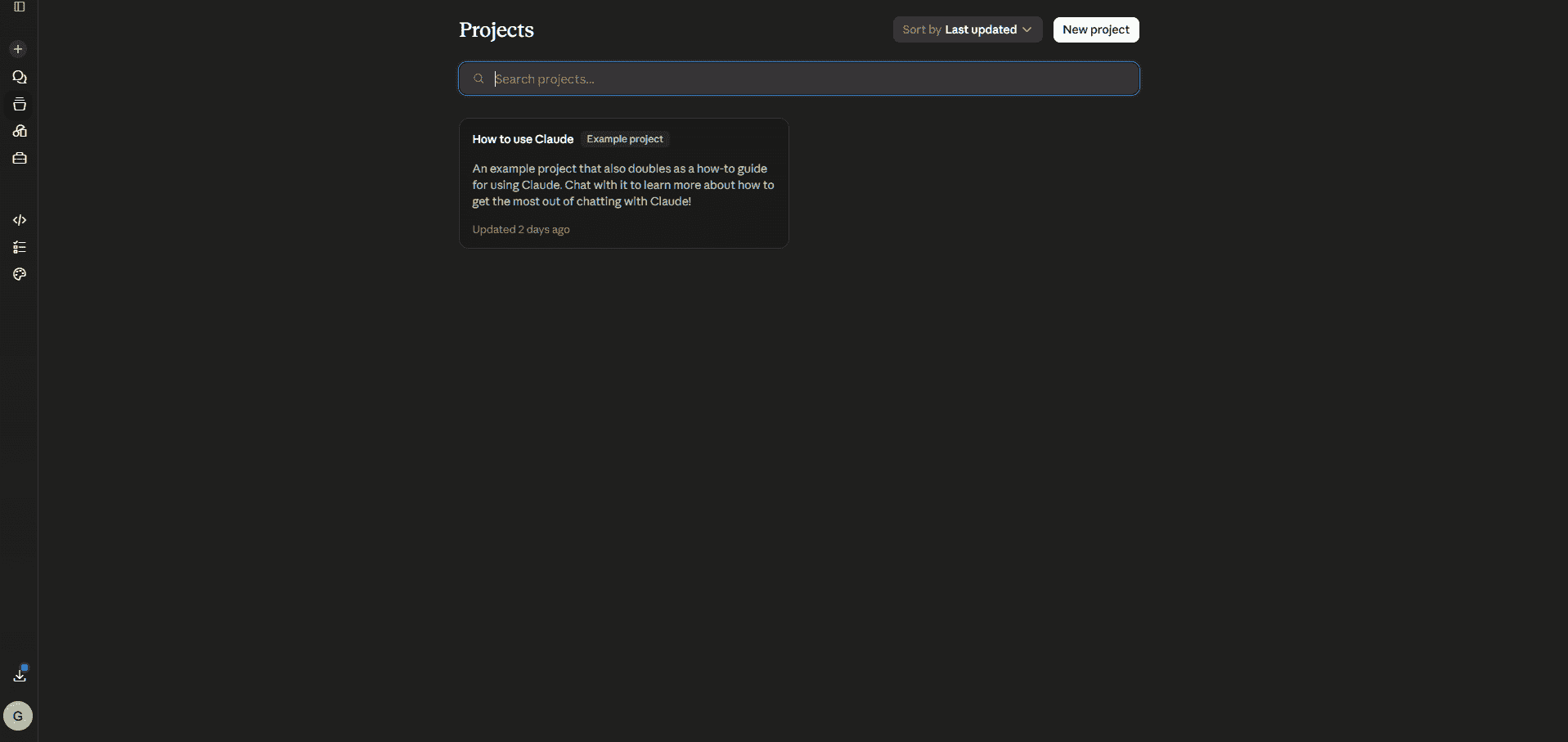
Projects and Memory help Claude maintain context across conversations, making long-term work more organized and consistent.
- Projects let you organize related chats and upload reference materials such as research papers, manuals or notes for Claude to use throughout the project.
- Memory remembers useful details, such as your preferences, writing style and ongoing work, to provide more personalized responses.
- Together, they reduce the need to repeatedly upload files or explain the same context in every conversation.
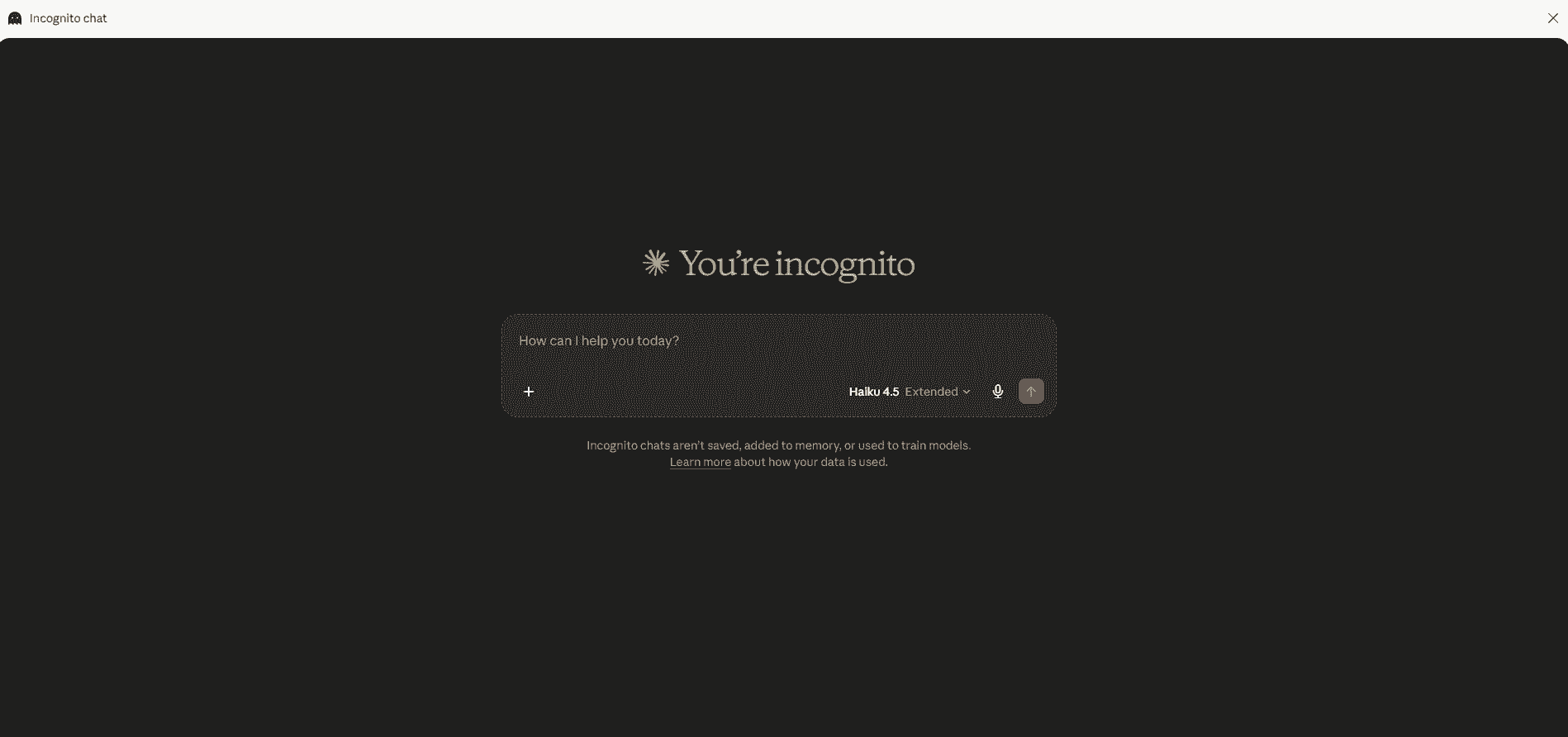
4. Incognito Chats
Incognito Chats provide a private conversation mode for tasks that should not be stored or used for personalization.
- Conversations are not saved to your chat history.
- Information from these chats is not used to update Claude's memory.
- Useful for working with sensitive information or one-time queries.
5. Seamless Multi-Tab Integration
Claude can work with information from multiple browser tabs or windows, making it easier to analyze content from different sources.
- Supports working with multiple web pages simultaneously.
- Lets you add content from different tabs directly into a conversation.
- Helps combine and summarize information from multiple sources in one response.
Steps to Use Claude Chat
Getting started with Claude Chat is simple. Follow these steps to begin using Claude for conversations, writing, coding, and other everyday tasks.
Step 1: Choose a Platform
Claude Chat is available across multiple platforms, allowing you to access it from your preferred device.
- Web: Open claude.ai in your browser.
- Desktop: Install the Claude app for Windows, macOS, or Linux.
- Mobile: Download the official Claude app from the App Store (iOS) or Google Play Store (Android).
Step 2: Create an Account
Sign in to Claude using your email or Google account to start using Claude Chat.
- A Free account provides access to Claude with standard usage limits.
- You can upgrade to Claude Pro or Claude Max for higher usage limits and access to additional features.
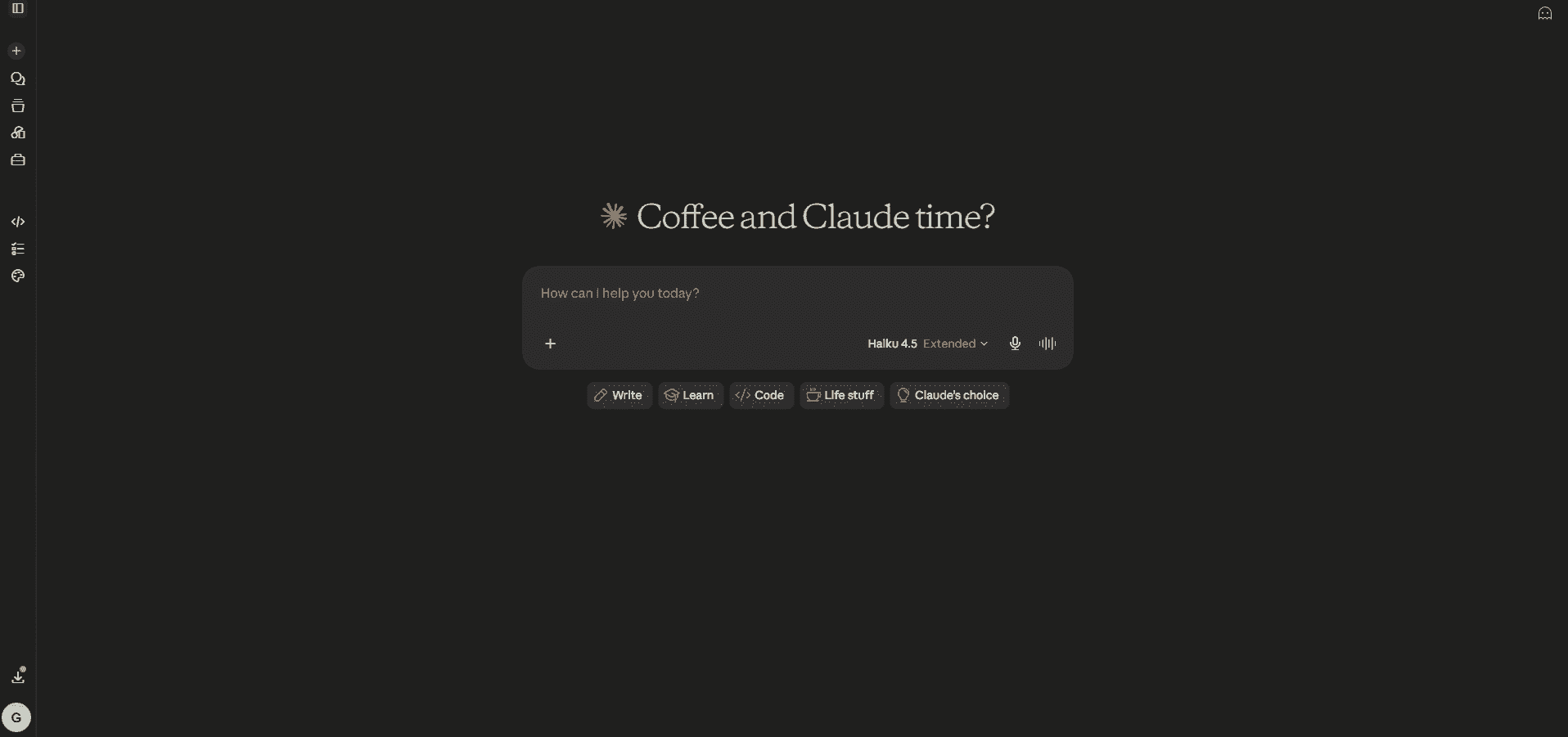
Step 3: Write Your First Prompt
Enter your request in the chat box using clear and natural language.
- Be specific: Instead of "Give me a recipe," try "Give me a quick 20-minute dinner recipe using bacon and spinach."
- Provide context: Mention who the content is for, such as "Explain evaporation to a 10-year-old."
- Upload files: Use the + (paperclip) icon to attach PDFs, documents, or images for Claude to analyze.
Step 4: Refine the Response
Continue the conversation to improve Claude's response until it matches your requirements.
- Ask Claude to modify, expand, or simplify its previous response.
- Provide additional instructions or context to make the output more accurate.
- Treat the conversation as an iterative process to gradually refine the result.
Limitations
While Claude Chat is a powerful AI assistant, it is not always accurate and should be used with care.
- It may occasionally generate incorrect information or inaccurate references.
- Its knowledge may not include the latest events or recently updated information.
- Always verify important facts and use Claude as a helpful assistant rather than the final authority.
