

DNSRecon is a free and open-source tool or script that is available on GitHub. It automates the collection of DNS information about a target domain. It helps security professionals identify the domain's infrastructure, discover associated hosts, and assess the security of DNS configurations during the reconnaissance phase of a penetration test.
- Enumerates DNS records such as A, MX, NS, SOA, TXT, SRV, and SPF.
- Attempts DNS Zone Transfer (AXFR) to identify misconfigured DNS servers.
- Performs brute-force subdomain enumeration using custom wordlists.
- Supports reverse DNS lookups to identify associated hosts.
- Generates detailed reports for further security analysis.
Installation of DNSRecon
Follow these steps to install DNSRecon on Kali Linux.
Step 1: Clone the DNSRecon Repository
- Download the tool from its GitHub repository.
git clone https://github.com/darkoperator/dnsrecon.git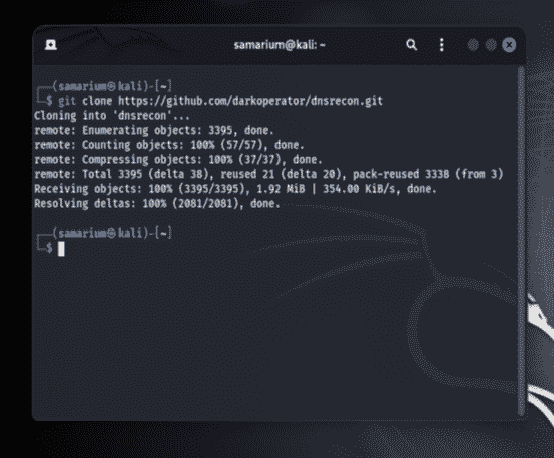
Step 2: Navigate to the Tool Directory
- Move into the downloaded DNSRecon directory.
cd dnsrecon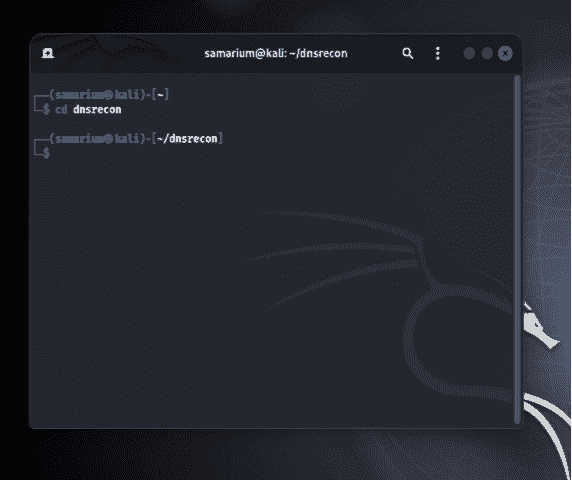
Step 3: Create and Activate a Python Virtual Environment
Create a virtual environment and activate it to install the required dependencies in an isolated environment.
python3 -m venv myenv
source myenv/bin/activate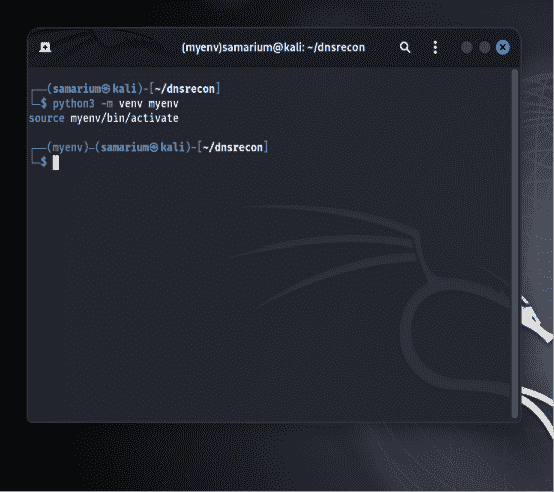
Step 4: Install DNSRecon and Its Dependencies
- The latest version of DNSRecon uses a
pyproject.tomlfile instead of arequirements.txtfile. Install the tool and its dependencies using the following command:
pip3 install .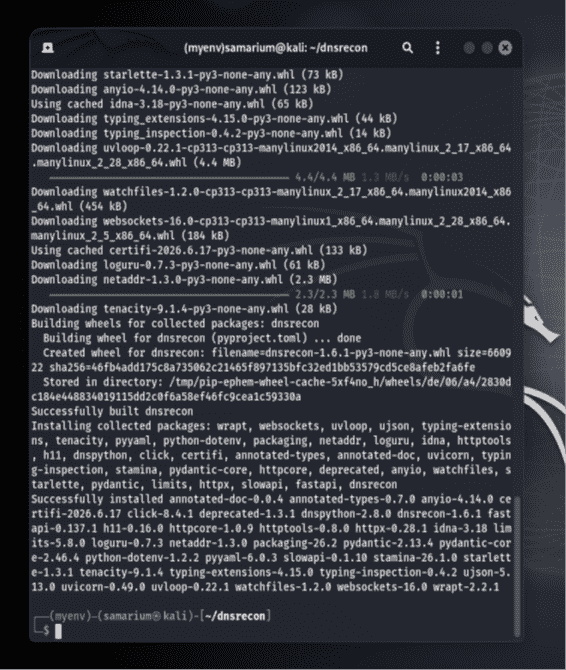
Step 5: Verify the Installation
- Run the following command to display the help menu and verify that the tool has been installed successfully.
python3 dnsrecon.py-h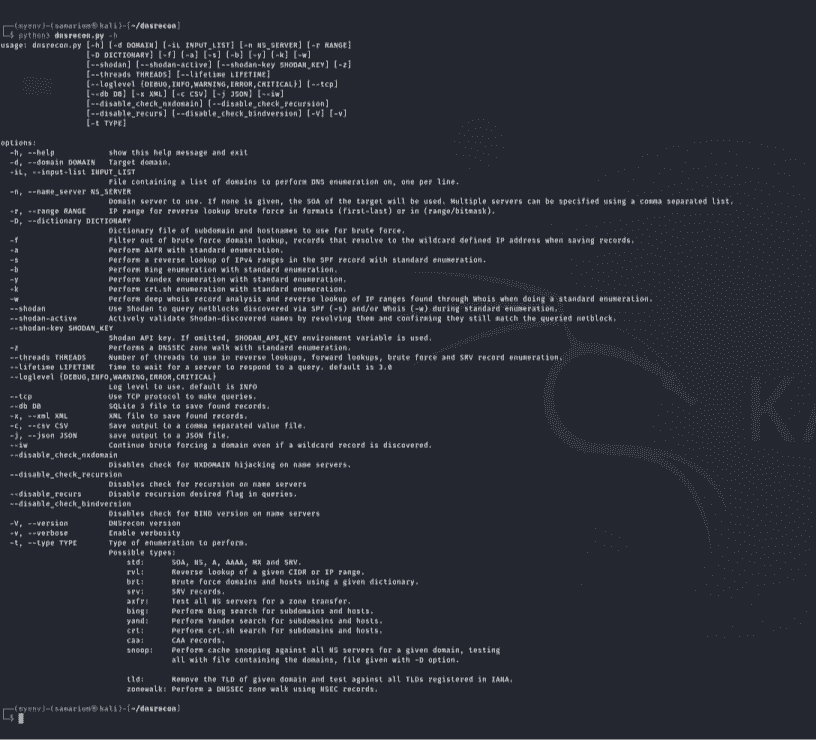
DNSRecon Usage Examples
Example 1: Perform Base Domain Enumeration
- This command gathers DNS information such as DNS records and nameservers for the target domain.
python3 dnsrecon.py-d example.com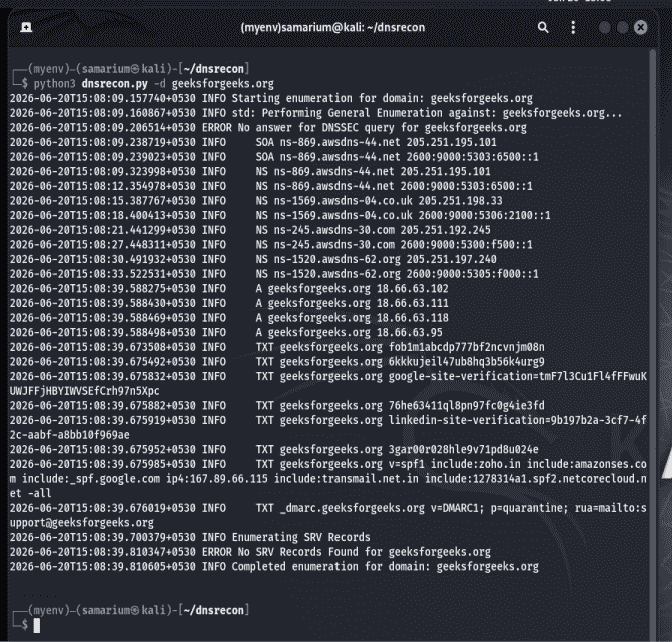
Example 2: Perform a DNS Zone Walk
- This command attempts a DNSSEC zone walk to enumerate DNS records if the target zone is vulnerable.
python3 dnsrecon.py-d example.com-z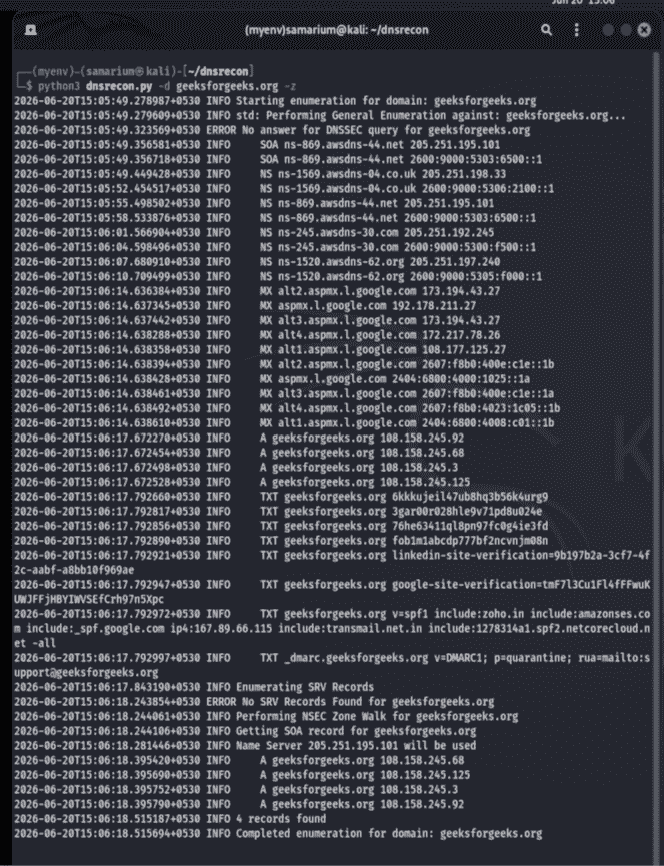
- Replace
example.comwith the target domain you want to analyze.
Note: DNS Zone Walk (
-z) works only if the target domain is configured with DNSSEC and is vulnerable to NSEC-based zone walking. Many modern domains disable or protect against this technique, so the command may not return results.
Commonly Used DNSRecon Options
| Option | Description |
|---|---|
-d | Specifies the target domain. |
-t | Specifies the type of enumeration to perform. |
-z | Attempts a DNSSEC zone walk. |
-h | Displays the help menu. |
-D | Uses a custom wordlist for brute-force subdomain enumeration. |
