

In today's technology, the Apple Watch is an effective tool to measure and track your fitness and health. It has several internal features that can help you keep track of your daily exercises, keep an eye on your overall activity levels, and even manage your general well-being to simplify the routine. It can provide important insights into your everyday indoor and outdoor activities, sleep habits, and general well-being through its internally configured sensors and features. The official applications and accessories can be configured to transfer required data to the Health app, input all the confidential data manually, modify the Health app's prioritization of data from these sources, and track the fitness curriculum productively.
In this article, we'll explore the techniques and steps to Set Up and Use the Apple Watch for Health and Fitness Tracking effectively.
How to Set Up and Use Apple Watch for Health Tracking?
The official Health app automatically tracks your walking and running distances as well as your steps by counting features. Your Apple Watch will automatically track all of your daily activity data if you have allowed permission to monitor your daily routine. If you currently track your current health condition with another app, you may try manually entering data from that app into Health to compile efficiently all of your data in one location to manage and track.
Step 1: Enter personal health information manually
- Go to iPhone or iPad > Open Health app > Tap on Browse option > Open the sidebar
- Select a category or activity > Tap on subcategory > Select and Add data
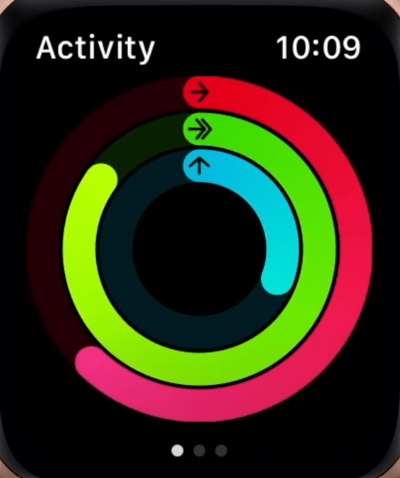
- Enter the required date and time > Finish the process and Click on the Add button
Step 2: Track your Health Record
- Go to iPhone or iPad > Open Health app > Go Profile > Tap on Devices
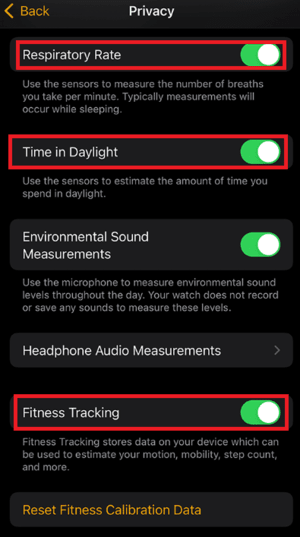
- Click on the Apple Watch > Select Privacy Settings > Turn on the Fitness Tracking tab
How to Set Up and Use Apple Watch for Fitness Tracking?
Step 1: Start the Workout app
- Open the Workout app > Set your Goal > Tap on the More button
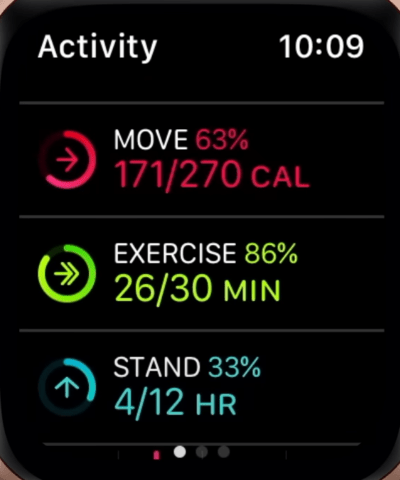
- Try to set or start a Custom Workout > Wait for 3 to 4 seconds while processing
- Click on the Screen > Do your targeted Workout > Swipe Right to see the results
- After completing the workout, click on the New Workout option to start a new workout
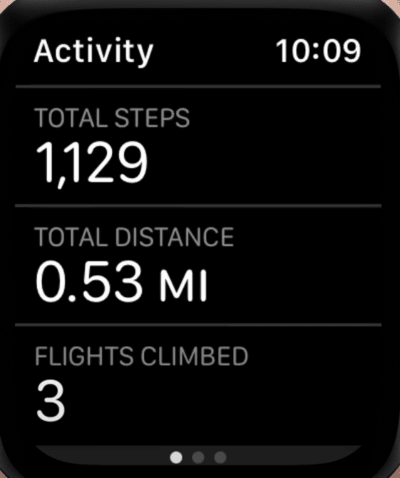
Step 2: Track your Fitness or Workout Progress
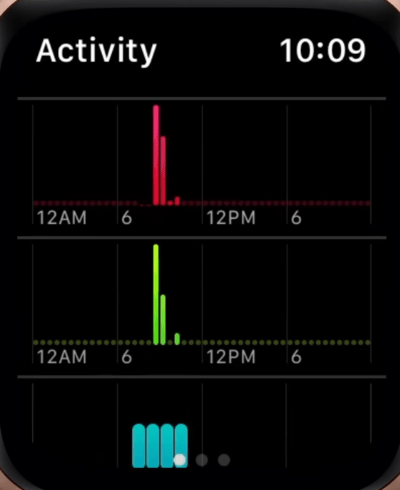
Raise your wrist during a workout to check your overall progress and manage the fitness tracker. After that, rotate the Digital Crown to get an alternative Workout get to simplify the process. Workout Views can be included in several ways to configure the benefit for the users, depending on the kind of workout, like:
- Heart Rate Zones to overlap
- Running Power or potential
- Segment and personal Splits
- Proper Elevation and Activity Rings
Conclusion
In conclusion, with its many functions and impressive capability, the Apple Watch may greatly improve or maintain your daily life activities towards better health and exercise. Through proper setup and utilization of its various functionalities and capabilities, you can maintain your motivation, control your advancement, and accomplish your wellness objectives to do better. You may efficiently track your daily life exercise and health objectives by using these steps to personalize the Apple Watch settings manually as per requirement.
Also Read
