
Godot All-in-One Guide
Want to get all my free guides in one app?
Want to support me and LOOK COOL??
Well, this app is made for you (if you use Godot 4.5+)!
What's in it?
This app regroups all my free guides into one!
Tween Guide
Learn how to add juice and polish to your games with 2-3 lines of code!
Controls and UI Guide
Learn how to use Controls Nodes and make cool User Interfaces!
It also have exclusive features
All Guides
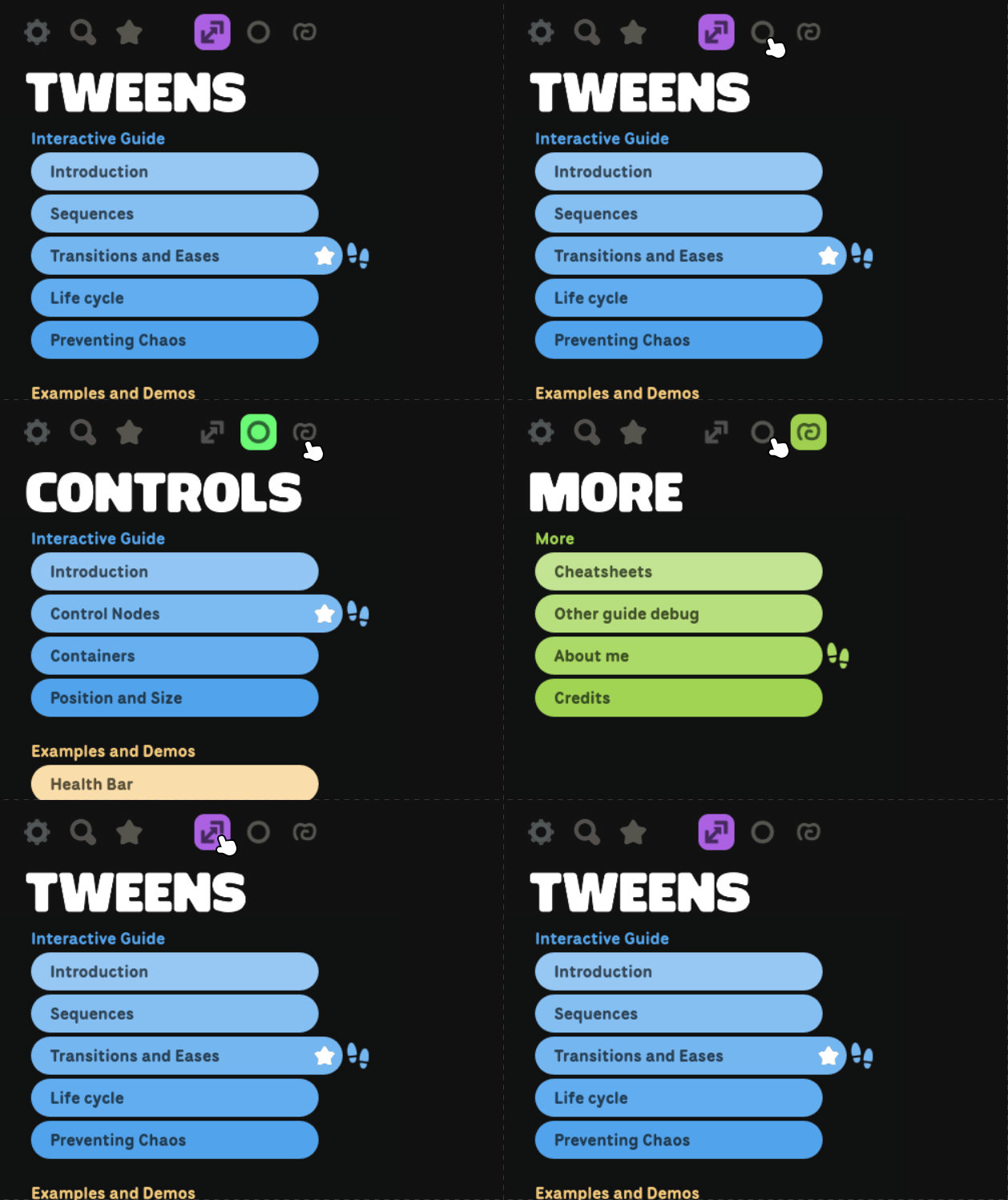
Navigate across guides in one app!
The last page you used in every guide will be marked, and the app re-opens on the last guide you used!
Page Previews
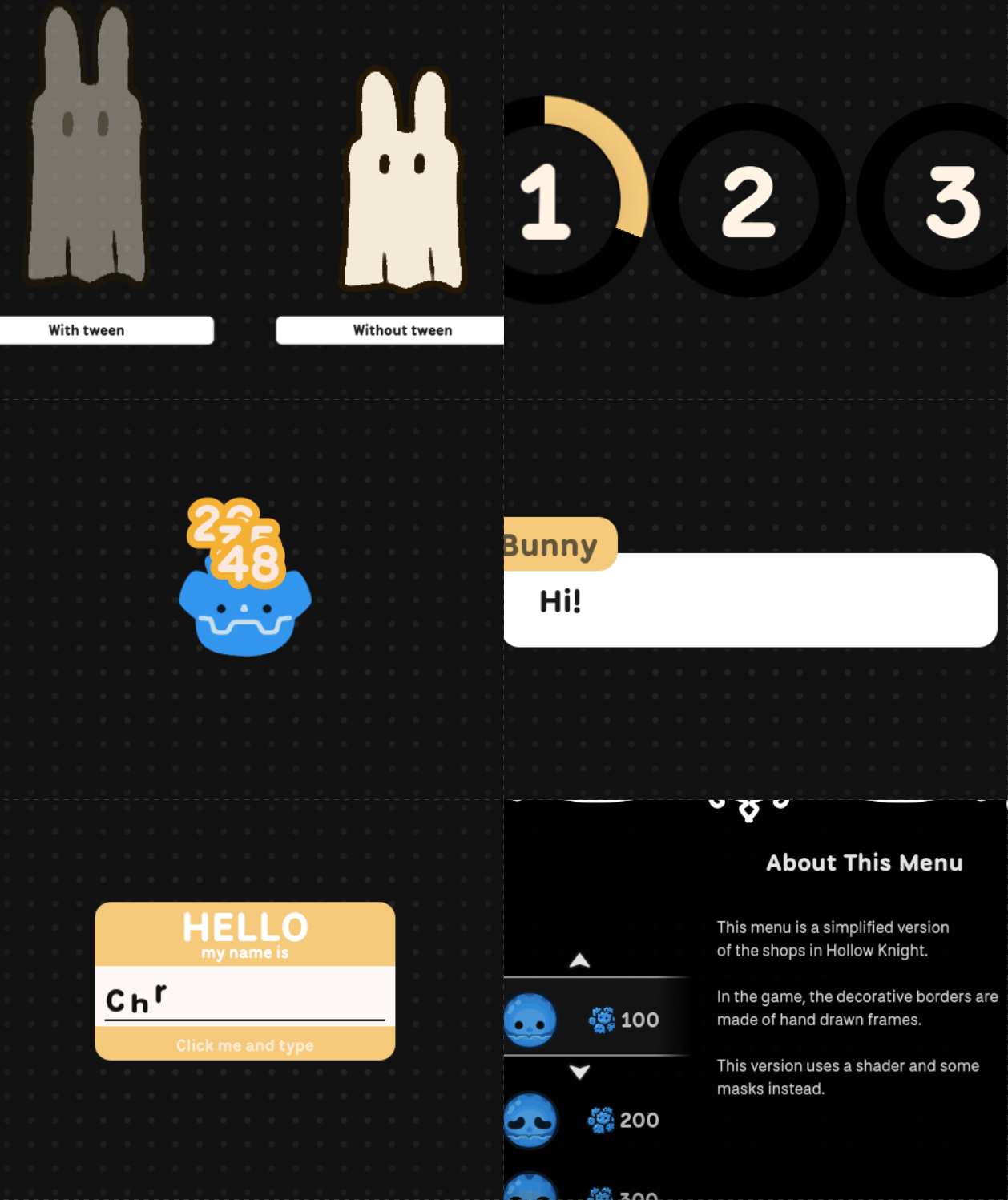
Easily find the page you are looking for by simply hovering them! (also it feels pretty cool not gonna lie)
Favorites
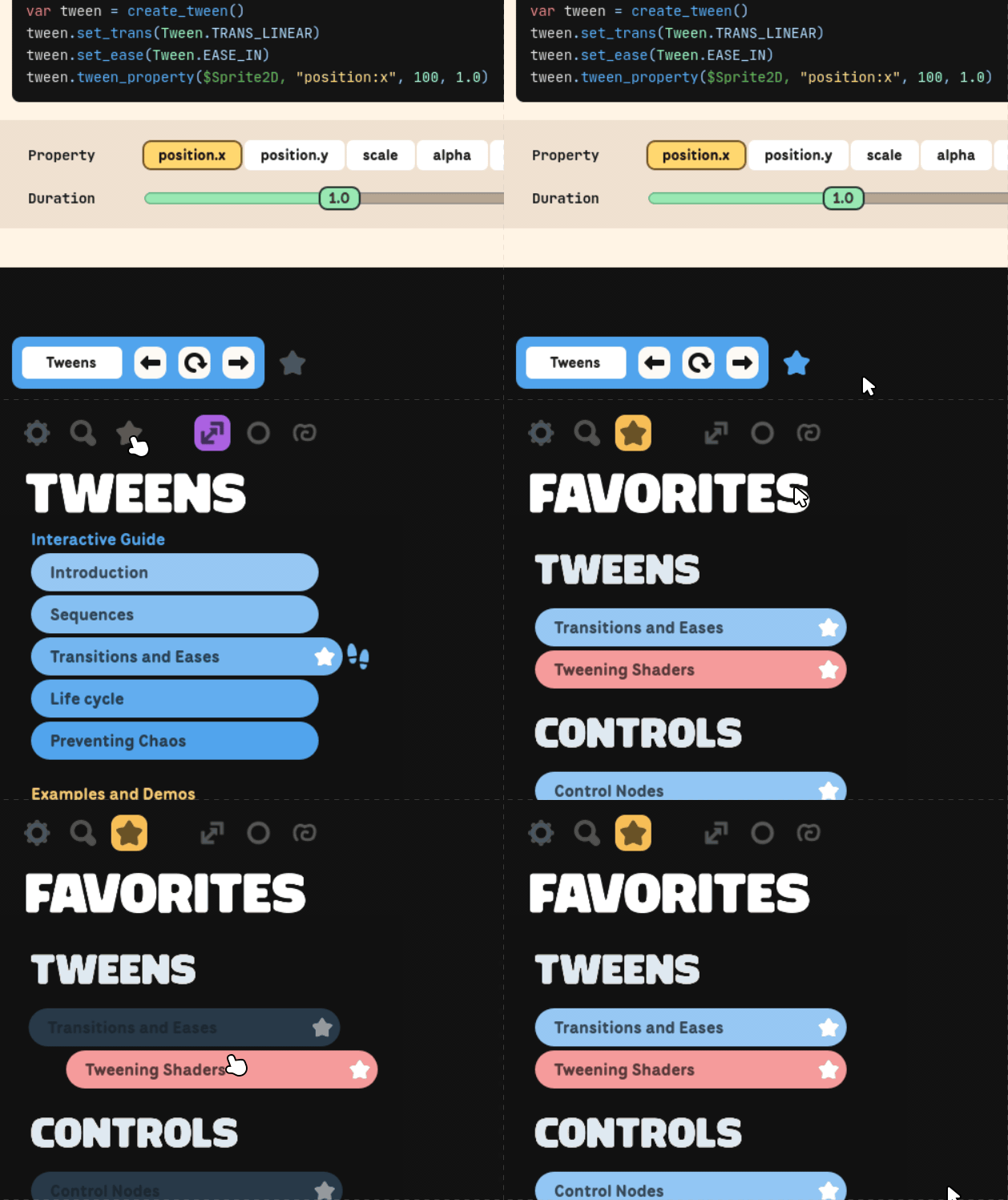
Add pages to your favorites to regroup them in a other section!
Search
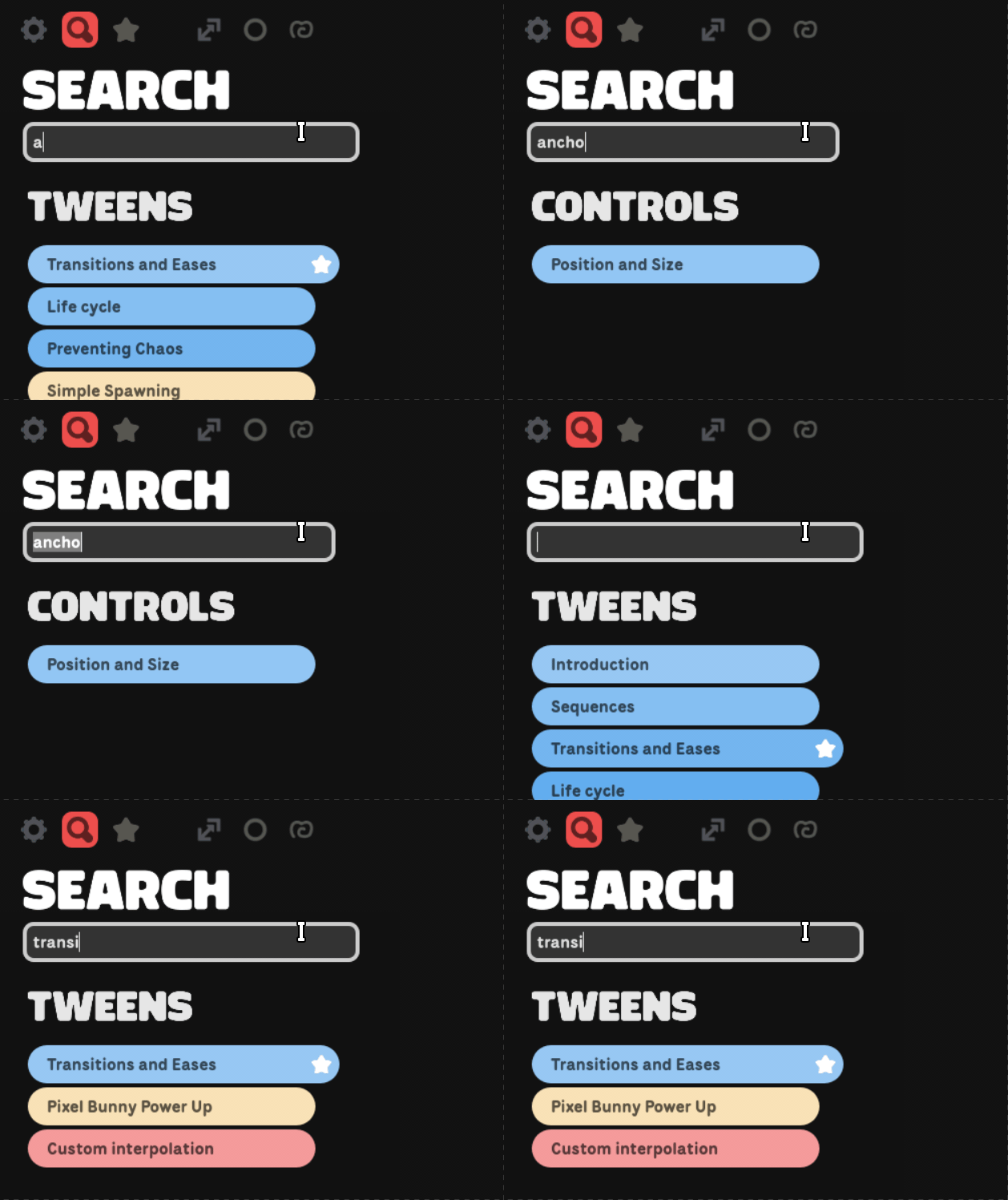
Find pages across guides with their title or related keywords!
How to help
Buying this All-in-One version is the best way you can help me continue making free guides!
if you want to go the extra extra mile, you can also:
- Buy the Ready-to-Go collection, that regroups all my free cheatsheets in one download
- share this guide (and the others)
- leave a review (it helps ALOT!)
Commands and Keyboard Shortcuts
Everywhere
- Zoom : +/- or ctrl + mouse wheel or page up/down
Inside a page
- Interact : click and drag with mouse or finger
- Replay : down arrow
- Next page : right arrow
- Previous page : left arrow
Credits and License
Please refer to the credit page inside the app to see all the credits!
The code snippets provided in this guide are under the CC0 license. You can use them in personal, educational and commercial projects with no attribution required.
The guides are written for Godot 4.5 + and GDScript.
Everything in/around this app and the guides were handcrafted with love (no AI, ever)
Purchase
In order to download this app you must purchase it at or above the minimum price of $15 USD. You will get access to the following files:


Comments
Log in with itch.io to leave a comment.
as soon as i clicked on one of your free guides, i was compelled to find some way i could support you. they're way too high quality. thank you so much, this is so amazing and lovely to use!
Aww!! Thank you so much! I really appreciate it!!!
I love this reference! I am curious how you did the dialogue sounds on the interactive tween guide. Are you changing the pitch of the sound through code or is it a collection of beeps and boop sounds?
Thank you!!
I’m using an AudioStreamRandomizer with a single sound, that way it randomize the pitch everytime you play the sound! If you want something more Animal Crossing like, you can also use an AudioStreamRandomizer and add multiple audio file in it (just record yourself speaking, then speed it up, change the pitch, and cut random parts from it).
You could also randomize the pitch directly in code or map certain letters to certain pitches so they sound more like actual speaking (i didnt try that, but I think it would be cool?)
Hope this answers your question!!
so useful as i dip my toes into godot, THANK YOU
Ty!!! Good luck with the toe dipping!!
Just grabbed this and seems really neat! Looking forward to going through it. Small bug I noticed is the main title doesn't appear to adjust it's position correctly for smaller windows. Thankfully it doesn't extend to the actual guides themselves.
Also clicking the frog clip twice in a row on Transitions and Eases in v3.0.0 doesn't properly reset both animations to demonstrate what it's trying to show. It only displays correctly every other additional click.
Thank you very much!!
Thanks for the bug report (and sorry about the bugs haha)
I cant seem to trigger the issue with the frog clip! I do know what is causing the issue with the title animation, I’ll try to fix it when I get back to it!!
Could you share what device and OS you are using? It would help me debug things!!
Linux, CachyOS(an Arch derivative). You click the frog first time and it properly shows both linear and spring animations with labels. Click again, it just plays the sprite animation as if you just entered the scene. Click frog third time and it shows the labels/animations again. Alternating like that every click.
Oh I see!! This is not a bug, but I could make the frog’s text change when you click on it for clarity!
The paperclip usually works like toggles (on/off), so here you are turning on/off the “compare with linear” mode! Once you click on it, you can just change the transitions directly or press the “Restart” demo to replay the animation (with the “compare with linear” mode enabled)!
Ahh! I get it now! Yeah with a text update and maybe if the frog kept his mouth open to show the toggled state, that would make it clearer. Much more useful than clicking him over and over. :D
Thanks for your help and your support, I really appreciate it!!
An impressive showcase of some of the more intimidating parts of Godot & game making in general. The most ingenious aspect is that Chris used the engine itself to create this interactive book, simultaneously proving what the engine is truly capable at the hands of a master. Outstanding work!
Thank you 🥺
Christophe I think people are all ready cool using any of your stuff but if they wanna look cooler... well they should buy this
well said