Audacity, the free open-source audio editor and recorder application, released the Beta 4 for next major 4.0 version yesterday.
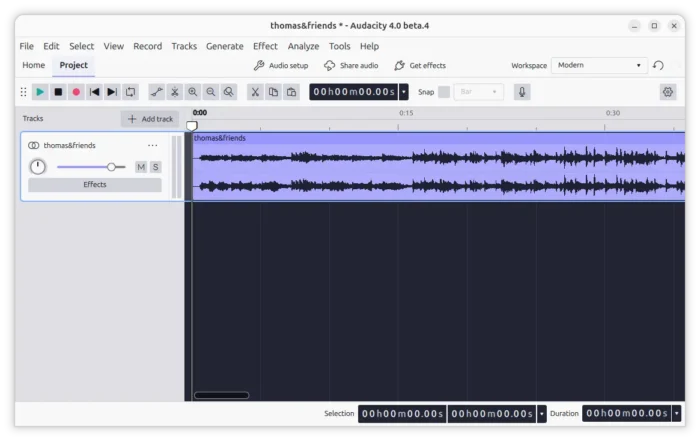
Audacity 4.0 is the next major release that features Qt6 based UI, while current 3.x uses wxWidget for native look and feel in Linux (GTK3), Windows, and macOS.
With the new Beta release, it finally supports ASIO, a Windows only feature that allows to use ASIO (Audio Stream Input/Output) drivers to communicate with an audio device.
The feature has lower latency as it has direct access to the audio interface. It supports more input/output channels that’s useful for an interface has many microphones/outputs.
In addition, it added FFmpeg 9.0 support for more decoding support, such as the HE-AAC audio variant where each AAC frame contains 960 audio samples instead of the more common 1024 samples.
Due to Qt6 port, some features were missing. This Beta re-added the Port Bass and Treble effect, and the ability to import the old .aup files created by the old Audacity 2.x.
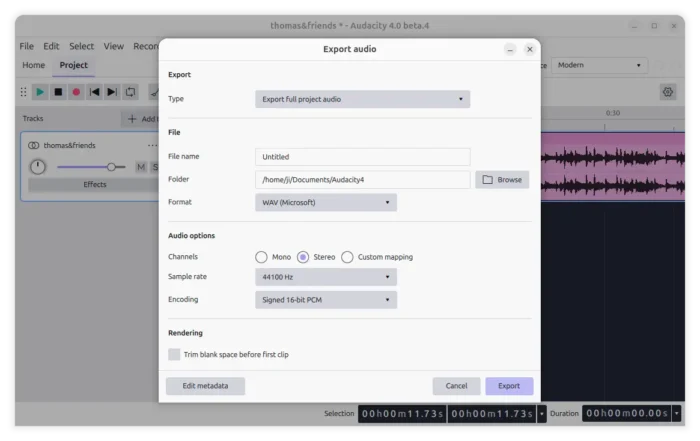
It as well improved the clip editing experience and updated the export dialog with custom sample rate option, trim blank space on export, etc features added back.
For Linux, the official AppImage package now also supports arm64 based platform, such as Raspberry Pi and SnapDragon X laptops. Though, Linux Distribution packages and community maintained Flatpak have already support it for years.
The Beta also improved the dependency management for package maintainers and those who building the app from source. It now can be built in an offline environment, making possible to build it into Ubuntu PPA with audio.com support.
Other changes are mostly stability improvements and bug-fixes. They include:
- Detect and mark broken plugins, so it won’t crash on startup.
- Many fixes for Audio.com cloud integration and other crash fixes.
Get Audacity 4.0 Beta
The official release note as well as the installer packages are available in Github releases page via the link below:
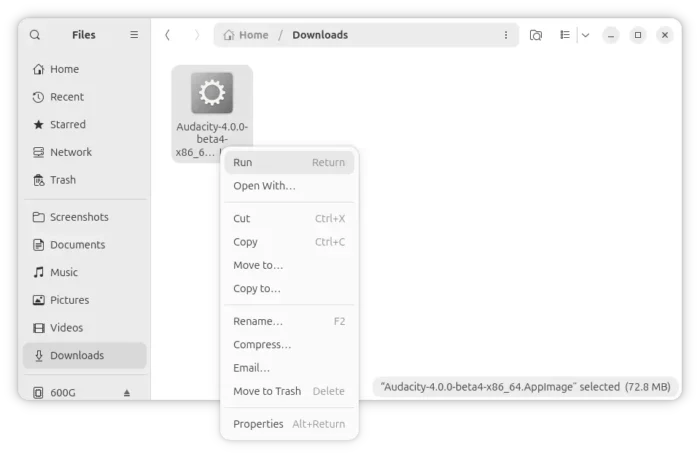
For Linux, select download the AppImage package, add executable permission from its properties dialog, finally run to launch the audio editor.